Zapier Data email gallery from real brands
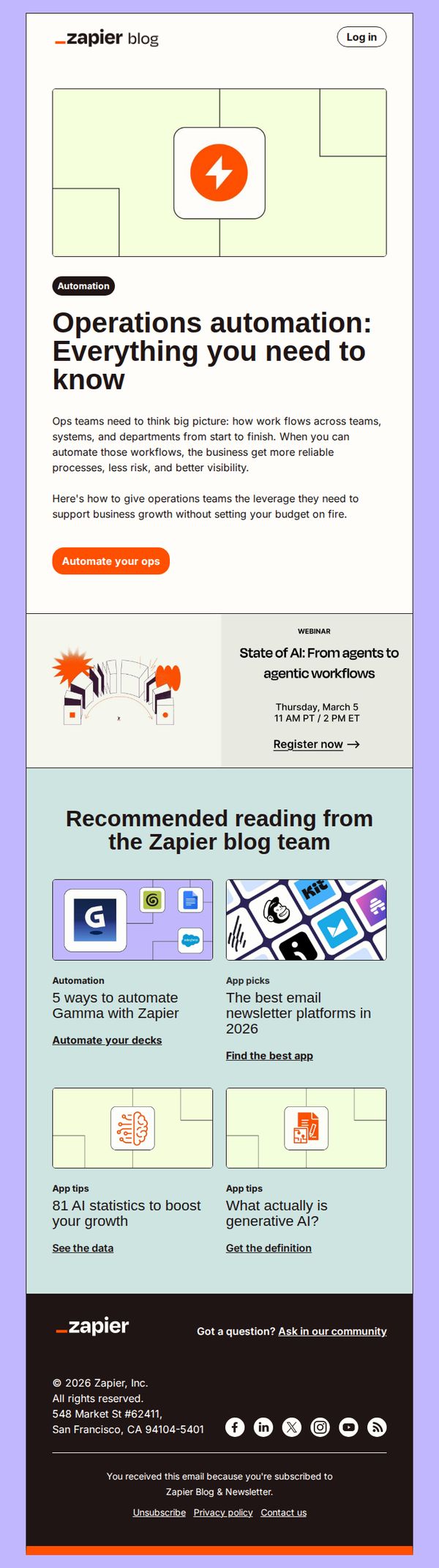


1. Automate your ops
Objective
This email aims to educate operations teams on the strategic value of workflow automation while positioning Zapier as the essential tool to scale business processes efficiently without increasing budgetary strain. It also drives engagement through a webinar and related blog content.
Why this works
The email opens with a bold, benefit-driven headline that immediately speaks to operations leaders’ pain points, reliability, risk reduction, and visibility, making the value proposition instantly relevant and emotionally resonant.
How to implement
By embedding a timely webinar promotion directly beneath the hero message, the campaign smartly bridges educational content with conversion, creating a natural next step for readers already primed by the automation narrative.
Pro Tip
Add a subtle visual indicator, like a progress bar or 'Most Popular' badge, next to the recommended articles to guide users toward high-conversion or trending content, reducing decision fatigue and increasing click-through rates. • Reposition the 'Automate your ops' CTA to appear both above and below the webinar section to reinforce urgency and capture attention at multiple scroll points, especially since the webinar is time-sensitive and highly relevant to the main message.
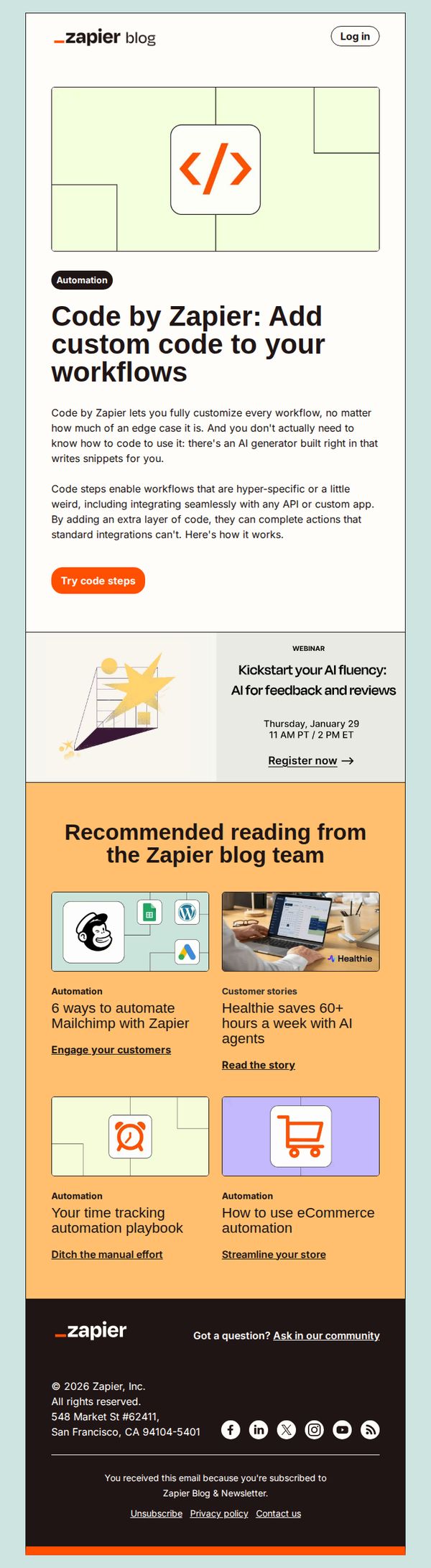
2. Add custom code to your workflows
Objective
To introduce and promote Zapier’s new 'Code by Zapier' feature that allows users to add custom code to workflows without needing to know how to code, using an AI generator to simplify complex automation tasks.
Why this works
Zapier brilliantly lowers the barrier to advanced automation by positioning custom code as accessible through AI, making even edge-case workflows feel achievable for non-developers without oversimplifying the technical value.
How to implement
The email strategically frames the feature as a solution for hyper-specific or 'weird' use cases, which resonates with power users who’ve hit limits with standard integrations, turning frustration into a compelling reason to upgrade.
Pro Tip
Add a short animated GIF or static visual demo directly under the 'Try code steps' CTA to show how the AI generator writes snippets, this would reduce perceived friction and clarify the feature’s ease of use. • Include a customer testimonial or use case quote near the hero section to social-proof the value of code steps, especially for non-technical users who may still feel hesitant about adding code to workflows.
3. Three updates to automate and use AI like a pro
Objective
This email aims to inform subscribers about Zapier’s latest product updates and AI-powered features, encouraging them to explore new tools and templates that streamline workflows and improve automation efficiency across teams and platforms.
Why this works
Zapier positions each new feature as a strategic solution to a common enterprise pain point, like AI pilot purgatory or disconnected form data, making technical updates feel immediately relevant and urgent to decision-makers.
How to implement
The email uses color-coded visual blocks and consistent iconography to segment complex updates into digestible, scannable modules, helping busy users quickly identify what’s relevant to their role without overwhelming cognitive load.
Pro Tip
Add a subtle progress indicator or checklist under the 'What’s new' section to help users track which updates they’ve explored, increasing engagement depth and reducing bounce from information overload. • Replace the generic 'Explore deals' CTA in the Spotlight section with a more benefit-driven phrase like 'Automate your ad ROI now' to better align with the section’s goal of driving conversion signal optimization.
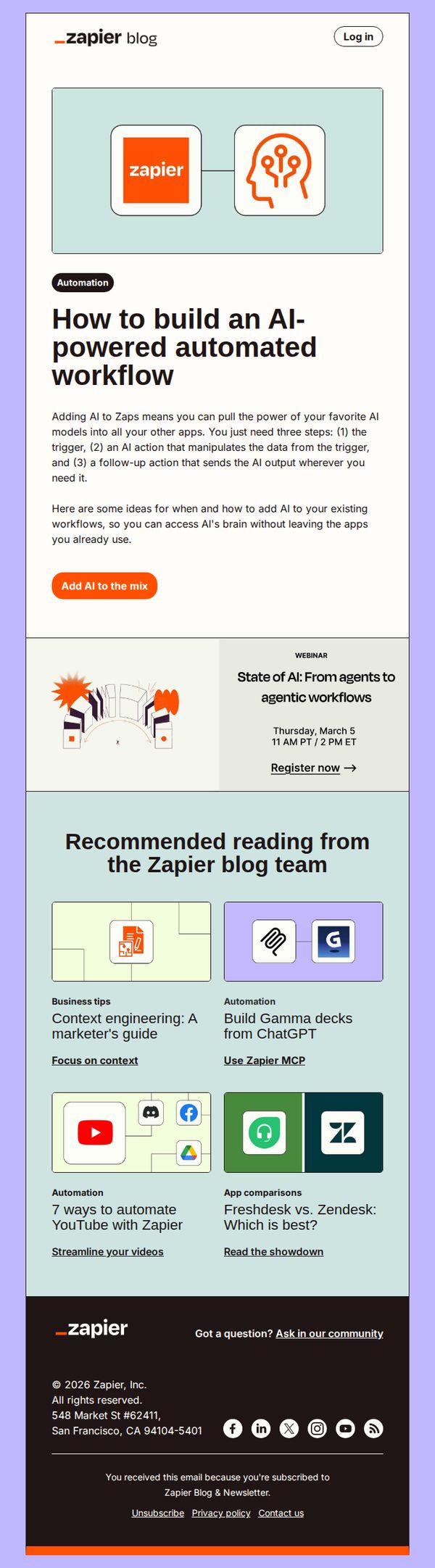
4. Add AI to your workflows
Objective
This email aims to educate Zapier users on integrating AI into their existing automation workflows, encouraging them to explore AI-powered actions without leaving their current tools. It also promotes a related webinar and curated blog content to deepen engagement and drive adoption.
Why this works
The email brilliantly simplifies AI integration by breaking it into three digestible steps, trigger, AI action, follow-up, which lowers the mental barrier for users unfamiliar with AI workflows and makes automation feel instantly achievable.
How to implement
By anchoring the AI message in existing user behavior, 'without leaving the apps you already use', the email reassures users that AI isn’t a disruptive overhaul but a seamless enhancement to their current Zapier experience.
Pro Tip
The primary CTA 'Add AI to the mix' is visually prominent but lacks urgency or benefit-driven language; rephrasing it to 'Start building AI workflows in minutes' would better align with user motivation and reduce friction. • The webinar section is visually separated and lacks a strong visual cue or benefit statement; adding a short value-driven headline like 'Learn how AI agents can automate your work' would increase click-through rates.
5. What's new for Zapier Interfaces, Tables & Chatbots
Objective
This email aims to inform Zapier users about recent product enhancements across Interfaces, Tables, and Chatbots while encouraging immediate engagement through clear CTAs. It also highlights new app integrations to reinforce Zapier’s expanding ecosystem and drive deeper platform adoption.
Why this works
Zapier brilliantly positions each new feature as a time-saving superpower, like building forms with AI or auto-enriching Tables, making technical upgrades feel instantly valuable and accessible to non-technical users.
How to implement
The email uses consistent visual metaphors and iconography to translate complex product updates into digestible, emotionally resonant benefits, helping users quickly grasp how each feature solves real-world workflow pain points.
Pro Tip
Add a subtle countdown timer or urgency indicator near the 'Try it now' and 'Jump back in' CTAs to nudge users toward immediate action, especially since these features are tied to paid plans or trials. • Include a short testimonial or customer quote under each major feature update to build social proof and demonstrate real-world impact, which would strengthen persuasion without cluttering the layout.
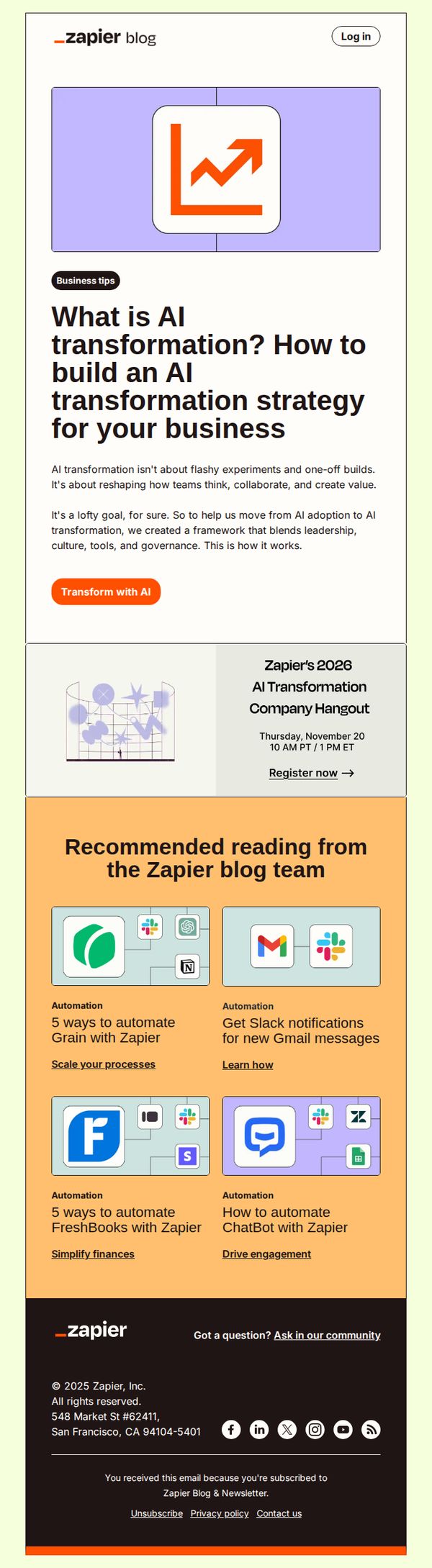
6. What is AI transformation?
Objective
This email aims to educate subscribers on the concept of AI transformation beyond superficial tech trends, positioning Zapier as a strategic partner by offering a framework that integrates leadership, culture, tools, and governance to drive real business value.
Why this works
The email reframes AI transformation as a cultural and operational evolution rather than a technical checkbox, helping readers see it as a strategic journey that requires leadership alignment and governance, not just tools or one-off experiments.
How to implement
By embedding a live event promotion directly beneath the core educational content, the email creates a natural progression from learning to engagement, turning curiosity into actionable next steps without disrupting the reader’s flow.
Pro Tip
Add a brief testimonial or customer result near the hero section to reinforce credibility, e.g., 'Companies using our framework saw 30% faster AI adoption', to strengthen the transition from concept to real-world impact. • Include a subtle visual indicator (like a progress bar or checklist) next to the 'Transform with AI' CTA to imply momentum or completion, subtly nudging users to take action by framing it as part of a larger, guided journey.
7. Get it done
Objective
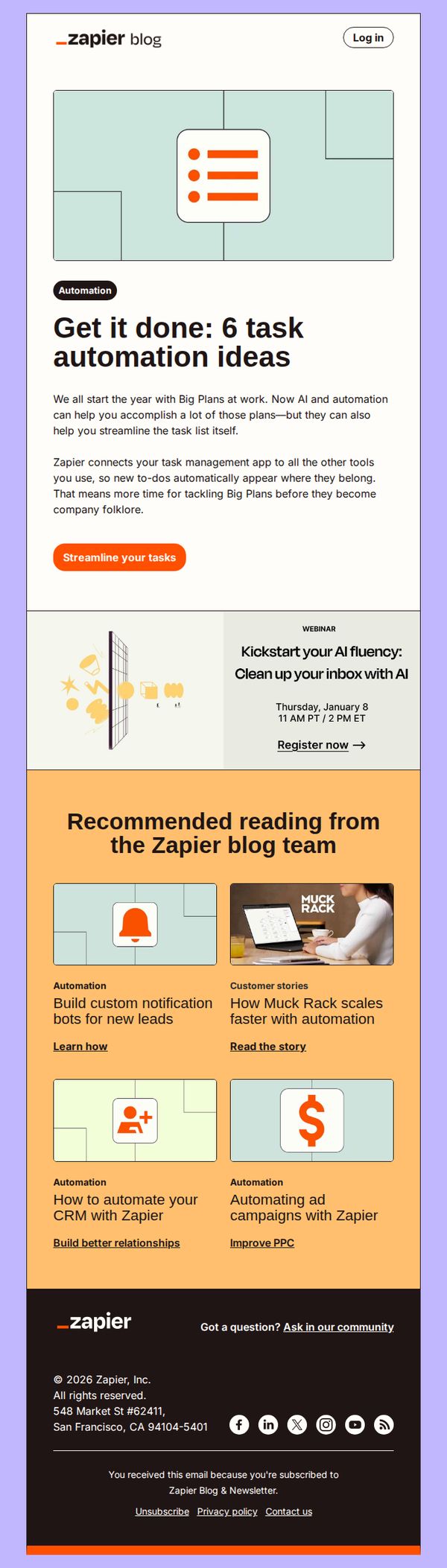
This email aims to inspire subscribers to use Zapier for automating routine tasks by showcasing practical automation ideas, while also promoting a related AI webinar and driving engagement with curated blog content to reinforce Zapier’s value as a productivity enabler.
Why this works
The email opens with a relatable pain point, starting the year with big plans, then immediately positions Zapier as the solution by framing automation as a tool to reclaim time for meaningful work, not just task completion.
How to implement
By embedding a webinar promotion within the flow rather than as a standalone CTA, the email subtly elevates Zapier’s thought leadership while offering immediate, actionable value that aligns with the reader’s desire to improve productivity.
Pro Tip
Add a visual progress indicator or checklist next to the '6 task automation ideas' to create a sense of accomplishment and encourage scrolling, since the current layout doesn’t visually reward engagement beyond the first CTA. • Reposition the webinar CTA to appear after the first blog recommendation, using a contrasting color or icon to make it stand out as a secondary conversion point without competing with the primary 'Streamline your tasks' button.
8. How we use AI
Objective
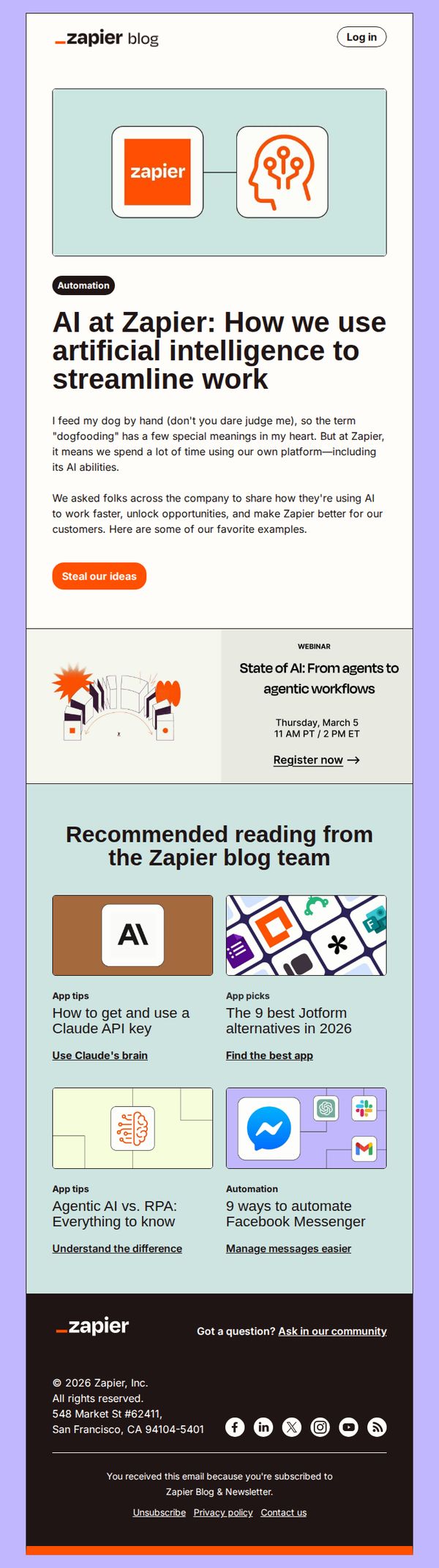
This email aims to showcase how Zapier internally leverages AI to improve workflows and productivity, inspiring readers to adopt similar strategies. It also drives engagement by encouraging readers to steal their ideas and register for an upcoming AI webinar.
Why this works
The email opens with a relatable, human-centered anecdote about 'dogfooding' to disarm the reader and frame AI adoption as a natural, internal practice rather than a sales pitch, making the message feel authentic and trustworthy.
How to implement
By featuring real internal use cases of AI at Zapier, the campaign transforms abstract technology into tangible, actionable workflows, giving readers concrete inspiration they can immediately adapt, which increases the perceived value and shareability of the content.
Pro Tip
The primary CTA 'Steal our ideas' is clever but slightly ambiguous, adding a micro-copy line like 'Get our internal AI workflows' beneath it would clarify the value and reduce friction for readers unsure what they’re committing to. • The webinar section lacks urgency or social proof, adding a small indicator like 'Join 2,000+ automation pros' or a countdown timer would increase registration conversion by leveraging scarcity and community validation.
9. Become AI fluent
Objective
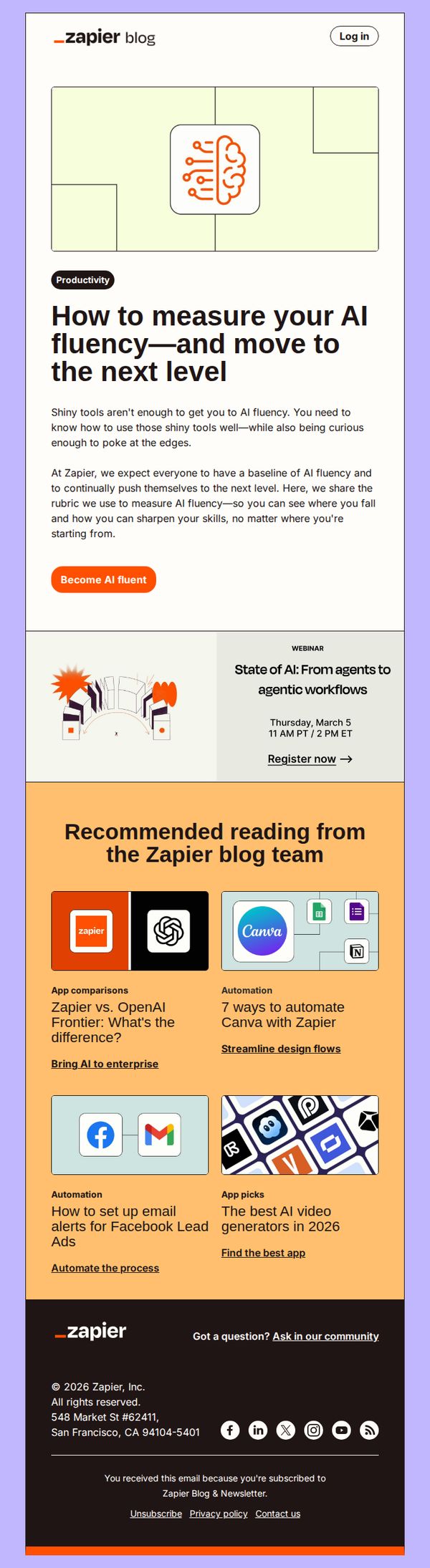
This email aims to position Zapier as a thought leader in AI fluency by offering a self-assessment framework and encouraging readers to deepen their AI skills through a webinar and curated content. It seeks to convert curious readers into engaged learners and potential product users.
Why this works
Zapier smartly reframes AI adoption not as tool mastery but as fluency, a skill that requires curiosity and continuous learning, which makes the barrier to entry feel lower and more human-centered for beginners.
How to implement
By offering a self-assessment rubric for AI fluency, the email gives readers immediate value and personal relevance, turning abstract interest into a measurable, actionable next step that builds trust and engagement.
Pro Tip
The primary CTA 'Become AI fluent' is compelling but lacks urgency or specificity, adding a micro-copy line like 'Start your 5-minute fluency assessment' would better guide users toward immediate action. • The webinar section is visually under-emphasized; moving it closer to the hero or adding a countdown timer would increase registration conversions by leveraging time-sensitive FOMO.
10. Automate AI image generation
Objective
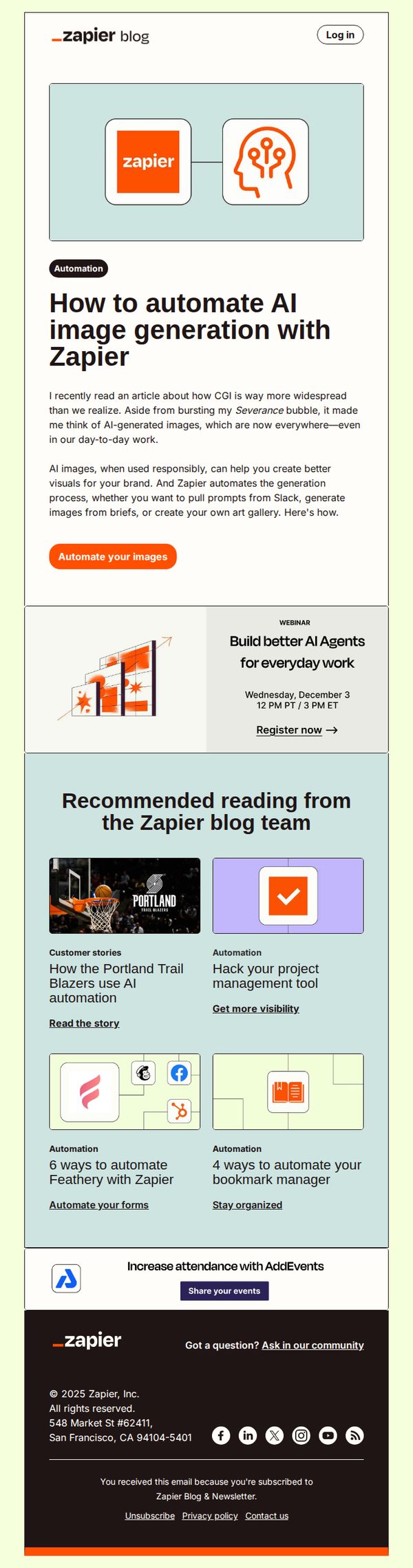
This email aims to educate subscribers on automating AI image generation using Zapier, while encouraging immediate action through a clear CTA. It also promotes related content and events to deepen engagement with Zapier’s automation ecosystem.
Why this works
The email opens with a relatable, conversational hook that ties AI image generation to real-world brand needs, making automation feel immediately relevant rather than abstract or technical.
How to implement
By positioning Zapier as the bridge between creative tools and workflow systems, the email frames automation not as a tech upgrade but as a strategic brand enabler for visual consistency and efficiency.
Pro Tip
The primary CTA 'Automate your images' is strong but could be more benefit-driven, consider rephrasing to 'Generate branded AI images in seconds, no design skills needed' to emphasize speed and accessibility. • The webinar section feels visually disconnected from the main content; integrating it with a subtle border or icon alignment would improve visual flow and increase registration clicks by reinforcing its relevance to AI automation.