Educational email examples & ideas from Evaboot
1. relationship maps in sales navigator
Objective
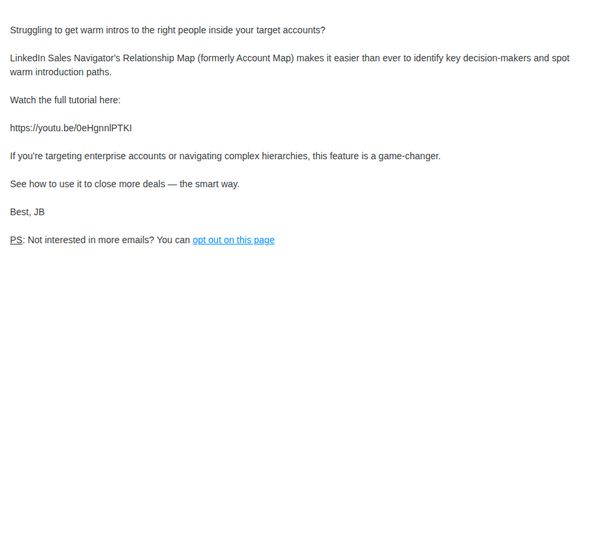
This email aims to educate recipients on how LinkedIn Sales Navigator’s Relationship Map can help them identify key decision-makers and warm introduction paths within target accounts, ultimately encouraging them to watch the tutorial and adopt the feature to close more enterprise deals.
Why this works
The email positions the Relationship Map not just as a tool but as a strategic advantage for navigating complex enterprise hierarchies, making it feel indispensable rather than optional for sales professionals targeting high-stakes accounts.
How to implement
By framing the feature as a ‘game-changer’ and tying it directly to closing more deals, the message creates urgency and relevance without resorting to hype, aligning the product’s value with the reader’s core professional goals.
Pro Tip
Add a visual preview or screenshot of the Relationship Map interface within the email to help users instantly grasp how the tool works, reducing cognitive load and increasing the likelihood of clicking through to the tutorial. • Reposition the CTA as a button with contrasting color and larger font size to improve visibility and conversion rate, since the current text-only link may be overlooked in a plain-text email layout.
2. sales navigator url generator
Objective
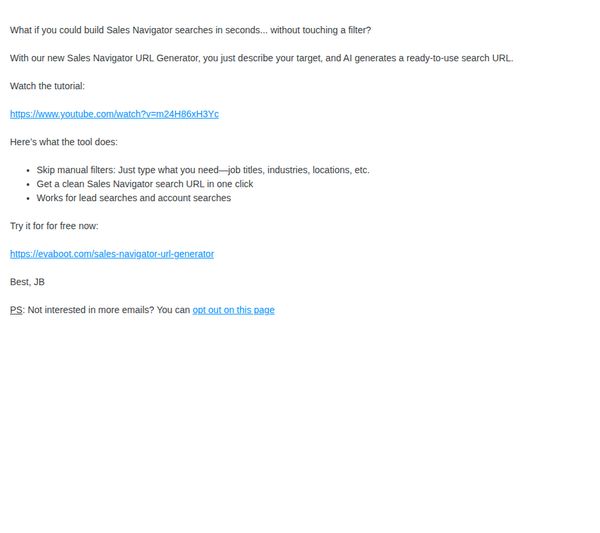
To introduce and drive adoption of Evaboot’s new Sales Navigator URL Generator by showcasing its time-saving AI-powered functionality, encouraging immediate trial through a clear CTA, and reducing friction for users who want to opt out.
Why this works
The email opens with a provocative, benefit-driven question that immediately frames the tool as a time-saving solution, making the reader feel the pain point before even knowing the product exists.
How to implement
By listing three specific, outcome-oriented features in bullet form, the email efficiently communicates value without overwhelming the reader, making the tool’s utility instantly digestible and credible.
Pro Tip
Add a visual mockup or screenshot of the URL generator in action to help users visualize the tool’s interface and output, reducing cognitive load and increasing perceived ease of use. • Reposition the CTA button or hyperlink to appear immediately after the bullet points, not buried under the tutorial link, to capitalize on peak interest and reduce drop-off before conversion.
3. linkedin boolean search
Objective
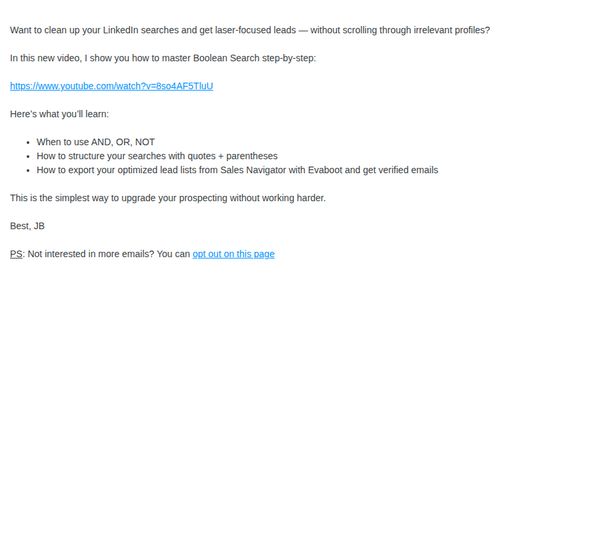
This email aims to educate recipients on mastering Boolean search for LinkedIn to generate high-quality, targeted leads while subtly promoting Evaboot’s integration with Sales Navigator for verified email exports. It positions the brand as a productivity ally for sales professionals.
Why this works
The email opens with a sharp, pain-point-driven question that immediately resonates with sales pros drowning in irrelevant LinkedIn profiles, making the value proposition instantly relatable and compelling.
How to implement
By breaking down Boolean logic into three digestible bullet points, the email transforms a complex topic into an approachable, actionable skill, perfect for time-strapped professionals seeking quick wins without overwhelm.
Pro Tip
Add a primary CTA button above the fold, such as 'Watch the Free Tutorial', to drive immediate engagement instead of relying solely on a passive video link and an opt-out PS, which dilutes conversion intent. • Include a short testimonial or stat (e.g., 'Used by 12,000+ sales teams') near the video link to build social proof and reinforce credibility before asking users to invest time in the tutorial.
4. linkedin premium VS sales navigator
Objective
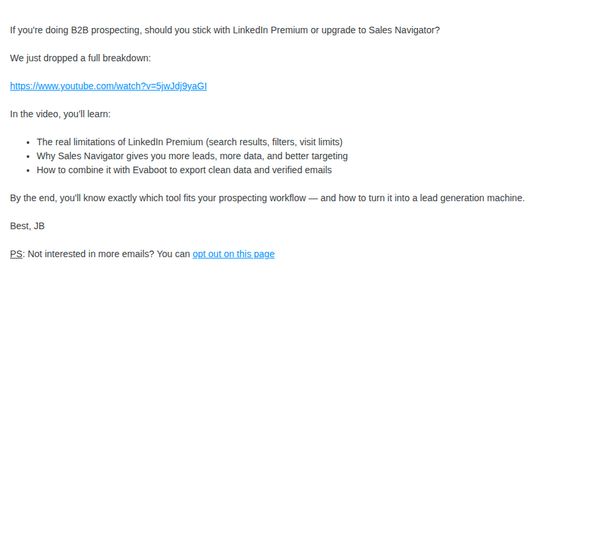
This email aims to educate B2B prospectors on the functional differences between LinkedIn Premium and Sales Navigator, while positioning Evaboot as the essential tool to enhance either platform’s lead generation potential through clean, verified data exports.
Why this works
The email opens with a sharp, decision-focused question that immediately resonates with its target audience, B2B prospectors torn between two LinkedIn tools, creating instant relevance and curiosity to keep reading.
How to implement
By promising a video breakdown that reveals real limitations and strategic advantages, the email positions itself as a trustworthy, value-first resource rather than a sales pitch, which builds credibility before introducing the product.
Pro Tip
Add a primary CTA button above the fold, such as 'Watch the Breakdown', to drive immediate engagement, since the current only CTA is buried in the PS and is an opt-out, which contradicts the goal of driving video views. • Include a short testimonial or stat (e.g., 'Used by 5,000+ B2B teams') near the video link to reinforce social proof and reduce friction for viewers hesitant to click without validation.
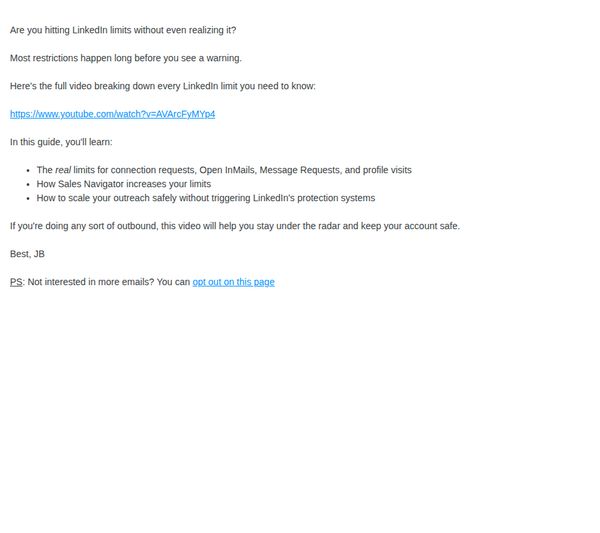
5. linkedin limits
Objective
This email aims to educate recipients about LinkedIn’s hidden usage limits and position the linked video as an essential guide to avoid account restrictions while scaling outreach efforts.
Why this works
The email opens with a provocative question that instantly resonates with users actively managing LinkedIn outreach, creating immediate relevance and emotional urgency around an unseen risk.
How to implement
By clearly listing what viewers will learn, connection limits, Sales Navigator’s impact, and safe scaling tactics, the email transforms a vague promise into a structured, outcome-driven value proposition that builds trust.
Pro Tip
Add a visual thumbnail or embedded video preview above the link to increase click-through rates by reducing cognitive friction and making the CTA feel more tangible and engaging. • Include a short social proof element, like a testimonial or stat such as 'Watched by 12,000+ sales pros', to validate the video’s authority and reduce perceived risk before the click.
6. linkedin x-ray search
Objective
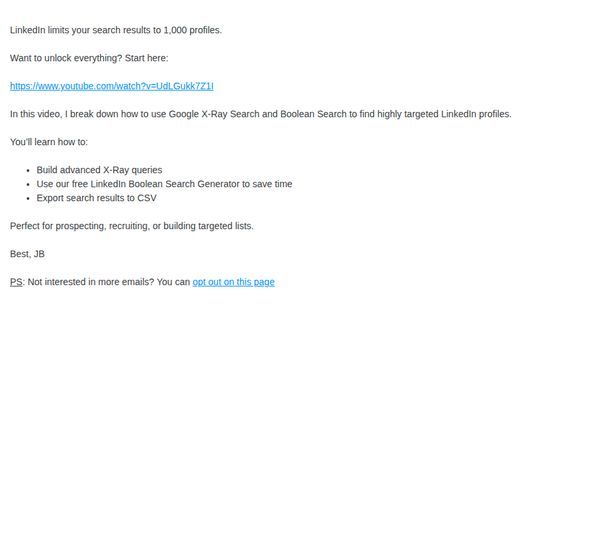
This email aims to educate recipients on bypassing LinkedIn’s 1,000-profile search limit by using Google X-Ray and Boolean search techniques, while promoting a free tool and video tutorial to drive engagement and tool adoption.
Why this works
The email immediately addresses a real pain point, LinkedIn’s 1,000-profile limit, and positions the solution as both urgent and valuable, making the recipient feel they’re gaining insider knowledge that others are missing.
How to implement
By bundling a free tool with a video tutorial, the campaign creates a low-friction, high-value entry point that builds trust and encourages immediate action without requiring a financial commitment or sign-up.
Pro Tip
Add a visual thumbnail or embedded video preview of the tutorial to increase click-through rates by reducing cognitive load and making the CTA more compelling than a plain text link. • Include a brief testimonial or social proof (e.g., 'Used by 5,000+ recruiters') near the CTA to reinforce credibility and reduce skepticism about the tool’s effectiveness.
7. cold email deliverability
Objective
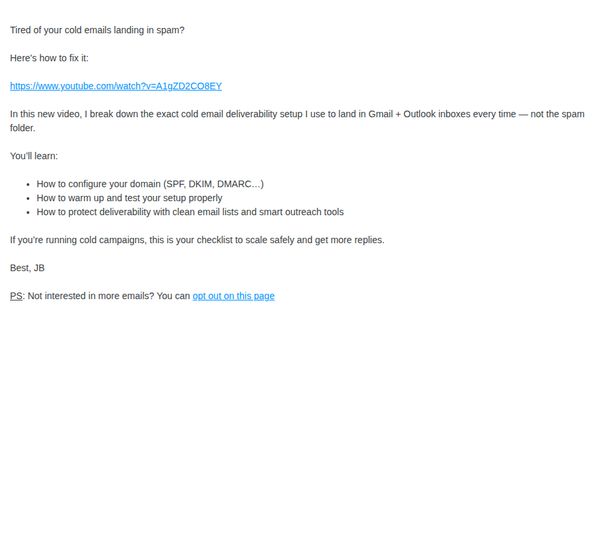
This email aims to help cold email senders improve inbox placement by sharing a video tutorial on domain configuration and deliverability best practices, ultimately driving engagement and trust with prospects who struggle with spam filtering.
Why this works
The email opens with a relatable pain point, cold emails landing in spam, to immediately hook the reader and position the solution as essential, not optional, which builds instant relevance and urgency.
How to implement
By listing specific technical takeaways like SPF, DKIM, and DMARC setup, the email signals authority and practical value, making the recipient feel they’ll gain actionable, not theoretical, knowledge from watching.
Pro Tip
Add a visual thumbnail or play button graphic next to the video link to increase click-through rates by making the CTA more visually compelling and intuitive. • Include a short social proof element, like 'Watched by 2,300+ cold emailers', to boost credibility and reduce perceived risk for prospects hesitant to invest time in the video.
8. personas vs boolean search
Objective
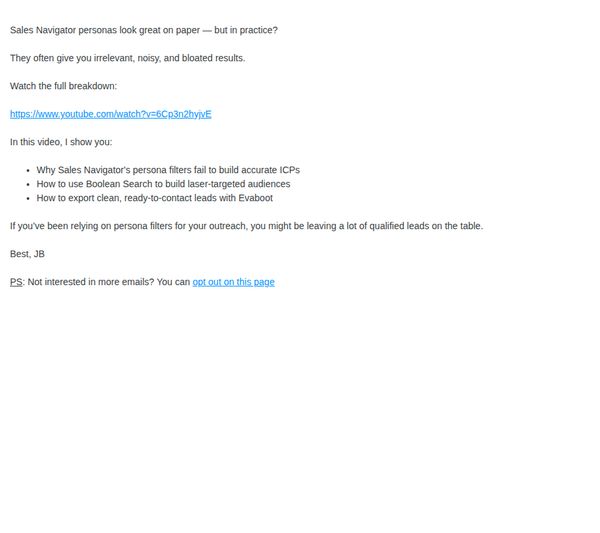
To educate recipients on the limitations of persona-based filtering in Sales Navigator and position Evaboot as the superior solution for building accurate, actionable audiences using Boolean search techniques.
Why this works
The email immediately challenges a widely accepted industry practice, persona filters, by framing them as misleading and inefficient, which creates instant curiosity and positions the brand as a truth-teller in a noisy market.
How to implement
By offering a video breakdown that promises to reveal not just problems but also practical, step-by-step solutions using Boolean search, the email transforms skepticism into actionable learning, making the value proposition impossible to ignore.
Pro Tip
Add a visual thumbnail or embedded video preview above the link to increase click-through rates by giving recipients a preview of the content’s production quality and relevance. • Include a brief customer testimonial or stat (e.g., '87% of users saw 3x more qualified leads') right after the bullet points to reinforce credibility and social proof before the CTA.
9. bulk email finder
Objective
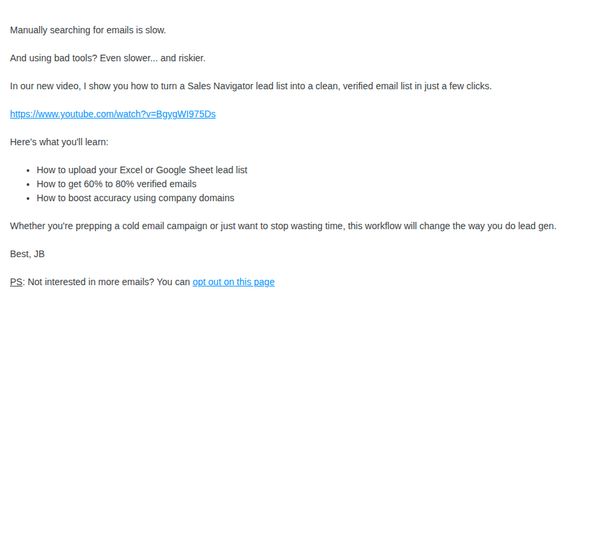
The email aims to drive engagement with a tutorial video that teaches users how to convert Sales Navigator lead lists into clean, verified email lists, positioning Evaboot as a time-saving, accuracy-boosting solution for cold outreach and lead generation.
Why this works
The email opens with a relatable pain point, manual email searching being slow and risky, then immediately positions the video as the fast, reliable fix, creating instant relevance for time-strapped sales professionals.
How to implement
It clearly outlines three tangible takeaways from the video, giving recipients a concrete reason to click by promising measurable outcomes like 60–80% verified email rates and domain-based accuracy boosts.
Pro Tip
Add a visual thumbnail or play button graphic for the video link to increase click-through rates by making the CTA more eye-catching and intuitive, especially for mobile users. • Include a short social proof element, like a testimonial or stat such as 'Used by 5,000+ sales teams', to reinforce credibility and reduce skepticism before the video link.
10. tech-based prospecting
Objective
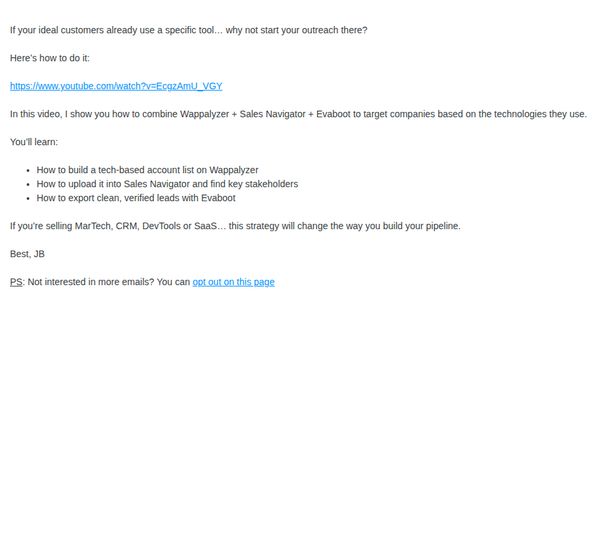
This email aims to educate tech-focused sales professionals on using Evaboot in combination with Wappalyzer and Sales Navigator to build targeted, technology-based prospect lists and generate verified leads. It positions Evaboot as an essential tool for modern, data-driven outreach.
Why this works
The email immediately hooks the reader by reframing their existing tech stack as the starting point for outreach, making the solution feel intuitive and aligned with their current workflow rather than disruptive.
How to implement
By clearly listing the three actionable takeaways, building lists, uploading to Sales Navigator, and exporting clean leads, the email transforms a complex process into digestible, confidence-building steps that reduce perceived friction.
Pro Tip
Add a visual thumbnail or embedded preview of the video directly in the email body to increase click-through rates by reducing friction and giving users a preview of the value before clicking. • Include a brief social proof element, such as a short testimonial or stat like 'Used by 500+ MarTech sales teams', near the CTA to build credibility and reduce skepticism about the strategy’s effectiveness.