The complete educational recruitment email collection
1. PeoplePerHour : AI, Loyalty & More: Smart Ways to Grow Your Business on PeoplePerHour in 2025
Objective
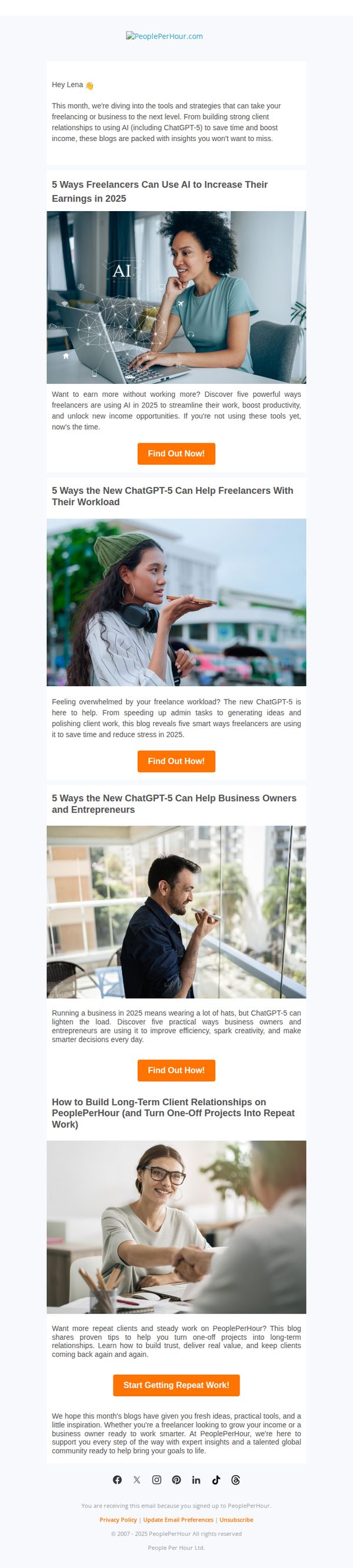
This email aims to educate freelancers and business owners on leveraging AI and client relationship strategies to grow their income on PeoplePerHour in 2025, while encouraging engagement with curated blog content that drives platform loyalty and repeat usage.
Why this works
The email brilliantly segments value by audience, freelancers versus business owners, making each reader feel personally addressed and increasing the relevance of the AI-driven tips offered for 2025’s evolving marketplace.
How to implement
By framing AI not as a threat but as a productivity multiplier, the campaign reframes technology as an ally, which reduces reader resistance and positions PeoplePerHour as a forward-thinking partner in professional growth.
Pro Tip
Add a visual progress indicator or checklist showing how many of the five AI strategies the reader has explored, encouraging completion and reinforcing the value of consuming all content in the series. • Include a short testimonial or stat from a real PeoplePerHour user who successfully implemented one of the AI tips, adding social proof and credibility to the educational claims made in each section.
2. Jobcase: Action Required: Confirm your email
Objective
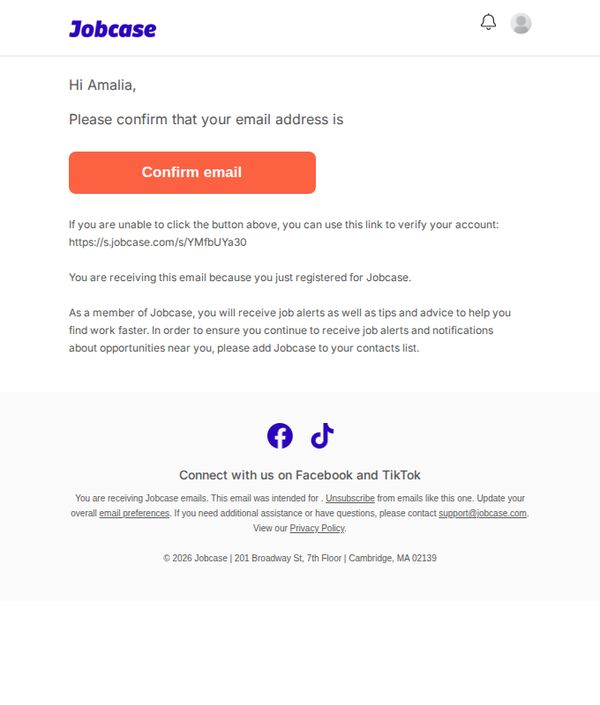
This email aims to verify the user’s email address immediately after registration to ensure they receive job alerts and career advice, while also encouraging them to add Jobcase to their contacts to avoid missing future communications.
Why this works
The email opens with a personalized greeting and immediately states the purpose, confirming the email, which reduces friction and sets clear expectations for the user’s next action.
How to implement
By explaining the value of verification, receiving job alerts and career tips, the email transforms a mundane confirmation task into a meaningful step toward the user’s professional goals, increasing completion rates.
Pro Tip
Add a subtle countdown timer or urgency cue near the CTA to encourage immediate action, since email verification is time-sensitive and delays can lead to abandoned accounts. • Reposition the social media icons and footer links to a secondary row below the main message to avoid visual clutter and keep the user’s focus on the primary goal: confirming their email.
3. LinkedIn: Md Parvej Ahmed just posted something that might be of interest to you
Objective
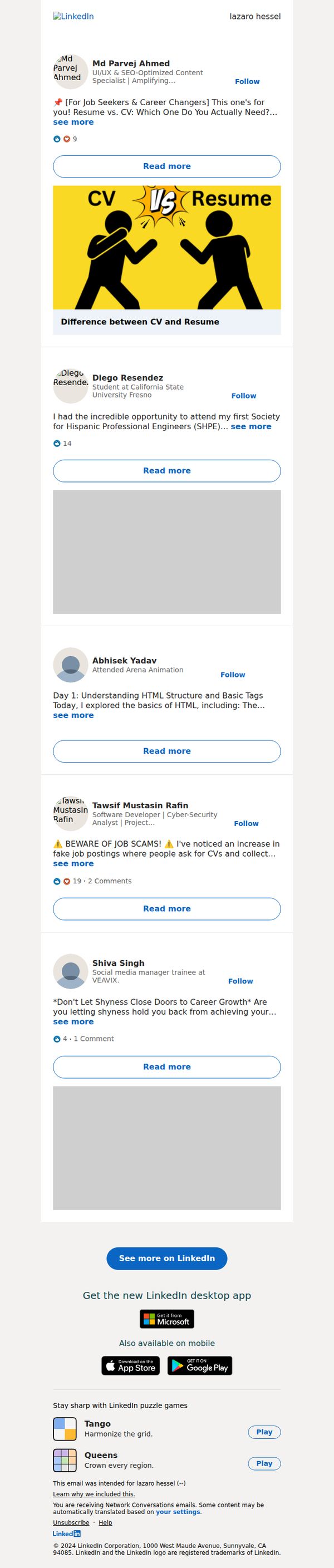
To re-engage users by surfacing relevant, personalized content from their network that aligns with career interests, encouraging them to return to LinkedIn for deeper interaction and continued platform usage.
Why this works
The email leverages social proof by highlighting posts from real connections, making the content feel personally relevant and trustworthy rather than generic promotional material.
How to implement
Each post preview includes a clear, benefit-driven headline and a visual hook, like the CV vs. Resume graphic, that instantly communicates value and encourages curiosity-driven clicks.
Pro Tip
Add a personalized subject line that references the user’s industry or recent activity (e.g., 'Posts from your network in tech just dropped') to increase open rates beyond generic network notifications. • Include a brief, one-sentence summary under each post preview to reduce cognitive load and help users quickly decide which content to engage with, especially on mobile.
4. LinkedIn: Use your weakness to your advantage in a…
Objective
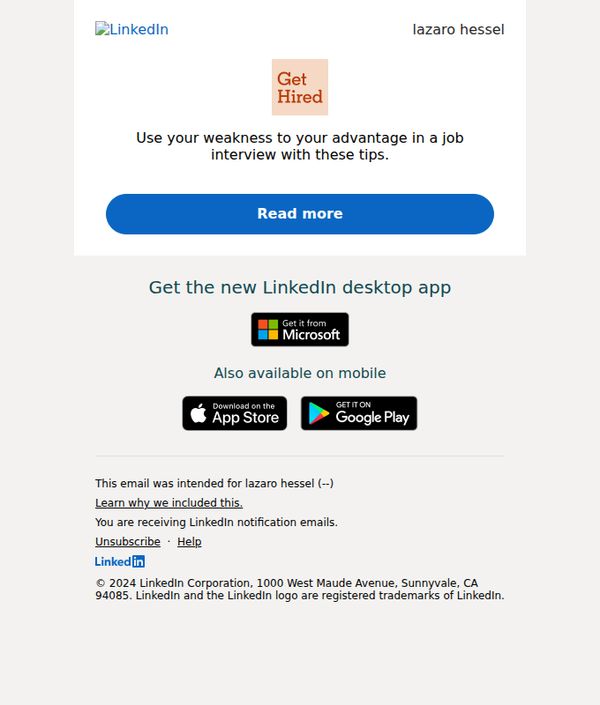
This email aims to engage users by offering actionable career advice, specifically how to turn personal weaknesses into interview strengths, while subtly promoting LinkedIn’s value as a professional development tool. It also drives app adoption by highlighting desktop and mobile availability.
Why this works
The subject line and headline cleverly reframe a common pain point, job interview weaknesses, as a strategic opportunity, instantly sparking curiosity and positioning LinkedIn as a trusted advisor for career growth.
How to implement
By personalizing the recipient’s name and embedding a clear, benefit-driven CTA button, the email creates immediate relevance and reduces friction, encouraging users to click without feeling sold to.
Pro Tip
Add a brief testimonial or stat near the CTA (e.g., '87% of users who used these tips felt more confident in interviews') to build social proof and increase click-through confidence. • Include a secondary CTA or micro-copy under the main button (e.g., 'Get the tips in 2 minutes') to reduce perceived effort and reinforce the value proposition for time-sensitive readers.
5. LinkedIn: Negotiating a pay raise? Here's how to…
Objective
This email aims to engage users by offering actionable career advice on negotiating a pay raise, while subtly promoting LinkedIn’s value as a professional development platform through app downloads and interactive content.
Why this works
The email opens with a high-stakes, emotionally resonant question, 'Negotiating a pay raise?', which immediately captures attention by addressing a universal professional pain point with urgency and relevance.
How to implement
By framing the advice as a 'structured plan,' LinkedIn positions itself not just as a job board but as a strategic partner in career advancement, subtly reinforcing trust and authority without overt sales pressure.
Pro Tip
The CTA 'Read more' is too generic, rephrasing it to 'Get Your Pay Raise Playbook' would better align with the email’s value proposition and increase click-through intent by promising a tangible outcome. • The app promotion section feels disconnected from the main message; integrating a line like 'Track your career growth with LinkedIn’s desktop app' would create narrative continuity and strengthen the strategic link between content and product.
6. LinkedIn: Waseem Younus just posted something that might be of interest to you

Objective
To re-engage users by surfacing relevant, personalized content from their network that aligns with professional interests, encouraging them to return to LinkedIn and interact with posts or download the app.
Why this works
The email leverages social proof by highlighting posts from real connections, making the content feel personally relevant and increasing the likelihood of engagement through familiarity and trust.
How to implement
By featuring multiple posts with consistent 'Read more' CTAs, the email creates a scrollable feed experience that mimics the platform’s native UI, reducing friction for users returning to LinkedIn.
Pro Tip
Add a personalized subject line or preheader that references the user’s industry or recent activity to increase relevance and open rates beyond generic network notifications. • Include a brief summary or highlight of the most engaging post (e.g., 'Top post: 8,789 likes') to create urgency and prioritize content, helping users decide what to click first.
7. Toptal: Fostering Flexibility: Building Stronger, Connected Teams
Objective
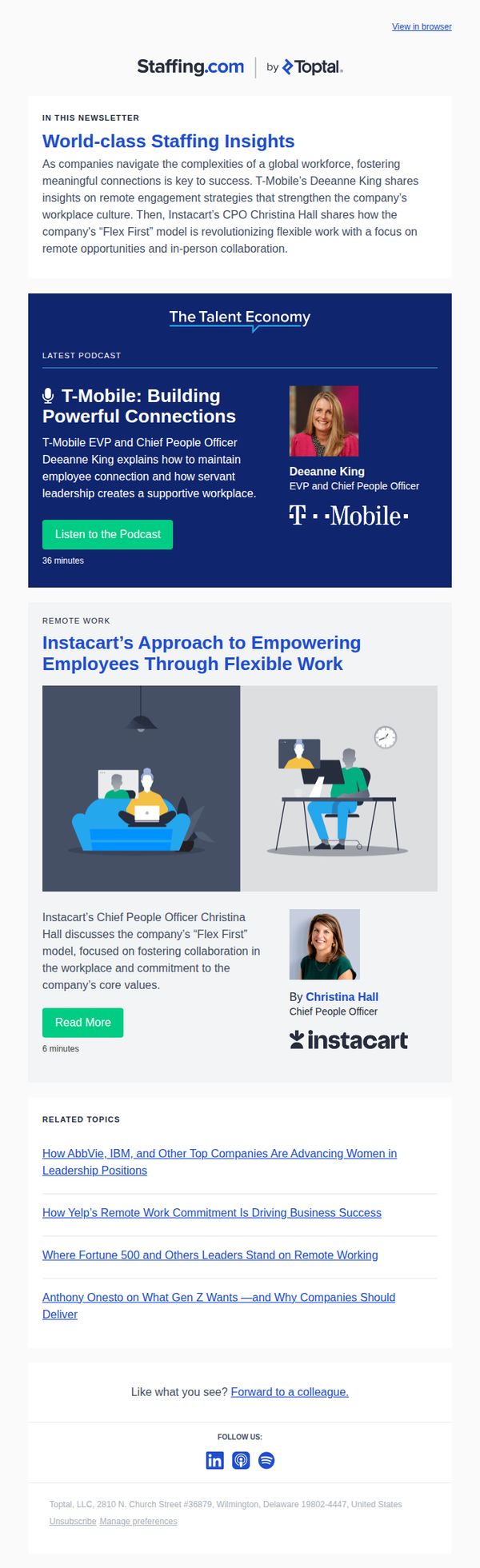
This email aims to position Toptal as a thought leader in modern workforce strategy by showcasing executive insights on flexible work models and employee engagement, encouraging readers to explore deeper content through podcast and article links while reinforcing brand authority in talent economy discussions.
Why this works
The email smartly leverages high-profile executive voices from T-Mobile and Instacart to lend credibility to its workforce flexibility narrative, making the content feel like insider intelligence rather than generic advice, which builds trust with HR and leadership audiences.
How to implement
By structuring the newsletter around real company case studies and pairing them with digestible CTAs like 'Listen to the Podcast' and 'Read More,' the campaign reduces friction for busy professionals and turns passive readers into engaged content consumers without overwhelming them.
Pro Tip
Add a subtle visual indicator like a progress bar or time estimate next to each content block (e.g., '36 min podcast' or '6 min read') to help readers prioritize consumption based on available time, increasing completion rates. • Include a short, punchy quote from either Deeanne King or Christina Hall directly under their headshot to reinforce their key message visually and emotionally, making their authority more immediately memorable without requiring a click.
8. LinkedIn: lazaro, Alisha Santiago has a new post for you
Objective
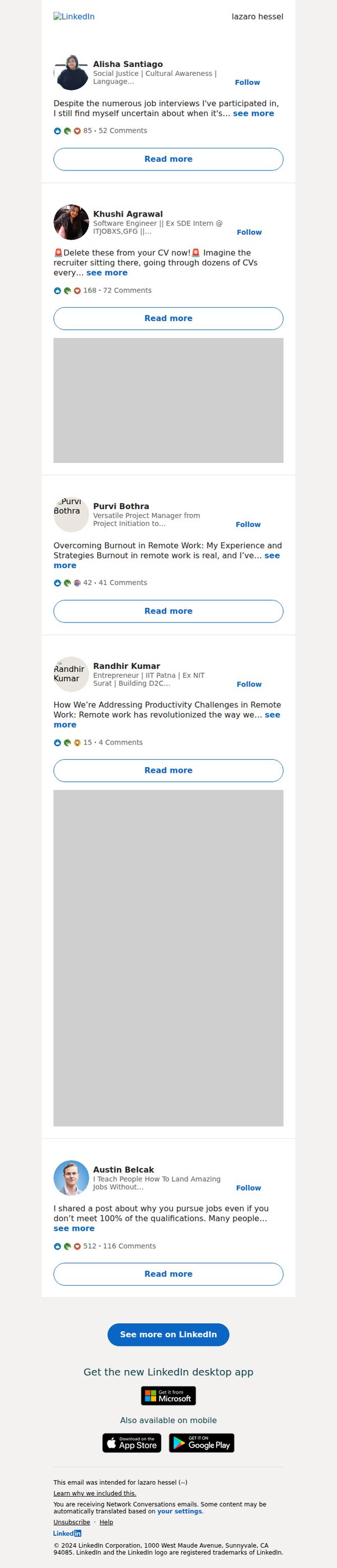
This email aims to re-engage the recipient by highlighting relevant, personalized content from their network, encouraging them to return to LinkedIn to read, interact, and stay active on the platform.
Why this works
The email leverages personalization by naming a specific connection who posted, creating immediate relevance and emotional pull that makes the recipient feel the content was curated just for them, not blasted to everyone.
How to implement
Each post preview includes social proof metrics like comment and reaction counts, subtly signaling popularity and conversation momentum, which nudges users to click by tapping into FOMO and the desire to join active discussions.
Pro Tip
Add a subtle visual indicator (like a small dot or badge) next to the first post from Alisha Santiago to reinforce the personalization hook and visually anchor the recipient’s attention to the most relevant content. • Include a micro-copy line above the CTA such as 'Your network is talking, join the conversation' to strengthen the social motivation and clarify the value of clicking beyond just 'seeing more.'
9. LinkedIn: Updates to our terms
Objective
This email aims to inform users about upcoming changes to LinkedIn’s Terms of Service and data-sharing practices, while reassuring them of continued community value and offering transparency through a clear call to learn more.
Why this works
LinkedIn opens with a warm, personalized greeting that immediately humanizes a typically dry legal update, making the recipient feel seen rather than just notified, which builds trust before delivering policy changes.
How to implement
The email strategically frames the update as a shared journey, 'we’re updating' and 'we’re glad you’re here', turning a compliance requirement into a community moment that softens resistance and reinforces belonging.
Pro Tip
Add a brief bullet-point summary of key changes directly in the body to reduce friction, many users won’t click through, so surface the most impactful updates (e.g., 'What changes for you?') to improve comprehension and reduce anxiety. • Include a subtle visual indicator like a small icon or color accent next to the 'Learn more' link to draw the eye and reinforce its importance, currently, it blends into the paragraph and may be overlooked in skim reading.
10. Michael Page - AE: New Year, New Job
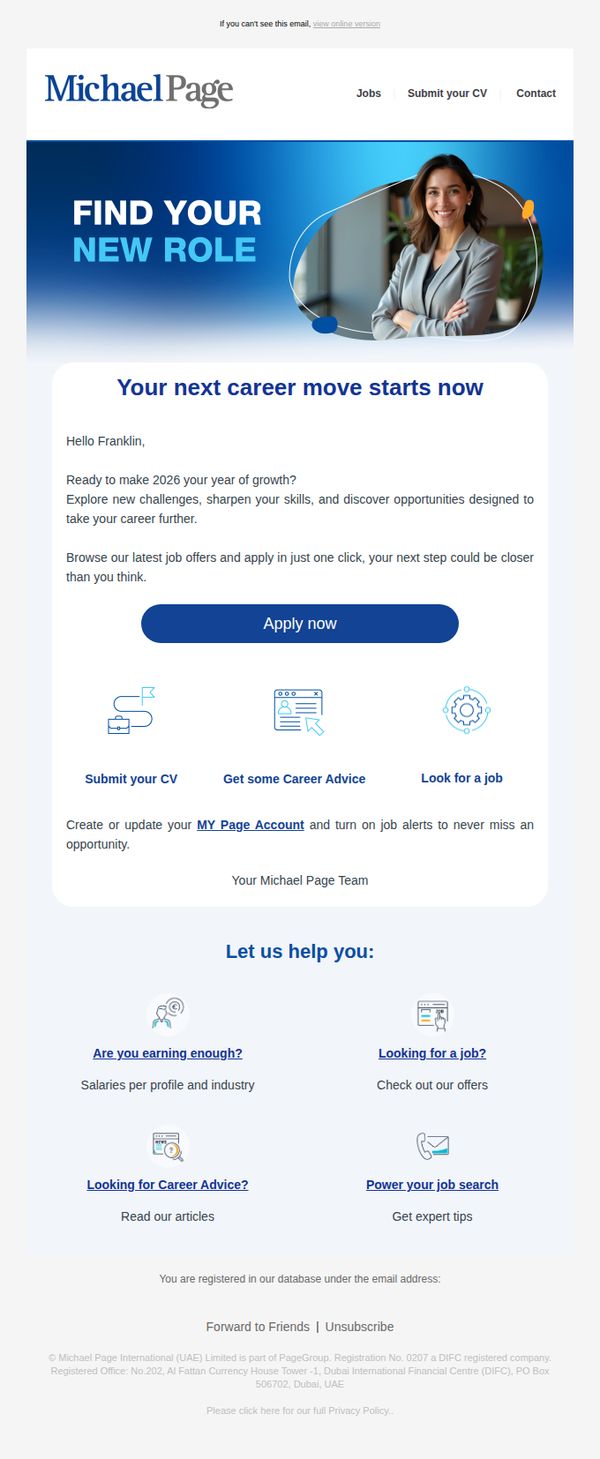
Objective
This email aims to inspire recipients to pursue new career opportunities in 2026 by positioning Michael Page as a trusted partner in professional growth, while encouraging immediate action through personalized job discovery and career resources.
Why this works
The email opens with a motivational hook tied to the New Year, framing career change as timely and achievable, a psychological trigger that aligns personal ambition with seasonal renewal to drive engagement.
How to implement
Personalization through the recipient’s name and a forward-looking question about 2026 growth creates an emotional connection, making the message feel tailored and urgent rather than generic or transactional.
Pro Tip
Add a subtle countdown timer or urgency indicator near the CTA to leverage time-sensitive psychology, encouraging faster action by implying limited availability of curated 2026 opportunities. • Include a short testimonial or success story from a candidate who landed a role through Michael Page in the past year to build social proof and reinforce credibility before the CTA.