Software educational email gallery from real brands
1. RAYGUN: Raygun Error Daily Digest
Objective
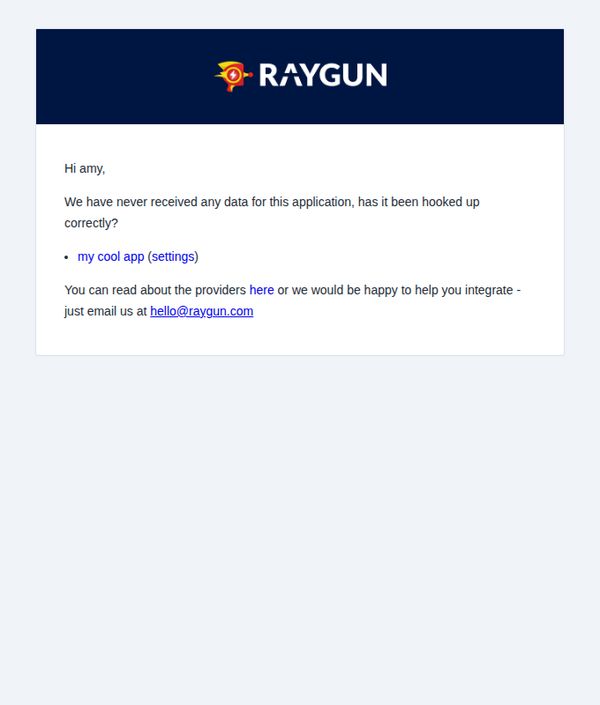
To alert the user that no error data has been received from their application and to prompt them to verify their integration setup or reach out for support.
Why this works
The email opens with a personalized greeting and immediately surfaces a critical operational gap, no data received, which creates urgency without being alarmist, making it easy for the user to self-diagnose.
How to implement
By embedding a direct link to the app’s settings within the body, the email reduces friction and guides the user toward resolution in one click, demonstrating smart UX thinking within a minimal interface.
Pro Tip
Add a brief explanation of what 'hooked up correctly' means, for example, a one-line checklist or a link to a troubleshooting guide, to reduce ambiguity and empower users to self-resolve without contacting support. • Include a visual indicator such as a small status icon or progress bar next to the app name to show integration status at a glance, enhancing clarity and reducing cognitive load for users managing multiple apps.
2. Confident Canna: Work Smarter with the Confident + Zapier Integration
Objective
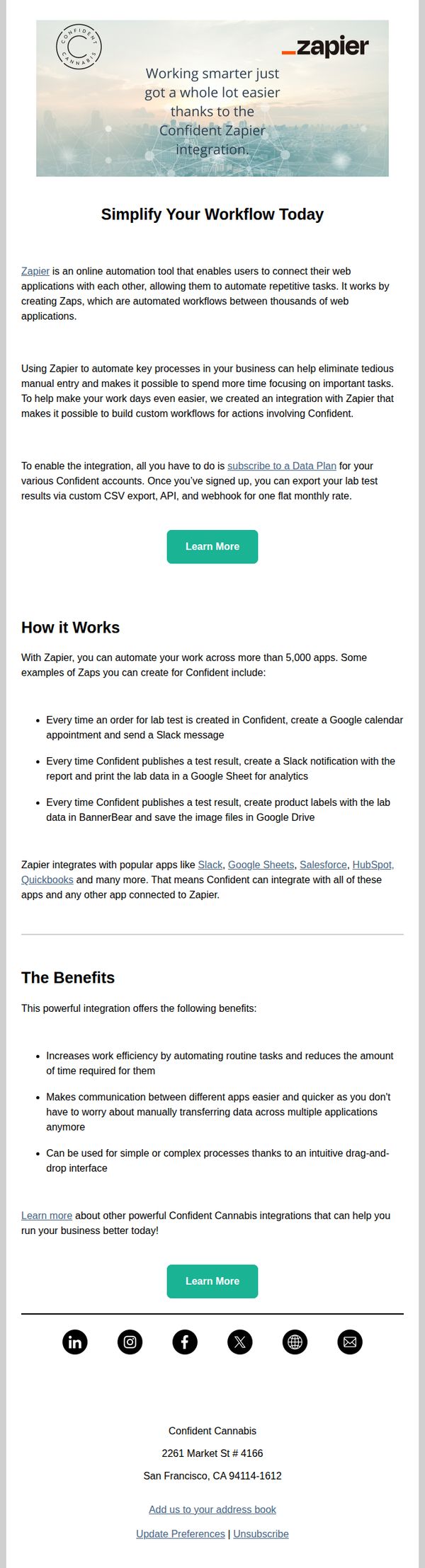
This email aims to drive adoption of the Confident Canna + Zapier integration by highlighting how it automates repetitive tasks and streamlines workflows for cannabis lab professionals. It encourages users to subscribe to a Data Plan to unlock automation features that save time and improve operational efficiency.
Why this works
The email opens with a strong value proposition by immediately tying the integration to time savings and smarter workflows, which speaks directly to the pain points of lab managers drowning in manual data entry and administrative overhead.
How to implement
It uses concrete, industry-specific examples, like auto-creating Google Calendar appointments or Slack alerts for test results, to demonstrate real-world utility, making the abstract concept of automation feel tangible and immediately relevant to cannabis lab operators.
Pro Tip
Add a visual workflow diagram or short animated GIF under 'How it Works' to illustrate the automation sequence, this would reduce cognitive load and help users instantly grasp the integration’s value without reading dense bullet points. • Include a testimonial or case study snippet from a current user who saved X hours per week using the integration, social proof would strengthen credibility and make the benefits feel more real and achievable.
3. AWeber: Live workshop today: Write great emails in seconds
Objective
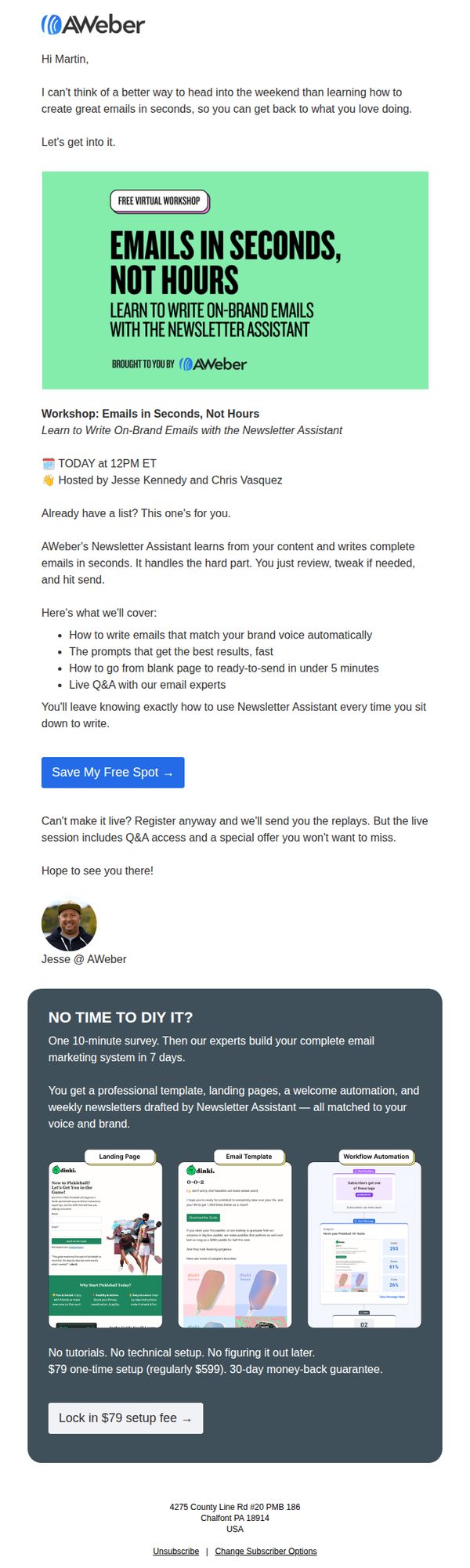
This email aims to drive immediate registration for a live virtual workshop that teaches users how to write on-brand emails quickly using AWeber’s Newsletter Assistant, while also promoting a premium setup service for those who can’t attend live.
Why this works
The email opens with a warm, conversational hook that ties the workshop to the recipient’s weekend freedom, making the value feel personal and time-sensitive rather than transactional.
How to implement
It clearly outlines the workshop’s tangible outcomes, like writing emails in under 5 minutes and matching brand voice automatically, which transforms abstract promises into concrete, results-driven benefits that build trust.
Pro Tip
The CTA button ‘Save My Free Spot →’ is strong, but adding a secondary CTA below the workshop description, like ‘Watch Replay + Get Special Offer’, would capture users who are hesitant to commit to the live time. • The dark gray service section at the bottom feels visually disconnected from the rest of the email; integrating its color palette or adding a subtle border/separator would improve visual flow and reduce cognitive friction between the two offers.
4. Dynatrace: Posts from Dynatrace blog for 02/27/26
Objective
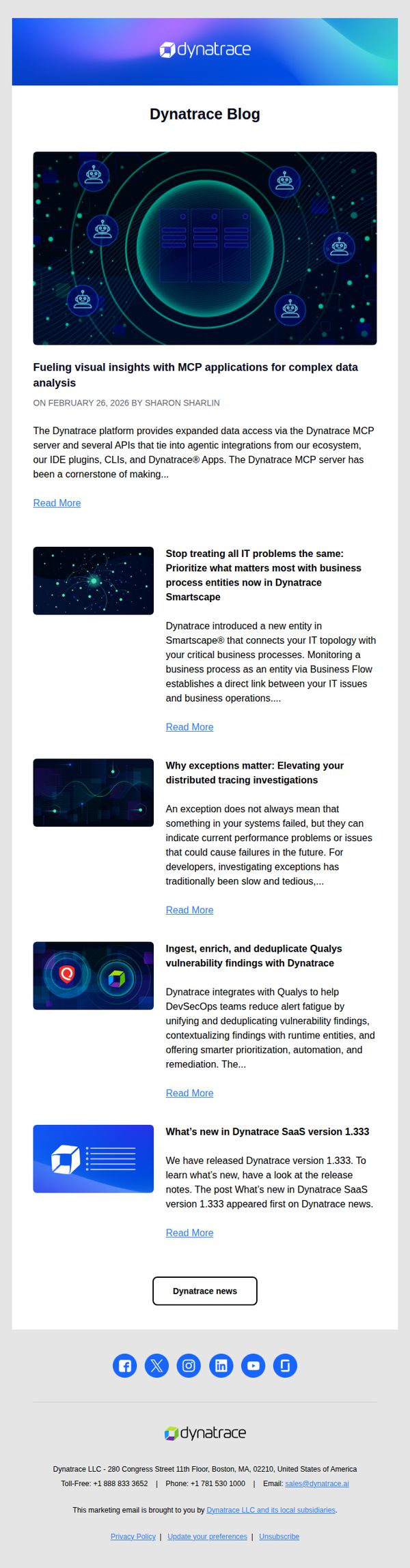
This email aims to drive engagement with Dynatrace’s latest blog content by highlighting key technical updates and product integrations, encouraging readers to explore deeper insights and stay informed about platform advancements.
Why this works
The email strategically leads with a visually rich hero image that mirrors the platform’s tech-forward aesthetic, immediately signaling to enterprise readers that the content is sophisticated, relevant, and aligned with their operational priorities.
How to implement
Each blog preview is tightly summarized with a benefit-driven headline and a concise teaser that answers ‘What’s in it for me?’, a smart tactic to reduce cognitive load and increase click-through rates among time-pressed IT decision-makers.
Pro Tip
Add a subtle visual hierarchy to the blog list, such as a numbered or icon-based priority indicator, to guide readers toward the most strategically important post first, especially if one aligns with a current product launch or sales initiative. • Include a short testimonial or customer quote beneath one of the top blog summaries to add social proof and reinforce credibility, especially for technical topics that may benefit from real-world validation before the reader commits to reading.
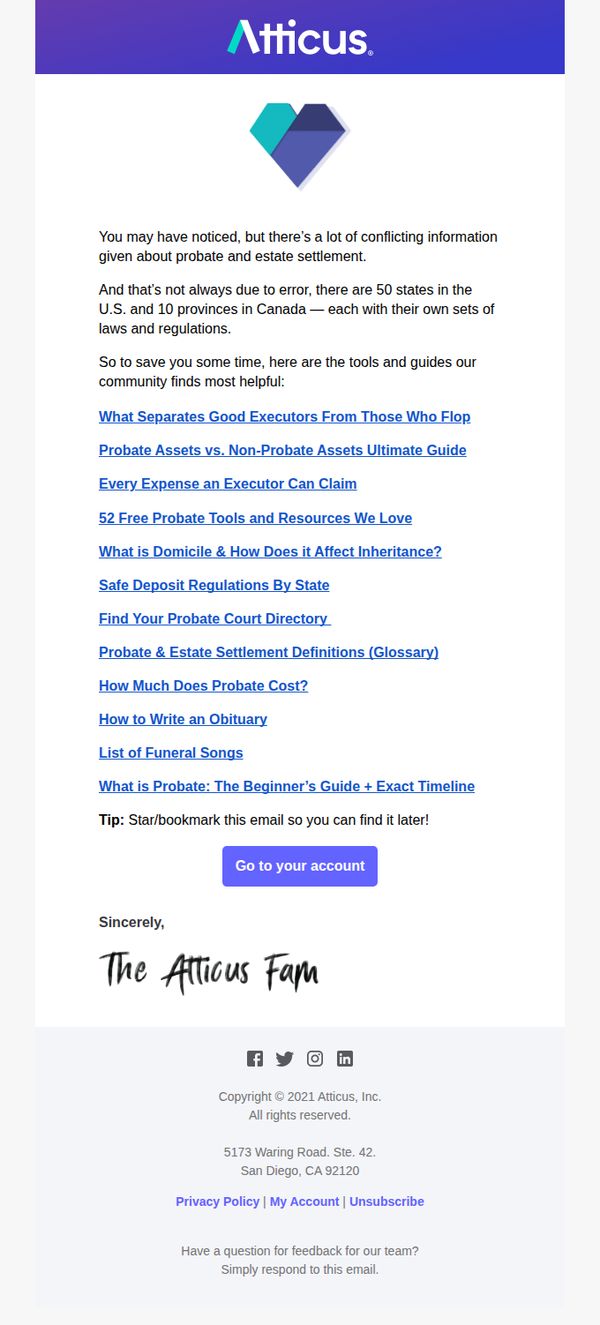
5. Atticus: Everything you need to do
Objective
This email aims to position Atticus as a trusted, authoritative resource for navigating the complex landscape of probate and estate settlement by curating and delivering high-value educational content directly to users who may feel overwhelmed by conflicting legal information.
Why this works
The email brilliantly reframes confusion as a universal pain point, then immediately positions the brand as the solution by offering a curated list of essential, community-vetted resources, making the reader feel seen and supported rather than overwhelmed.
How to implement
By listing hyper-specific, actionable guides like 'How Much Does Probate Cost?' and 'How to Write an Obituary,' the email demonstrates deep empathy for the user’s emotional and logistical needs, transforming abstract legal topics into digestible, human-centered next steps.
Pro Tip
Add a subtle visual hierarchy or iconography next to each resource link to help users quickly distinguish between guides, tools, and definitions, reducing cognitive load and improving scanability for overwhelmed readers. • Reposition the 'Go to your account' CTA to appear immediately after the first 2–3 most critical resources (e.g., 'What is Probate: The Beginner’s Guide'), so users who resonate with the content are prompted to engage before scrolling past.
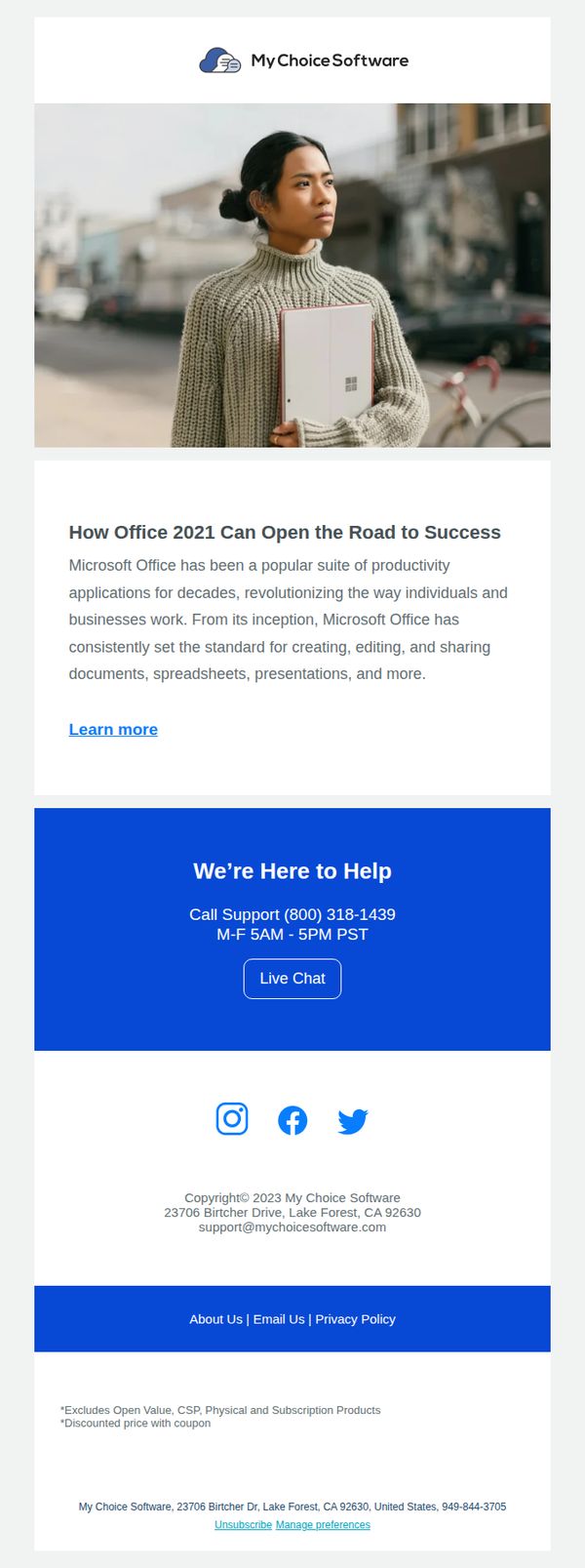
6. My Choice Software: Learn About Everything Office 2021 Has To Offer!
Objective
This email aims to educate recipients about the value and capabilities of Microsoft Office 2021 while positioning My Choice Software as a trusted resource for purchasing and support. It encourages users to explore further by clicking to learn more or contact support directly.
Why this works
The email opens with a strong, benefit-driven headline that frames Office 2021 as a gateway to professional success, immediately aligning the product with the reader’s aspirations rather than just listing features.
How to implement
Including a dedicated support section with phone hours and a live chat button builds trust and reduces friction, signaling that help is accessible and reinforcing the brand’s reliability beyond just the sale.
Pro Tip
Add a visual product grid or feature icons under the education section to break up text and visually reinforce key Office 2021 capabilities like Word, Excel, and PowerPoint, making the value proposition more scannable. • Include a time-sensitive offer or discount badge near the 'Learn more' CTA to create urgency and incentivize immediate clicks, especially since the email currently lacks any promotional hook to drive conversion.
7. Gainsight : [Webinar] Only 7% of post-sales teams measure AI ROI. Are you one of them?
![7. Gainsight : [Webinar] Only 7% of post-sales teams measure AI ROI. Are you one of them?](https://nudge-growth-experimental.s3.amazonaws.com/nudge/email-screenshots/4874376.jpg)
Objective
This email aims to drive registrations for a Gainsight webinar by highlighting a critical industry gap, that only 7% of post-sales teams measure AI ROI, and positioning the event as the essential resource for leaders seeking to quantify AI’s business impact and avoid falling behind.
Why this works
The email opens with a startling statistic, 'Only 7% of post-sales teams are actively measuring AI ROI', which immediately creates urgency and positions the webinar as a must-attend for leaders who don’t want to be left behind in AI accountability.
How to implement
By featuring recognizable industry executives as speakers, the email leverages social proof and authority to build credibility, making the content feel more valuable and trustworthy to time-strapped decision-makers evaluating whether to attend.
Pro Tip
Add a countdown timer near the CTA to create real-time urgency, since the webinar date is fixed and proximity can significantly boost conversion for time-sensitive events like this one. • Include a short testimonial or quote from a past attendee about the value they gained from a similar Gainsight webinar to reinforce credibility and reduce perceived risk for first-time registrants.
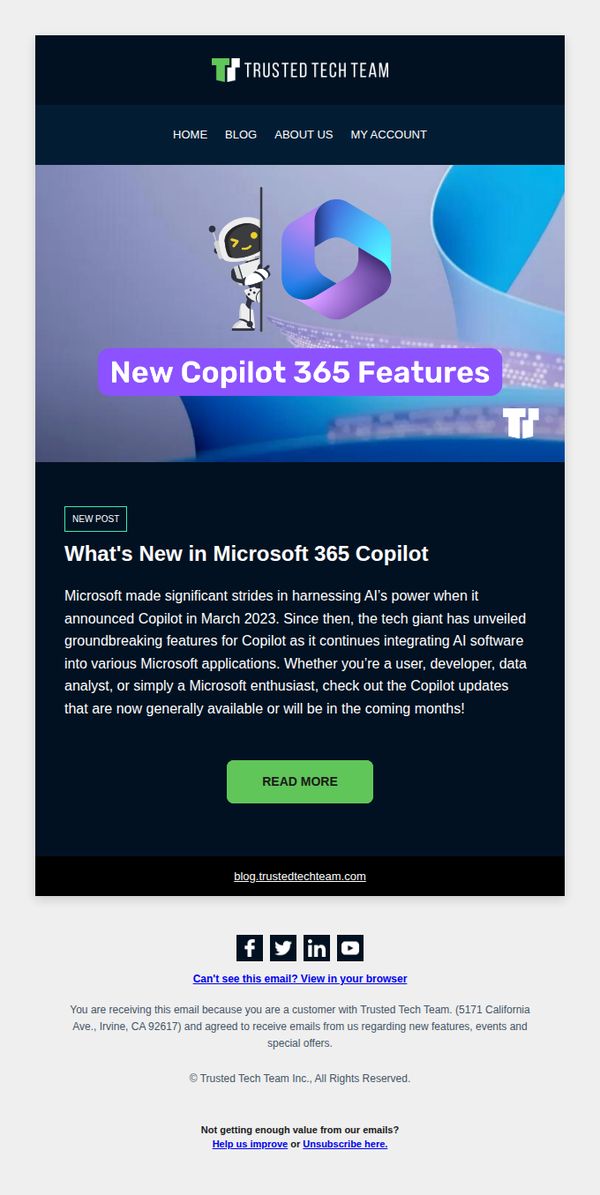
8. Trusted Tech Team: What's New in Microsoft 365 Copilot
Objective
To inform existing customers about the latest Microsoft 365 Copilot updates and drive engagement by encouraging them to read the full blog post for deeper insights into new AI-powered features.
Why this works
The email opens with a bold, benefit-driven headline that immediately signals value to Microsoft users, positioning Copilot as a transformative tool rather than just another update, which helps capture attention in a crowded inbox.
How to implement
By clearly identifying the audience, users, developers, and data analysts, the message creates personal relevance, making recipients feel the update applies directly to their workflow, which increases the likelihood of clicking through.
Pro Tip
Add a brief bullet list of 2–3 key new features directly in the email body to give immediate value and reduce the friction of clicking through, increasing the chance readers will engage even if they don’t visit the blog. • Include a customer testimonial or use case snippet near the CTA to build social proof and demonstrate real-world impact, which can strengthen the persuasive power of the email and motivate action.
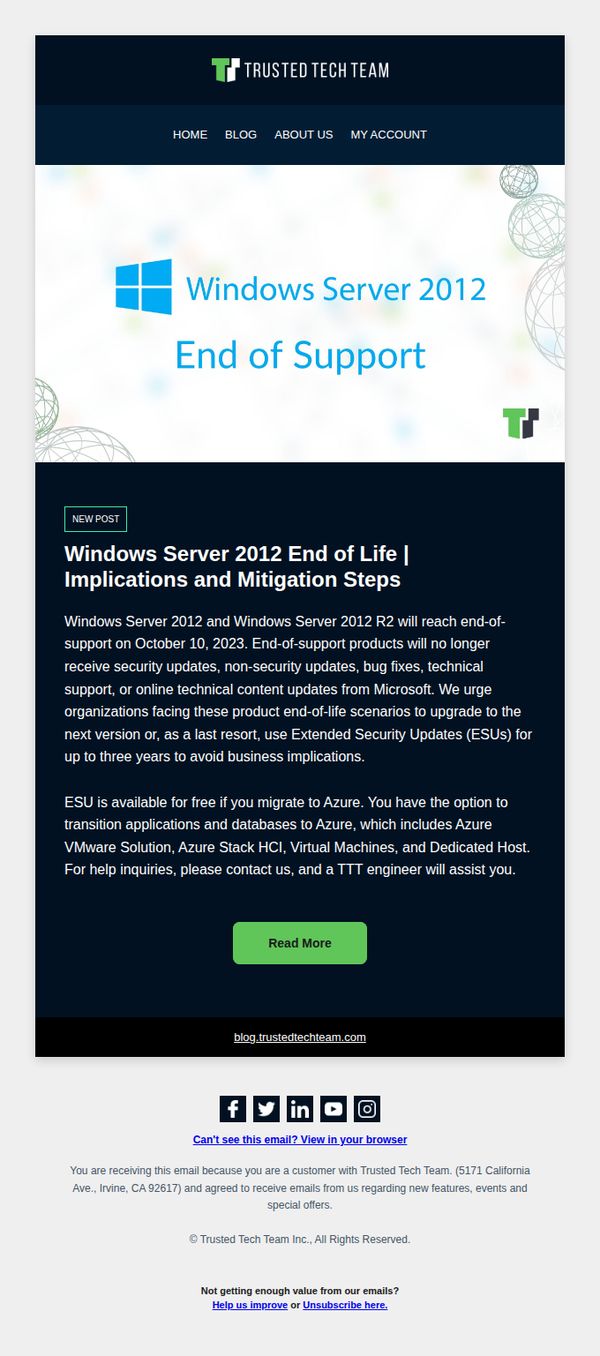
9. Trusted Tech Team: Windows Server 2012 End of Life | Implications and Mitigation Steps
Objective
This email aims to alert enterprise customers about the Windows Server 2012 end-of-support deadline and guide them toward proactive mitigation, including migration to Azure or purchasing Extended Security Updates, to avoid security and operational risks.
Why this works
The email effectively leverages urgency by clearly stating the October 10, 2023 deadline, which compels IT decision-makers to act before their systems become vulnerable to unpatched security threats.
How to implement
By offering a dual-path solution, migration to Azure or purchasing ESUs, the campaign respects organizational flexibility while positioning Trusted Tech Team as a trusted advisor rather than a pushy vendor.
Pro Tip
Add a countdown timer near the hero section to visually reinforce urgency and encourage immediate action before the October 10 deadline. • Include a brief customer testimonial or case study snippet from a company that successfully migrated or adopted ESUs to build social proof and reduce perceived risk.
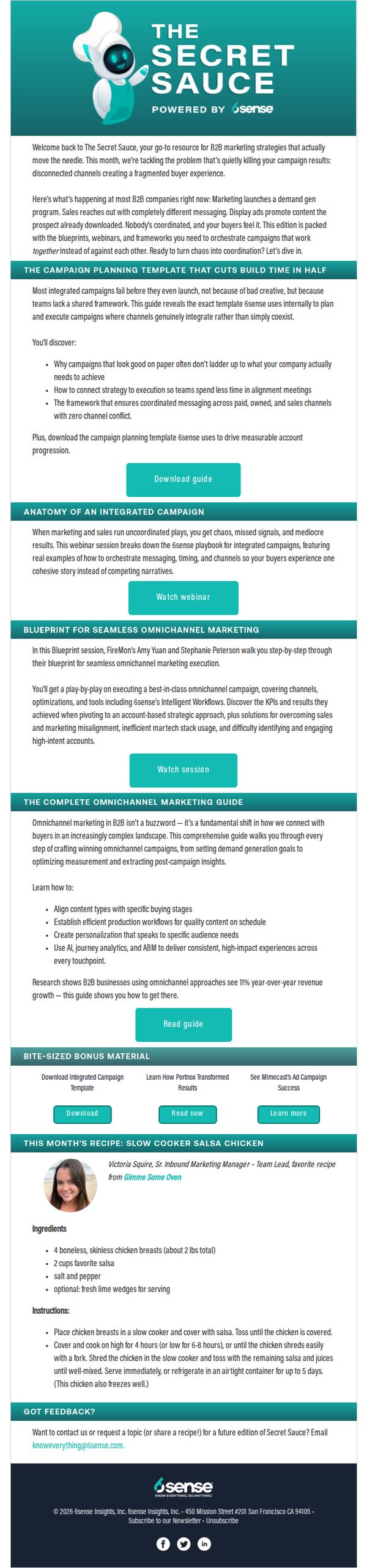
10. 6sense: Marketer’s Guide to Acing Integrated Campaigns
Objective
This email aims to position 6sense as a strategic thought leader by delivering high-value, actionable marketing resources that solve real B2B campaign fragmentation problems, while driving engagement through downloadable guides, webinars, and interactive content to nurture leads and build trust.
Why this works
The email brilliantly frames a common B2B pain point, disconnected campaign channels, as a solvable problem with a proprietary framework, making the reader feel understood and immediately curious about the solution 6sense offers.
How to implement
By blending educational content like webinars and playbooks with a quirky, humanizing recipe section, the campaign builds rapport without sacrificing professionalism, proving that B2B marketing can be both insightful and delightfully unexpected.
Pro Tip
Add a subtle countdown timer or urgency indicator near the 'Download guide' CTA to nudge immediate action, especially since the guide is positioned as a time-sensitive solution to campaign chaos. • Include a short, authentic customer testimonial or stat near the top of the offer section to reinforce credibility and reduce perceived risk before asking the reader to commit to downloading the guide.