The complete Square educational email collection
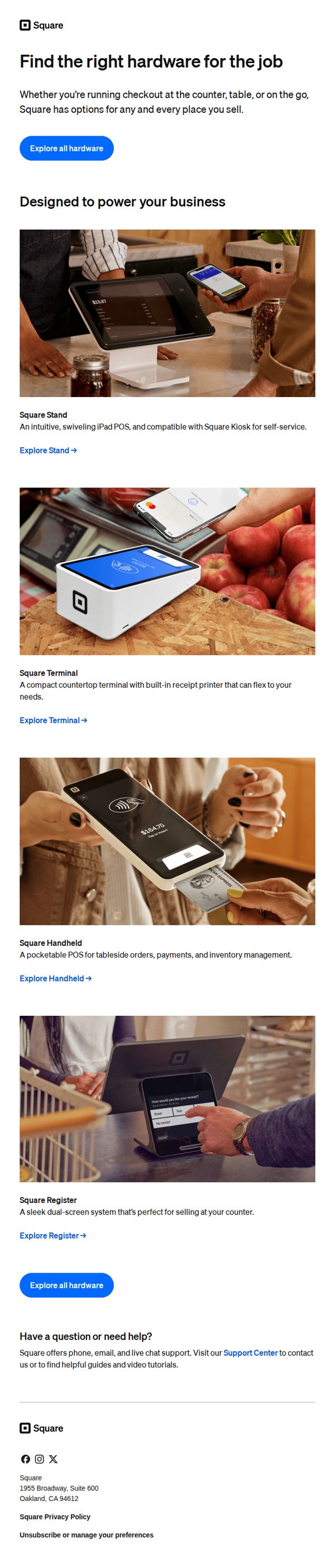
1. Hardware to get your business up and running
Objective
This email aims to guide new or growing small business owners toward selecting the right Square hardware for their specific point-of-sale needs, while reinforcing Square’s versatility across different sales environments like counters, tables, or mobile setups.
Why this works
The email brilliantly frames each hardware product around real-world usage scenarios, counter, table, on-the-go, making it easy for business owners to self-identify which solution fits their operational rhythm without feeling overwhelmed by choice.
How to implement
By pairing each device with a clear, benefit-driven description and a direct ‘Explore’ link, the email creates a frictionless path from awareness to consideration, turning visual engagement into actionable interest without requiring extra cognitive effort from the reader.
Pro Tip
Add a short customer testimonial or trust badge near the top to validate the hardware’s reliability, especially since new business owners may hesitate to invest without social proof, even if the product visuals are strong. • Include a subtle price range or starting price for each device (e.g., ‘Starting at $X’) to reduce hesitation and help users self-filter before clicking, which can improve conversion rates by setting clear expectations upfront.
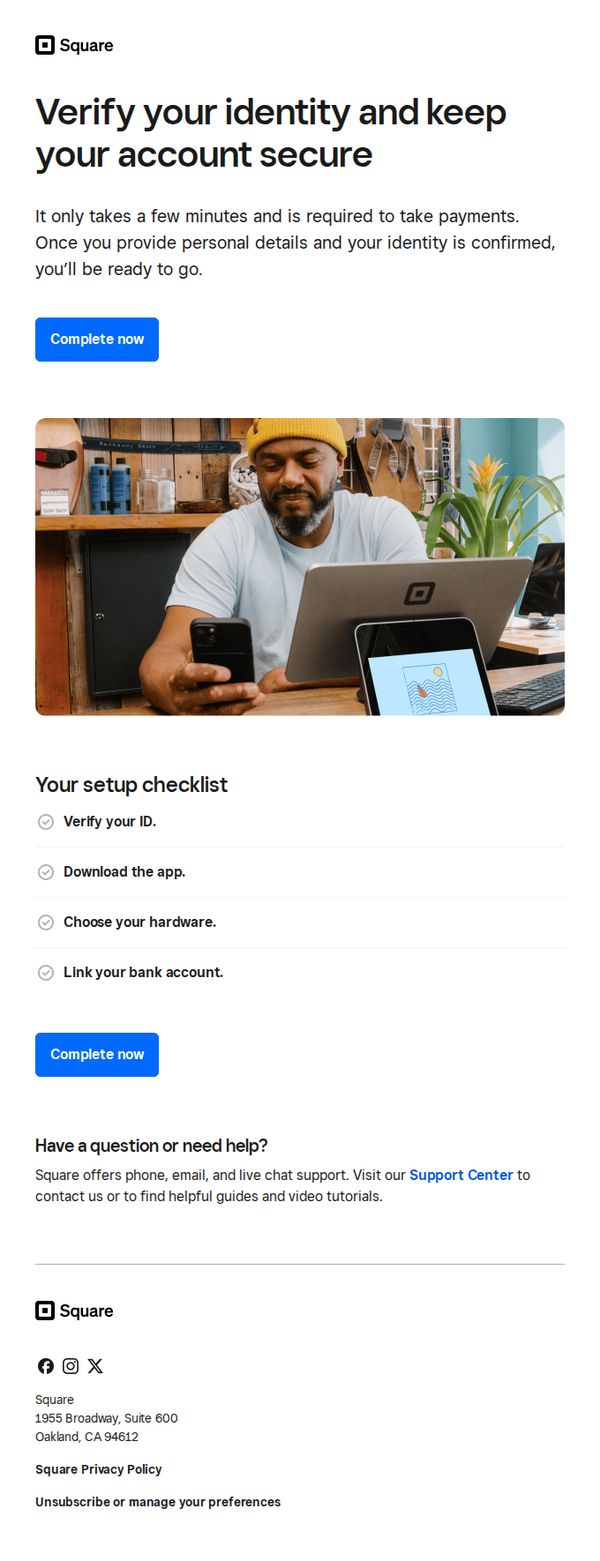
2. Start taking payments — just verify your identity
Objective
This email aims to guide new Square users to complete identity verification so they can begin accepting payments securely and without delay. It emphasizes simplicity and urgency to reduce friction in the onboarding process.
Why this works
The email frames identity verification not as a bureaucratic hurdle but as a quick, essential step to unlock payment capabilities, turning a compliance requirement into a gateway for business growth.
How to implement
Including a visual checklist with completed tasks reassures users they’re close to finishing setup, reducing abandonment by making progress tangible and psychologically rewarding.
Pro Tip
Add a subtle countdown or time-sensitive language near the CTA (e.g., 'Complete within 24 hours to unlock instant payment processing') to increase urgency without being pushy. • Replace the generic hero image with a screenshot of the actual verification interface or a progress bar to visually mirror the user’s current step and reduce cognitive load.
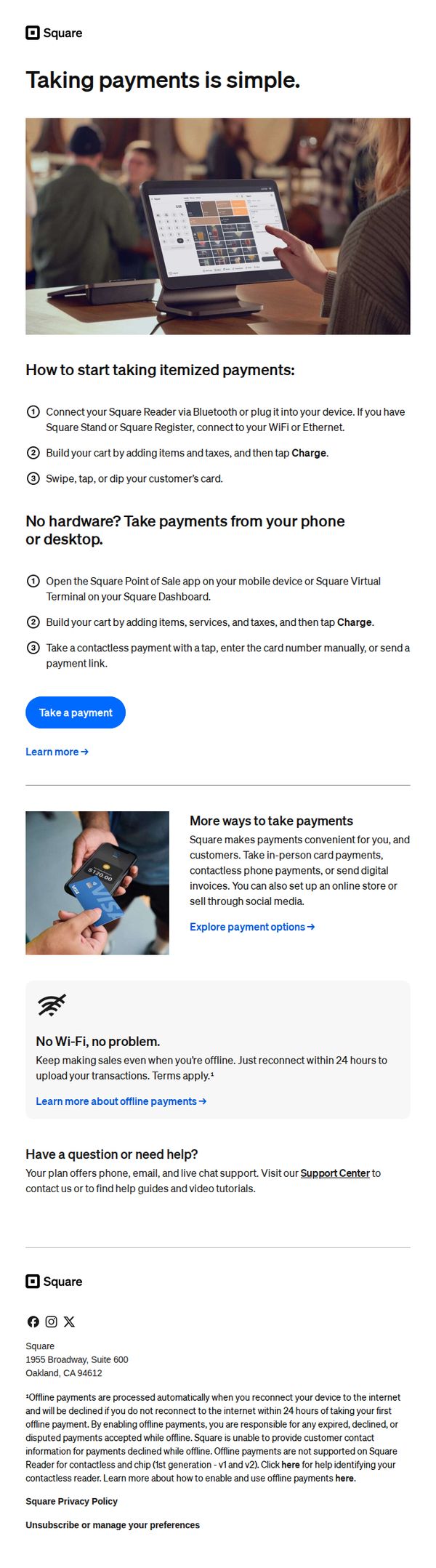
3. How to take a payment
Objective
This email aims to educate new or potential Square users on how to start accepting payments quickly and confidently, whether they have hardware or not, while reinforcing Square’s flexibility and ease of use to drive immediate action.
Why this works
Square brilliantly simplifies complex payment workflows into numbered, visual steps that reduce cognitive load and empower users to act immediately, making technical processes feel approachable even for non-tech-savvy business owners.
How to implement
By offering two distinct paths, with and without hardware, the email acknowledges real-world user constraints and positions Square as a flexible, inclusive solution that adapts to the user’s current setup rather than forcing a purchase.
Pro Tip
Add a visual progress indicator or checklist next to the step-by-step instructions to reinforce completion momentum and help users track their setup progress, increasing perceived ease and reducing abandonment. • Reposition the 'Take a payment' CTA to appear immediately after the first set of steps, not after the hardware-free section, to capitalize on early momentum and reduce friction for users ready to act.
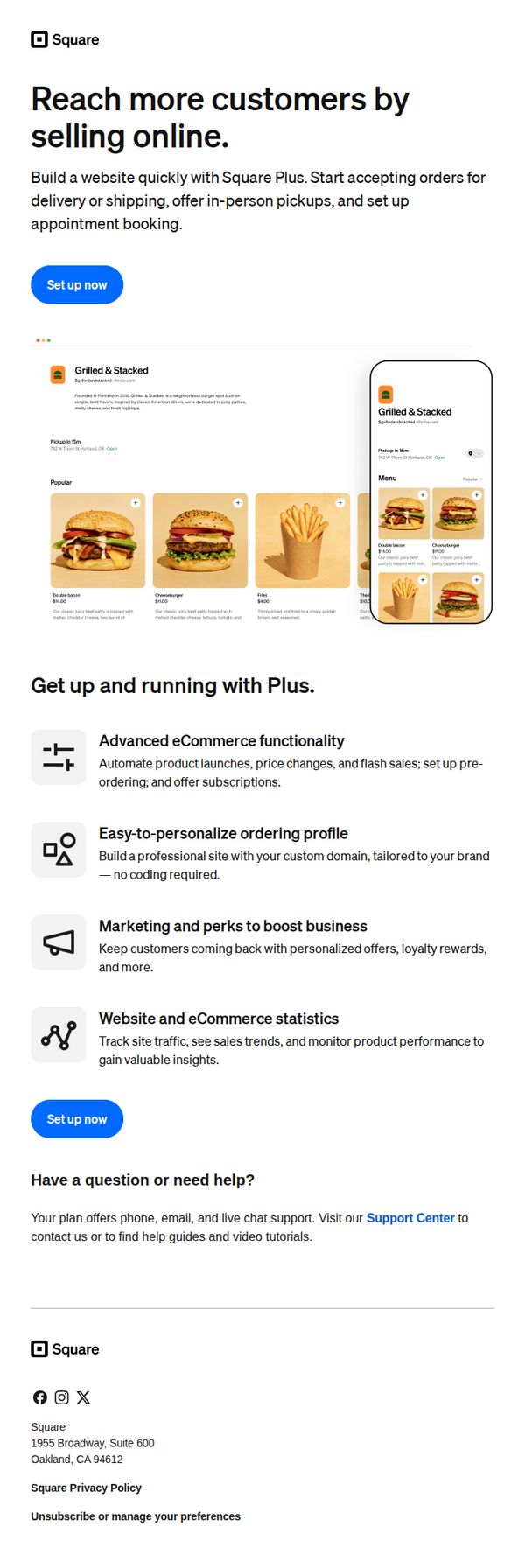
4. A professional website to call your own
Objective
This email aims to convert small business owners into Square Plus subscribers by showcasing how a professional website can help them reach more customers through online sales, delivery, pickup, and appointment booking. It emphasizes ease of setup and powerful built-in tools to drive immediate sign-ups.
Why this works
Square brilliantly frames its website builder as a customer acquisition engine, not just a design tool, tying every feature directly to revenue growth, which resonates deeply with small business owners focused on results.
How to implement
The inclusion of a real-world restaurant example with mobile and desktop views builds instant credibility by showing exactly how the product looks and functions in a familiar, high-impact context without requiring imagination.
Pro Tip
Add a subtle countdown timer or urgency indicator near the CTA to nudge procrastinators, since the email already positions the offer as time-sensitive for business growth, a visual cue could boost conversion rates. • Include a short testimonial or customer quote beneath the hero section to build social proof early; trust is critical for new users considering a paid platform, and real voices can overcome hesitation before they scroll further.
5. Set up your point of sale
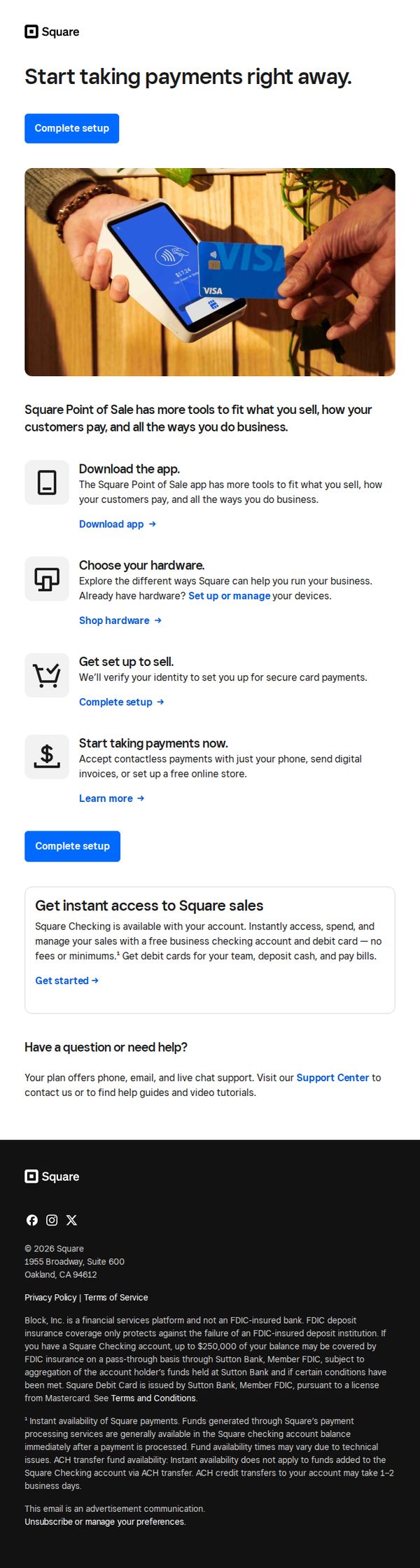
Objective
This email aims to guide new or prospective users through the initial setup of Square’s point-of-sale system, encouraging immediate action by simplifying onboarding into payment acceptance, hardware selection, and business management tools.
Why this works
The email strategically breaks down onboarding into four digestible steps, download, choose hardware, set up, and start selling, making a complex process feel approachable and actionable for time-strapped business owners.
How to implement
By embedding the primary CTA 'Complete setup' both above and below the step-by-step guide, the email reinforces urgency and reduces friction, ensuring users never lose sight of the next action regardless of scroll depth.
Pro Tip
Add a visual progress indicator or checklist next to each setup step to give users a sense of momentum and completion, which can increase conversion by reducing perceived effort. • Include a short testimonial or trust badge near the 'Start taking payments now' section to alleviate security concerns, especially for users unfamiliar with contactless or digital invoicing.
6. Your point of sale is waiting
Objective
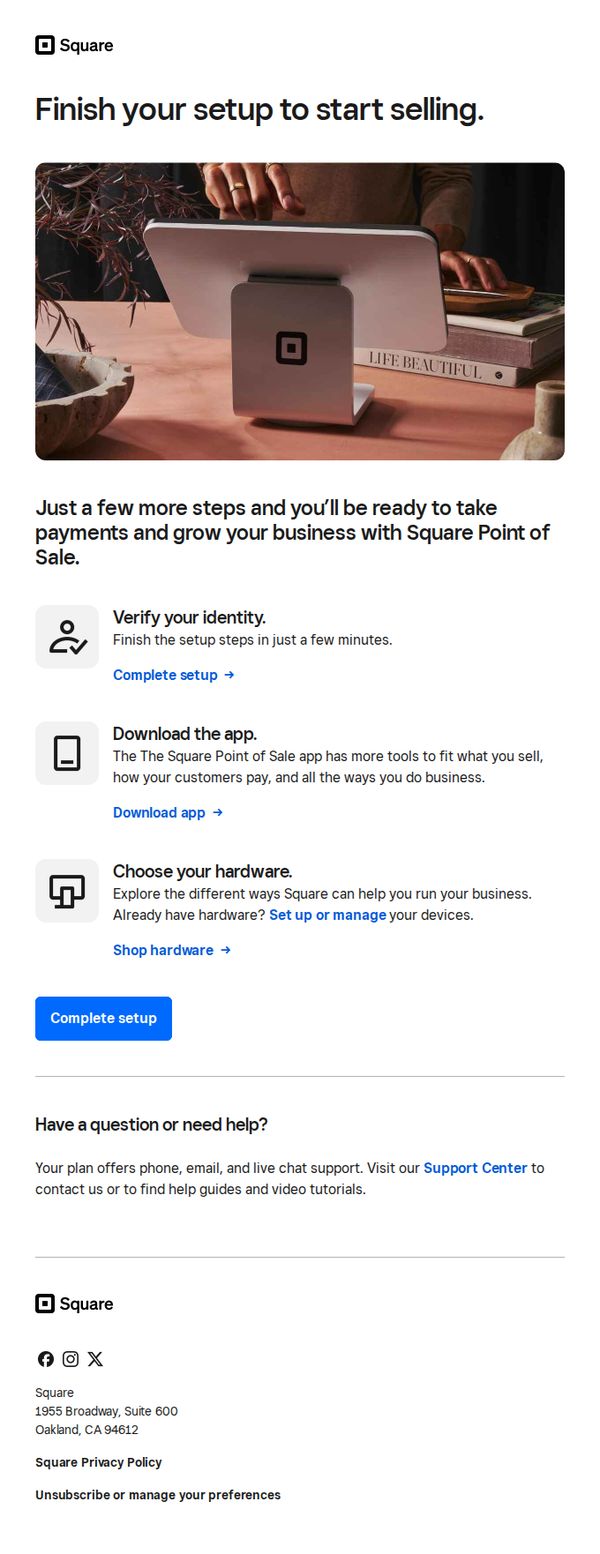
This email aims to guide new Square users through the final steps of setting up their Point of Sale system so they can begin accepting payments and scaling their business quickly. It reduces friction by breaking down setup into simple, actionable tasks with clear next steps.
Why this works
The email frames setup as a near-completion milestone, 'Just a few more steps', which reduces perceived effort and leverages the psychological momentum of almost finishing, making users more likely to act immediately.
How to implement
Each setup step is paired with a benefit-driven micro-CTA, such as 'Download the app' to unlock tools tailored to the user’s business model, which transforms a technical task into a value-driven experience.
Pro Tip
Add a progress bar or checklist visual near the top to show users how many steps remain, this increases perceived control and completion motivation, especially since the email already lists three distinct setup actions. • Include a brief testimonial or social proof near the CTA, such as '92% of users complete setup in under 5 minutes,' to reduce hesitation and reinforce that the process is quick and widely successful.
7. Try out your POS with a test payment
Objective
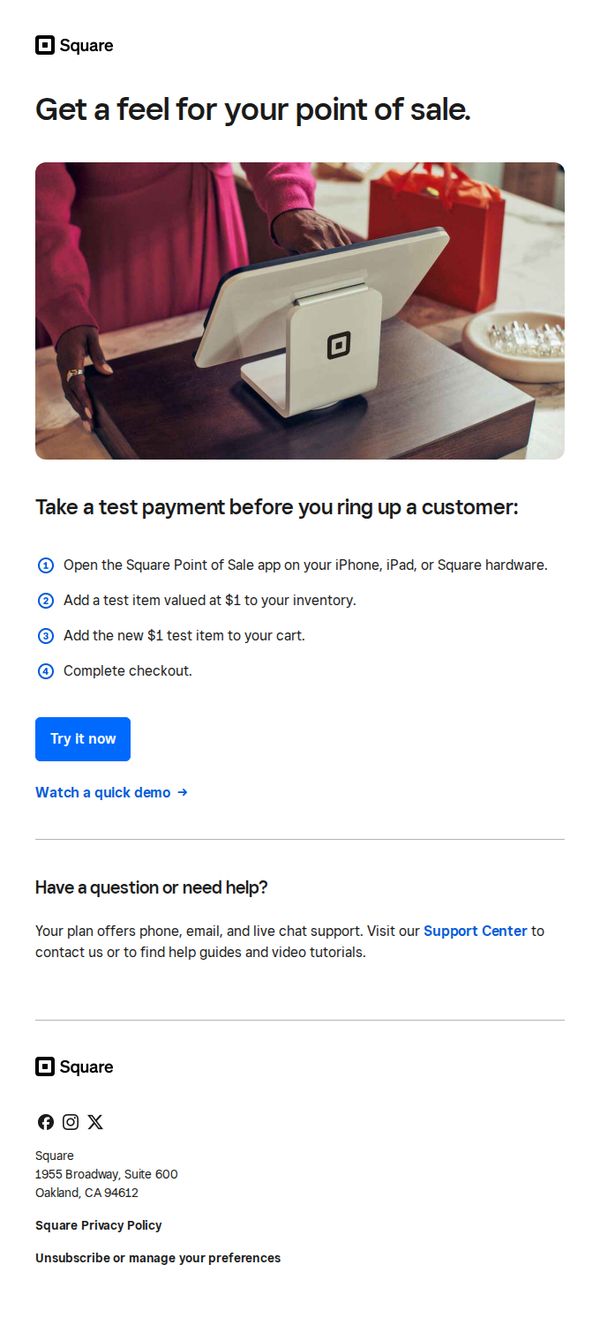
This email aims to encourage new users to experience Square’s point-of-sale system firsthand by simulating a real transaction, reducing hesitation through hands-on familiarity before committing to live use.
Why this works
The email brilliantly lowers the barrier to entry by inviting users to simulate a real transaction with a $1 test item, making the unfamiliar feel safe and intuitive without requiring financial risk or setup complexity.
How to implement
By visually anchoring the message with a warm, real-world photo of a customer interacting with the Square terminal, the email builds emotional trust and subtly positions the product as part of a natural retail experience, not just software.
Pro Tip
Add a subtle countdown or urgency cue near the CTA, like 'Start your test before [date]', to nudge procrastinators, since the current design lacks time-based motivation despite the low-friction offer. • Include a short testimonial or stat (e.g., '92% of users complete their first test payment within 5 minutes') near the steps to reinforce social proof and reduce perceived effort, making the action feel even more effortless and widely adopted.
8. Simplified payroll by Square
Objective
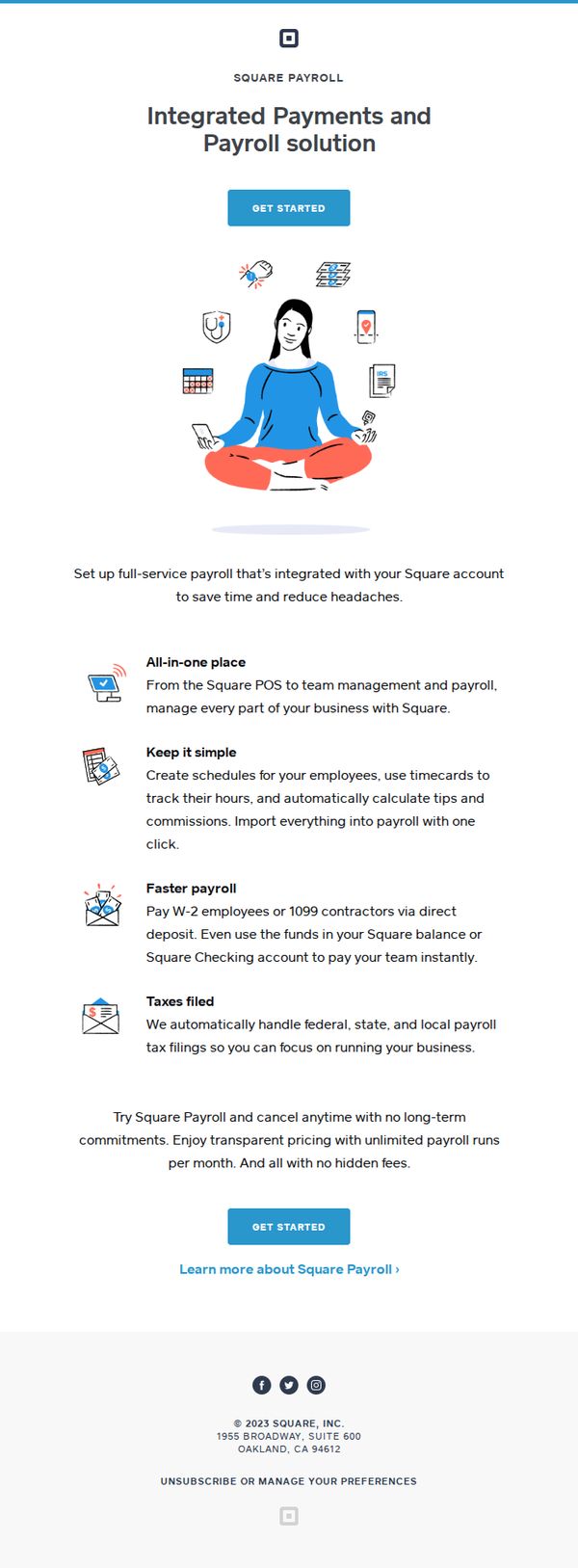
This email aims to convert small business owners into Square Payroll users by highlighting its seamless integration with existing Square tools and emphasizing time savings, simplicity, and cost transparency. It positions payroll as a stress-free, all-in-one solution rather than a standalone administrative burden.
Why this works
The email brilliantly reframes payroll from a chore into a strategic advantage by anchoring it to the user’s existing Square ecosystem, making adoption feel like an upgrade rather than a new commitment.
How to implement
By leading with a calm, centered illustration of a business owner surrounded by tools, not spreadsheets or stress, the visual storytelling immediately communicates emotional relief, which is more persuasive than feature lists alone.
Pro Tip
Add a subtle countdown or urgency trigger near the second 'GET STARTED' button, such as 'Start your free trial before [date]', to nudge hesitant users who may otherwise delay signing up. • Include a short testimonial or social proof snippet (e.g., 'Used by 50K+ small businesses') near the top of the offer section to build trust before users dive into feature details.
9. Need support to get started?
Objective
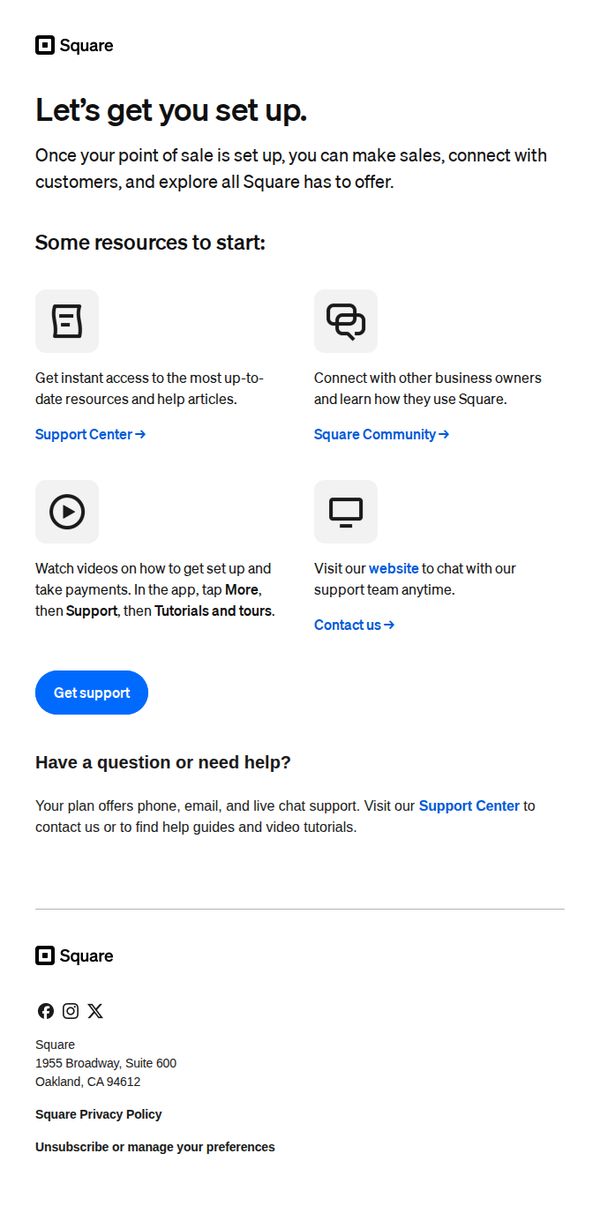
This email aims to guide new Square users through onboarding by offering curated support resources, encouraging self-service learning, and reassuring them that human assistance is readily available to reduce friction during setup.
Why this works
The email strategically frames setup as a gateway to meaningful business outcomes, making sales and connecting with customers, rather than just a technical task, which emotionally motivates users to complete onboarding.
How to implement
By organizing support into four distinct, icon-driven options, articles, community, video tutorials, and live chat, it reduces cognitive load and lets users self-select the help format that matches their learning style and urgency.
Pro Tip
Add a small progress indicator or checklist beneath the hero headline (e.g., 'Step 1 of 3: Set up your point of sale') to give users a sense of momentum and reduce abandonment during onboarding. • Replace the generic 'Get support' CTA with a more action-oriented, benefit-driven version like 'Start setup with guided help' to better align with the user’s immediate intent and reduce ambiguity.
10. Build your library for faster sales
Objective
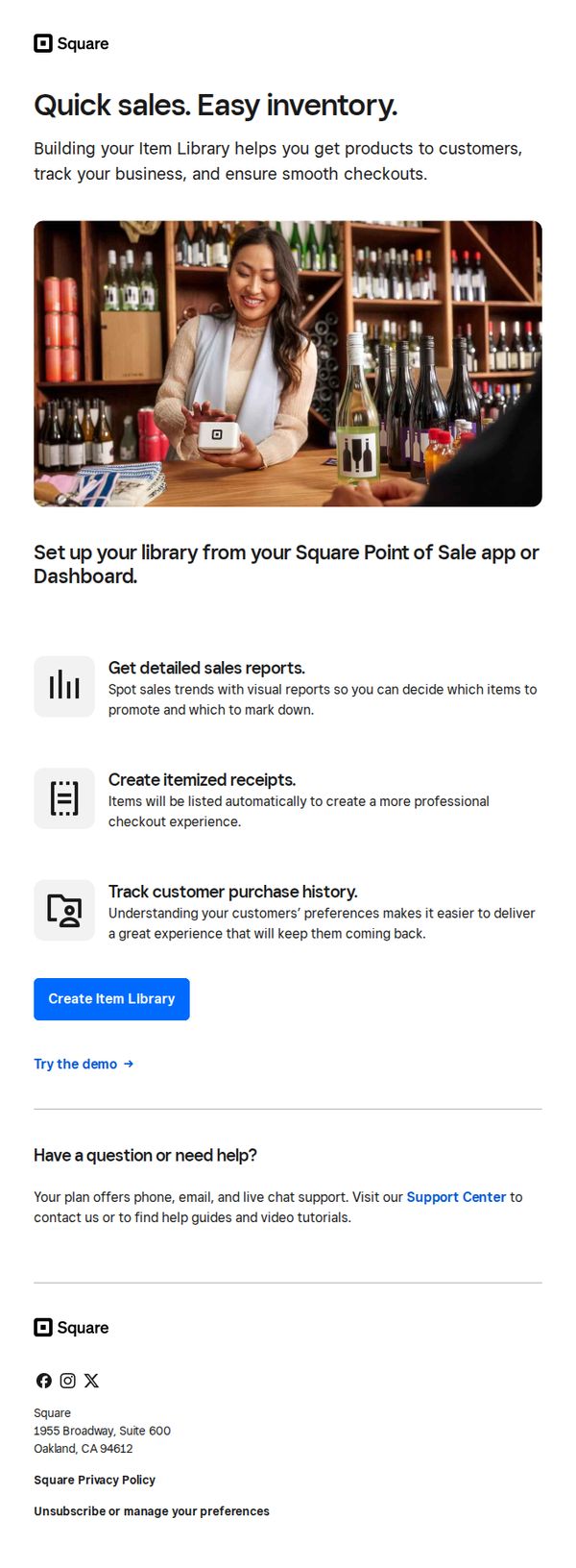
This email aims to encourage Square users to build and organize their item library within the Point of Sale app to streamline sales, improve inventory tracking, and enhance customer checkout experiences. It positions the feature as essential for smarter, faster business operations.
Why this works
The email smartly frames inventory management not as a chore but as a growth lever, tying item library setup to tangible outcomes like faster sales, better reports, and repeat customers, which speaks directly to business owners’ pain points.
How to implement
Using a real-world visual of a smiling merchant in a retail setting instantly builds relatability and trust, subtly signaling that this isn’t just software, it’s a tool that works seamlessly in actual small business environments.
Pro Tip
Add a subtle countdown timer or urgency trigger near the CTA to nudge procrastinators, since setting up an item library is a low-effort, high-impact task that benefits from timely action. • Include a short customer testimonial or stat (e.g., 'Merchants who set up their library see 20% faster checkouts') to reinforce social proof and validate the claimed benefits before the CTA.