Data gift guide email gallery from real brands
1. Similarweb: You're Registered - 4 Steps to Win Your Market in 2026
Objective
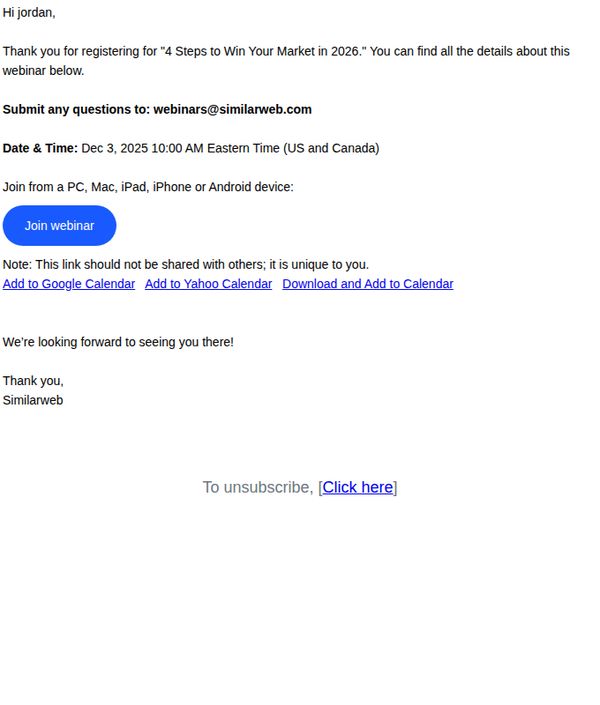
This email confirms webinar registration and motivates the recipient to attend by clearly stating the event’s value proposition, '4 Steps to Win Your Market in 2026', while providing immediate access to join and calendar integration options to reduce friction.
Why this works
The email opens with a personalized greeting and immediate confirmation of registration, which builds trust and reassures the recipient they’ve successfully secured their spot without needing to search for confirmation elsewhere.
How to implement
Including direct calendar integration links for Google, Yahoo, and downloadable .ics files removes friction and increases attendance likelihood by making it effortless for busy professionals to schedule the event into their existing workflows.
Pro Tip
Add a brief teaser of the 4 steps or one key insight from the webinar to build anticipation and reinforce the value proposition beyond just the title, helping combat no-shows by reminding registrants why they signed up. • Include a secondary CTA or reminder section near the bottom, such as 'Can’t make it? Get the recording and slides sent to you', to capture engagement from those who may miss the live session and keep them in the funnel.
2. Similarweb: Reminder: 4 Steps to Win Your Market in 2026 starts in 1 day
Objective
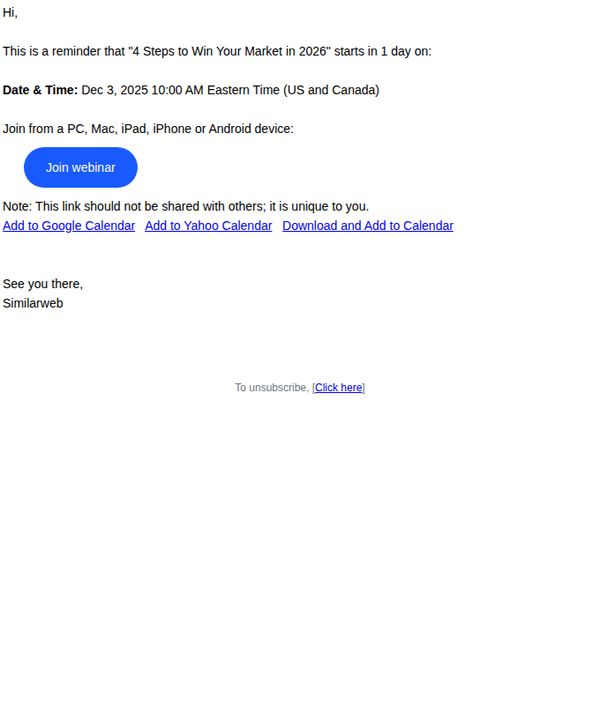
This email serves as a last-minute reminder to registered attendees that the webinar '4 Steps to Win Your Market in 2026' is starting in one day, encouraging immediate action to join and reinforcing the value of timely participation.
Why this works
The email leverages urgency effectively by highlighting the event starts in just one day, creating a psychological nudge that motivates immediate action without overwhelming the recipient with unnecessary details.
How to implement
By specifying device compatibility and including calendar integration options, the email removes friction from the attendee experience, subtly signaling professionalism and user-centric design that builds trust before the event even begins.
Pro Tip
Add a brief teaser of one key insight or benefit attendees will gain from the webinar, this would strengthen persuasion by answering 'What’s in it for me?' right before the CTA. • Include a small countdown timer graphic or text (e.g., '24 hours left') near the CTA to visually amplify urgency and reduce cognitive load for time-sensitive decision-making.
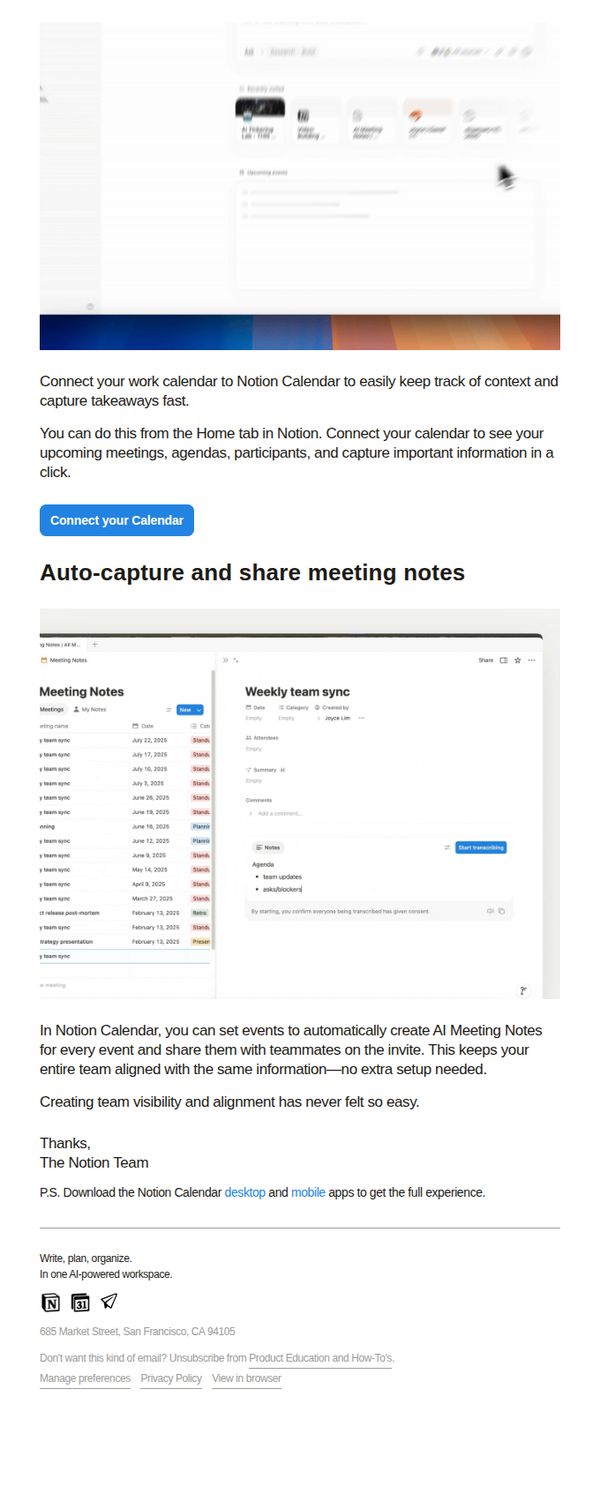
3. Notion: Connect your calendar with AI Meeting Notes
Objective
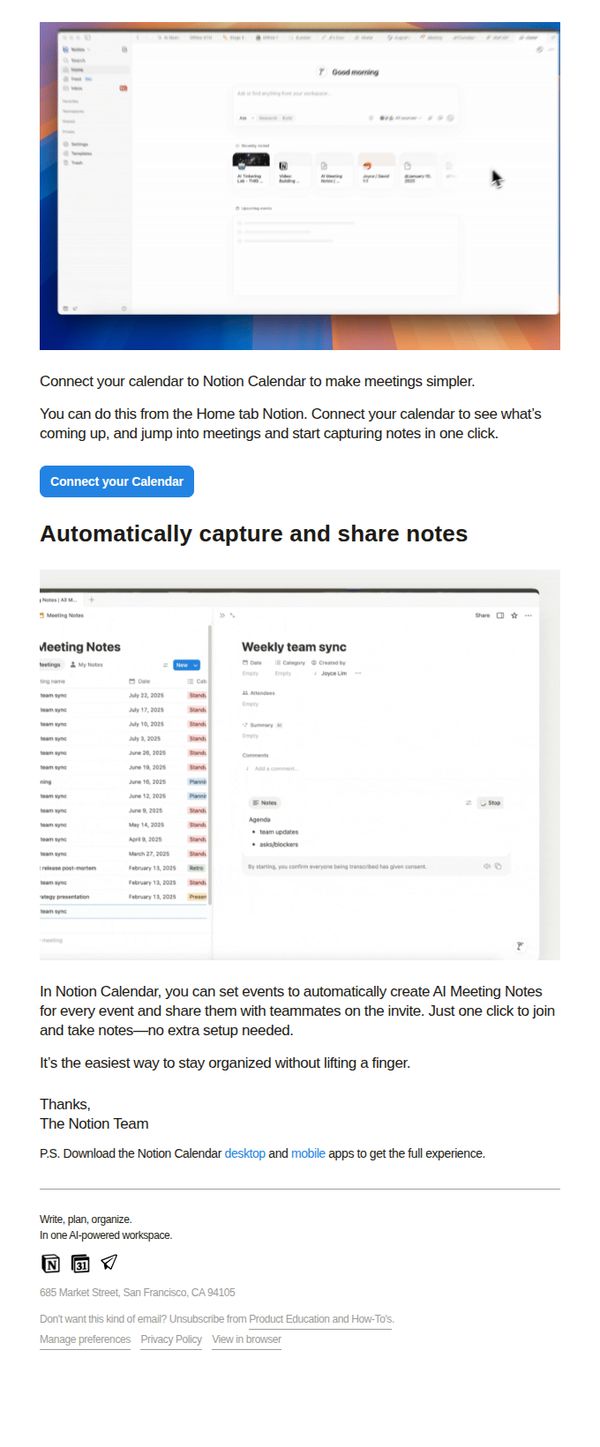
This email aims to drive users to connect their calendar with Notion Calendar to streamline meeting workflows by automatically generating and sharing AI-powered meeting notes, reducing manual effort and increasing team alignment.
Why this works
The email brilliantly frames the feature as a time-saving superpower, automatically capturing and sharing meeting notes with zero setup, making it feel effortless and indispensable for busy teams.
How to implement
By anchoring the message in a real workflow pain point (manual note-taking), the email creates immediate relevance and positions Notion Calendar as the intuitive solution users didn’t know they needed.
Pro Tip
Add a brief testimonial or social proof near the CTA, such as 'Used by 50K+ teams to cut meeting follow-ups by 40%', to reinforce credibility and urgency without cluttering the layout. • Include a secondary CTA or micro-copy beneath the main button, like 'See how it works in 30 seconds →', to guide hesitant users who need more context before committing.
4. Similarweb: Live look at your market
Objective
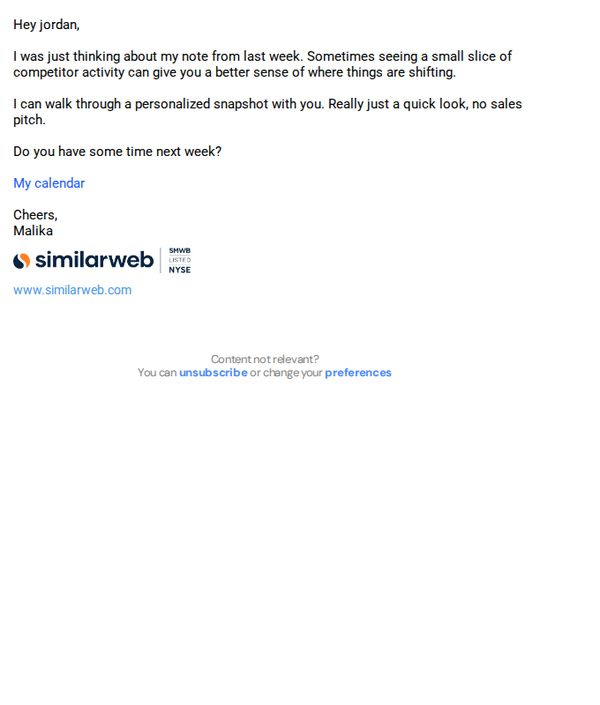
To initiate a low-pressure, personalized conversation by offering a quick, no-obligation review of competitor activity insights, encouraging the recipient to schedule a brief meeting with the sender.
Why this works
The email opens with a warm, conversational tone that references a prior interaction, making the outreach feel personal and contextually grounded rather than generic or sales-driven.
How to implement
By positioning the offer as a 'quick look, no sales pitch,' it reduces perceived friction and builds trust, subtly reframing the interaction from transactional to consultative and value-first.
Pro Tip
Add a brief visual preview or bullet list of what the 'personalized snapshot' includes (e.g., top competitor traffic trends, keyword shifts) to increase perceived value before the CTA. • Include a subtle social proof element, such as '92% of clients found their snapshot revealed unexpected opportunities', to reinforce credibility and reduce hesitation.
5. Notion: AI notes for every meeting
Objective
This email aims to drive adoption of Notion Calendar’s AI Meeting Notes feature by showing users how to auto-capture and share meeting context with teammates, reducing manual note-taking and improving team alignment without extra setup.
Why this works
The email brilliantly frames AI meeting notes as a team alignment tool, not just a productivity hack, making the feature feel essential for collaboration rather than optional convenience.
How to implement
By showing a real interface screenshot with labeled elements like 'Start transcribing' and 'Summary,' the email reduces cognitive load and builds confidence that the feature is intuitive and immediately usable.
Pro Tip
Add a brief testimonial or social proof near the CTA, like 'Used by 50K+ teams to reduce meeting follow-ups by 30%', to strengthen credibility and urgency for connecting the calendar. • Include a visual indicator (e.g., a small checkmark or progress bar) next to the 'Connect your Calendar' button to imply ease and speed, reducing perceived friction for users unfamiliar with calendar integrations.
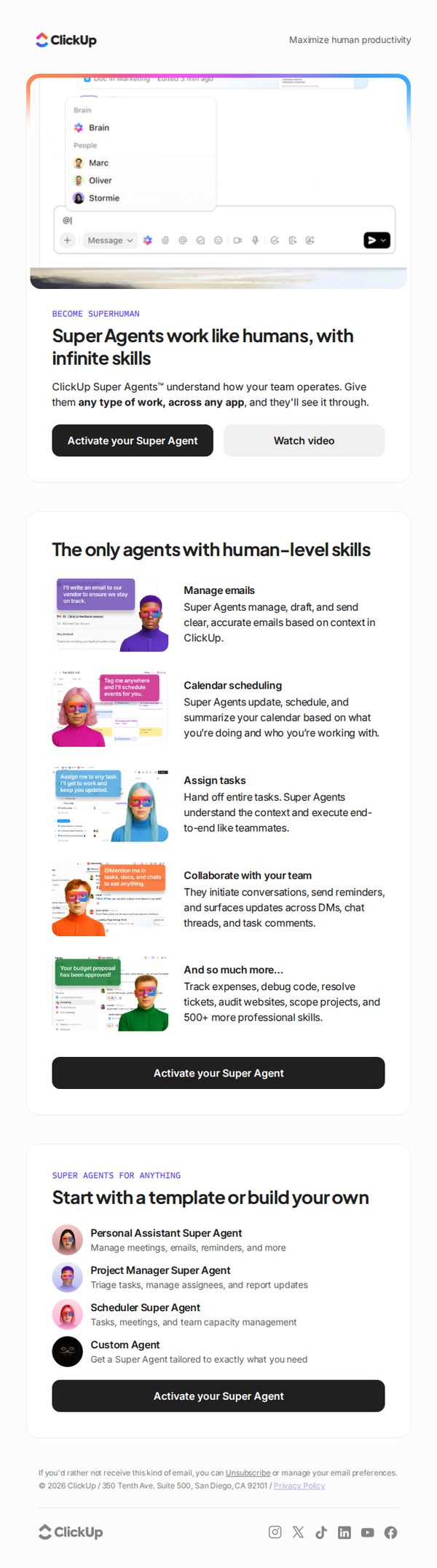
6. ClickUp : Super Agents work like human teammates, 24/7
Objective
This email aims to introduce and promote ClickUp Super Agents as AI teammates that operate 24/7 with human-level skills, encouraging users to activate their own agent to boost productivity and automate complex workflows across apps.
Why this works
ClickUp positions Super Agents not as tools but as human-like teammates, which emotionally resonates with users overwhelmed by task overload and craving reliable, intelligent support that understands context and workflow.
How to implement
The email strategically showcases specific, high-impact use cases, like managing emails, scheduling, and assigning tasks, with visual examples that make abstract AI capabilities feel tangible, immediate, and deeply integrated into daily work routines.
Pro Tip
Add a subtle countdown timer or urgency indicator near the CTA to create FOMO, especially since the offer implies immediate productivity gains, this would nudge procrastinators to act now rather than defer activation. • Include a short testimonial or social proof snippet from a recognizable brand or user near the hero section to validate the 'human-level skills' claim and reduce skepticism about AI reliability in professional settings.
7. ClickUp : A warm little recap of a not-so-little year 🎁

Objective
This email aims to help users reflect on their personal and professional progress over the year while subtly reinforcing ClickUp’s value as a tool for measurable productivity and intentional work habits. It blends emotional resonance with practical insights to deepen user engagement and brand loyalty.
Why this works
The email brilliantly reframes year-end reflection not as a performance review but as a personal narrative, inviting users to celebrate small wins and lessons, making productivity feel human, not mechanical, which builds emotional attachment to the brand.
How to implement
By introducing productivity concepts like 'reverse calendar method' and 'metacognition' through digestible, illustrated snippets, the email positions ClickUp as a thought leader without overwhelming the reader, turning abstract ideas into actionable, relatable tools.
Pro Tip
Add a subtle progress indicator or checklist next to the 'Log your year now!' CTA to visually nudge users toward completion, this would leverage the psychological principle of closure and increase conversion without disrupting the reflective tone. • Integrate a personalized stat or milestone from the user’s actual ClickUp activity (e.g., 'You completed 87 tasks this year!') in the hero section to make the reflection feel uniquely theirs, enhancing relevance and emotional resonance.
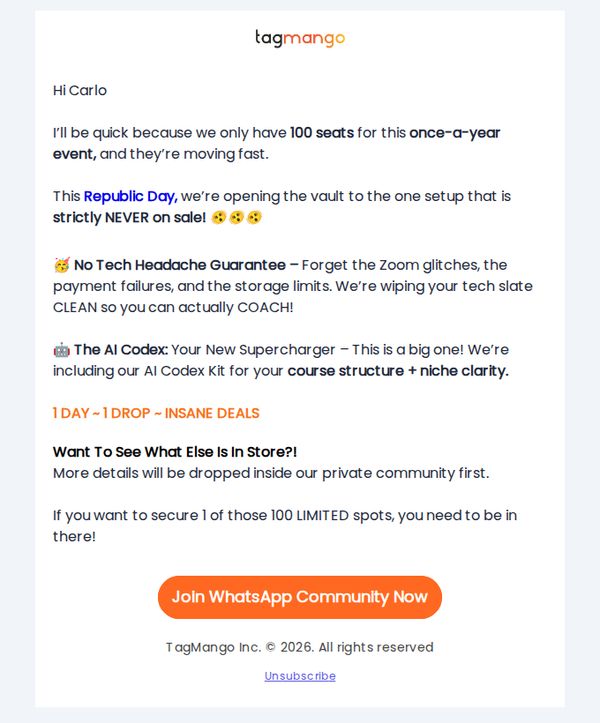
8. TagMango : You’re in! Here is your gift 🎁
Objective
This email aims to create urgency and exclusivity around a limited-time offer by notifying the recipient they’ve been granted access to a rare, high-value event with only 100 seats available, encouraging immediate action to join a private WhatsApp community before spots fill up.
Why this works
The email leverages scarcity and exclusivity by emphasizing 'only 100 seats' and 'once-a-year event' to trigger FOMO, making the recipient feel privileged and pressured to act before the opportunity vanishes.
How to implement
It builds trust and reduces friction by offering a 'No Tech Headache Guarantee,' directly addressing common pain points like Zoom glitches and payment failures, which reassures users they can focus on coaching, not tech.
Pro Tip
Add a countdown timer or real-time seat counter near the CTA to visually reinforce urgency and scarcity, making the '100 seats' claim more tangible and prompting faster decisions. • Include a brief testimonial or social proof from a past participant who benefited from the AI Codex Kit or community access to validate the offer’s value and reduce skepticism before the CTA.
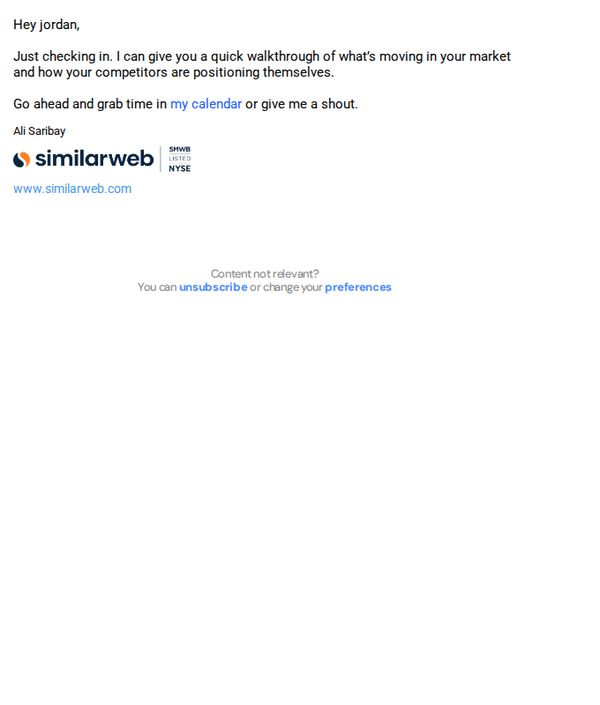
9. Similarweb: Worth a quick look?
Objective
This email aims to re-engage the recipient by offering a personalized, low-pressure walkthrough of market and competitor insights, encouraging them to book time or respond directly to initiate a sales conversation.
Why this works
The email opens with a warm, conversational tone that reduces friction by framing the outreach as a helpful check-in rather than a sales pitch, making the recipient feel valued rather than targeted.
How to implement
It strategically positions the value proposition around market intelligence and competitor positioning, a high-priority concern for decision-makers, which immediately justifies the recipient’s time investment.
Pro Tip
Add a subtle visual element like a short animated GIF or branded icon near the CTA to draw attention and break up the text-heavy layout, improving visual hierarchy and click-through potential. • Include a one-line social proof or stat (e.g., 'Used by 90% of Fortune 500 marketing teams') just before the CTA to reinforce credibility and urgency without cluttering the message.
10. Asana : Get all of your marketing tools in one place
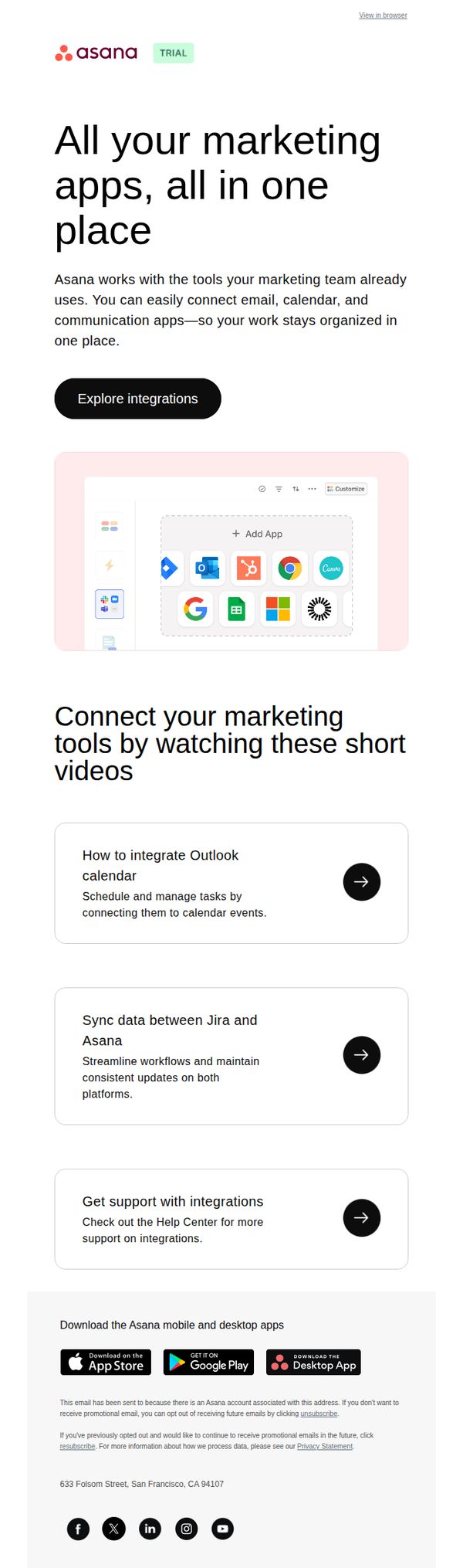
Objective
This email aims to convince marketing professionals that Asana can unify their existing tools into one organized workspace, reducing app-switching and improving team efficiency by showcasing seamless integrations with popular platforms.
Why this works
Asana positions itself not as a replacement for existing tools but as a unifying layer, which reduces adoption friction by validating the user’s current stack while offering consolidation, a smart psychological nudge for teams already overwhelmed by tool sprawl.
How to implement
The email uses concrete, task-oriented video titles like 'How to integrate Outlook calendar' to immediately signal practical value, helping recipients visualize time saved and reducing the abstractness of integration benefits with real-world use cases.
Pro Tip
Add a visual progress indicator or mini-checklist (e.g., '3 steps to connect your tools') near the CTA to reduce perceived effort and increase conversion by making integration feel achievable rather than open-ended. • Include a short testimonial or stat from a recognizable marketing team (e.g., 'Used by 70% of Fortune 500 marketing teams') in the hero section to build social proof and credibility before the user engages with educational content.