Launch Campaign email gallery from real brands: LinkedIn
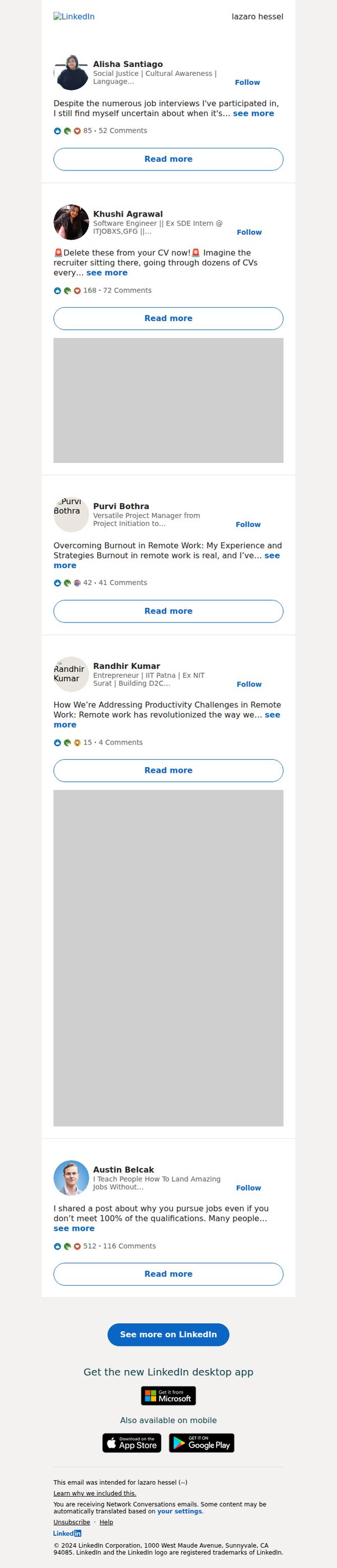
1. lazaro, Alisha Santiago has a new post for you
Objective
This email aims to re-engage the recipient by highlighting relevant, personalized content from their network, encouraging them to return to LinkedIn to read, interact, and stay active on the platform.
Why this works
The email leverages personalization by naming a specific connection who posted, creating immediate relevance and emotional pull that makes the recipient feel the content was curated just for them, not blasted to everyone.
How to implement
Each post preview includes social proof metrics like comment and reaction counts, subtly signaling popularity and conversation momentum, which nudges users to click by tapping into FOMO and the desire to join active discussions.
Pro Tip
Add a subtle visual indicator (like a small dot or badge) next to the first post from Alisha Santiago to reinforce the personalization hook and visually anchor the recipient’s attention to the most relevant content. • Include a micro-copy line above the CTA such as 'Your network is talking, join the conversation' to strengthen the social motivation and clarify the value of clicking beyond just 'seeing more.'
2. Negotiating a pay raise? Here's how to…
Objective
This email aims to engage users by offering actionable career advice on negotiating a pay raise, while subtly promoting LinkedIn’s value as a professional development platform through app downloads and interactive content.
Why this works
The email opens with a high-stakes, emotionally resonant question, 'Negotiating a pay raise?', which immediately captures attention by addressing a universal professional pain point with urgency and relevance.
How to implement
By framing the advice as a 'structured plan,' LinkedIn positions itself not just as a job board but as a strategic partner in career advancement, subtly reinforcing trust and authority without overt sales pressure.
Pro Tip
The CTA 'Read more' is too generic, rephrasing it to 'Get Your Pay Raise Playbook' would better align with the email’s value proposition and increase click-through intent by promising a tangible outcome. • The app promotion section feels disconnected from the main message; integrating a line like 'Track your career growth with LinkedIn’s desktop app' would create narrative continuity and strengthen the strategic link between content and product.
3. Use your weakness to your advantage in a…
Objective
This email aims to engage users by offering actionable career advice, specifically how to turn personal weaknesses into interview strengths, while subtly promoting LinkedIn’s value as a professional development tool. It also drives app adoption by highlighting desktop and mobile availability.
Why this works
The subject line and headline cleverly reframe a common pain point, job interview weaknesses, as a strategic opportunity, instantly sparking curiosity and positioning LinkedIn as a trusted advisor for career growth.
How to implement
By personalizing the recipient’s name and embedding a clear, benefit-driven CTA button, the email creates immediate relevance and reduces friction, encouraging users to click without feeling sold to.
Pro Tip
Add a brief testimonial or stat near the CTA (e.g., '87% of users who used these tips felt more confident in interviews') to build social proof and increase click-through confidence. • Include a secondary CTA or micro-copy under the main button (e.g., 'Get the tips in 2 minutes') to reduce perceived effort and reinforce the value proposition for time-sensitive readers.
4. Networking can be done easily on a daily…
Objective
To encourage daily networking habits by positioning LinkedIn as a simple, accessible tool for professional growth, while driving engagement through a clear educational prompt and app promotion.
Why this works
The email brilliantly reframes networking as a low-effort daily habit rather than a daunting task, making professional growth feel accessible and sustainable for time-strapped users.
How to implement
By anchoring the message to a personal name and using a conversational tone, the email builds immediate trust and relevance, increasing the likelihood of engagement without sounding overly promotional.
Pro Tip
Add a brief testimonial or user stat near the 'Read more' button to reinforce credibility and reduce friction, e.g., '87% of users who network daily land new opportunities within 3 months.' • Reposition the app download section higher or integrate it into the hero area to reduce scroll dependency, since the primary goal appears to be driving app adoption alongside engagement.
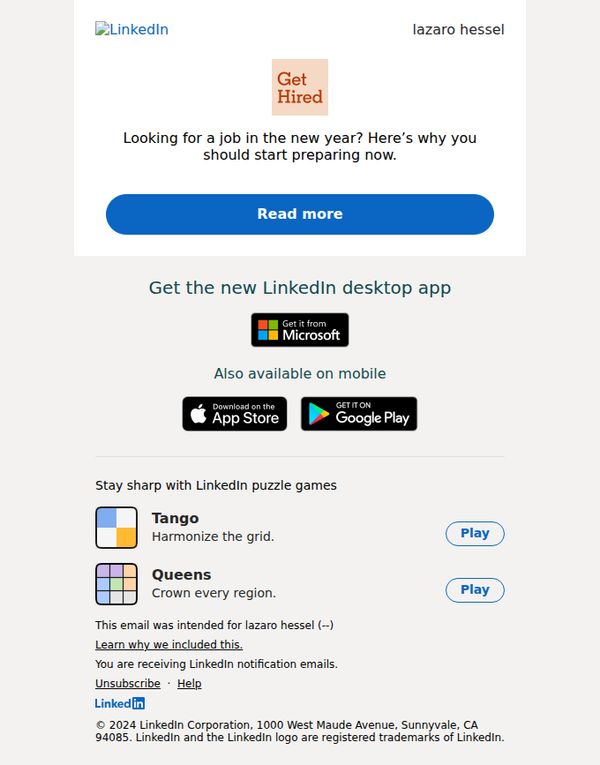
5. Looking for a job in the new year?…
Objective
This email aims to motivate job seekers to begin their career search early in the new year by positioning LinkedIn as the essential platform for preparation and opportunity discovery. It encourages immediate engagement through a compelling CTA that leads to actionable advice.
Why this works
The email opens with a timely, emotionally resonant question that taps into new year motivation, making the reader feel the urgency to act now before opportunities slip away, a powerful psychological hook for career-focused audiences.
How to implement
Instead of pushing a product directly, it leads with value, offering preparation guidance as the primary benefit, which builds trust and positions LinkedIn as a helpful advisor rather than just a job board, increasing conversion likelihood.
Pro Tip
Add a brief social proof element, such as '87% of users who started preparing in January landed roles by March', near the CTA to reinforce urgency and credibility without cluttering the layout. • Reposition the app download section below the puzzle games or remove it entirely, it distracts from the core job-seeking objective and competes for attention with the primary CTA, diluting campaign focus.
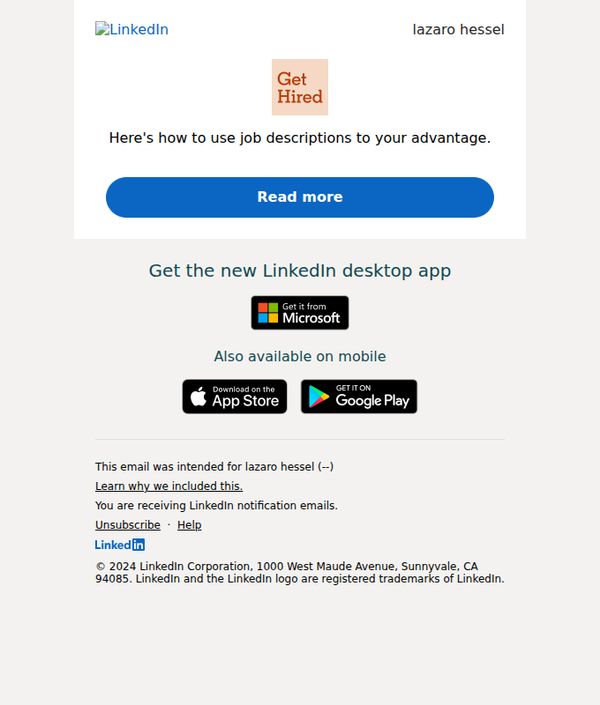
6. Here's how to use job descriptions to…
Objective
This email aims to engage the recipient by offering actionable advice on leveraging job descriptions to improve hiring outcomes, while subtly promoting LinkedIn’s desktop app as a productivity tool for recruiters and hiring managers.
Why this works
The email opens with a personalized name and a benefit-driven headline that immediately signals value, making the recipient feel the content is tailored to their professional needs rather than generic marketing noise.
How to implement
By placing a prominent, high-contrast CTA button labeled 'Read more' directly under the headline, the email reduces friction and guides the reader toward the next step without overwhelming them with options or distractions.
Pro Tip
Add a brief testimonial or stat near the CTA (e.g., '87% of recruiters say this tactic improved candidate quality') to build credibility and urgency, encouraging more clicks by validating the promise before the reader has to commit. • Reposition the app promotion section to appear after the 'Read more' content, currently, it interrupts the flow and distracts from the primary goal of driving engagement with the educational content, which should come first.
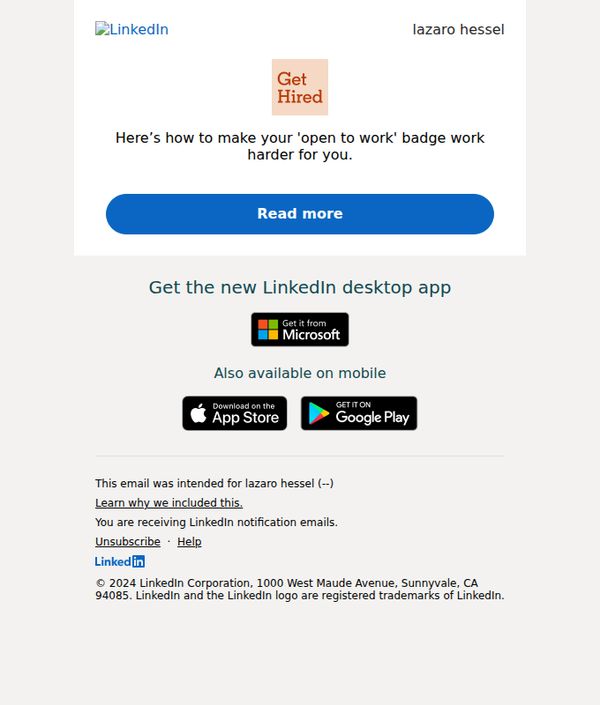
7. Here’s how to make your 'open to work'…
Objective
This email aims to guide users on optimizing their 'Open to Work' badge to attract more job opportunities, while subtly promoting LinkedIn’s desktop and mobile apps to increase platform engagement and retention.
Why this works
The email brilliantly reframes a passive feature, the 'Open to Work' badge, into an active career accelerator, making users feel empowered rather than just informed, which increases the likelihood of engagement and action.
How to implement
By placing a single, high-contrast CTA button immediately after the value proposition, LinkedIn eliminates decision fatigue and funnels users directly toward the next step without distraction or competing options.
Pro Tip
Add a brief testimonial or stat (e.g., 'Members who optimize their badge get 3x more recruiter messages') right above the CTA to build social proof and urgency, reinforcing the value before the click. • Reposition the app download section to appear after the 'Read more' content, so users first engage with the core value before being asked to download, reducing friction and increasing content completion rates.
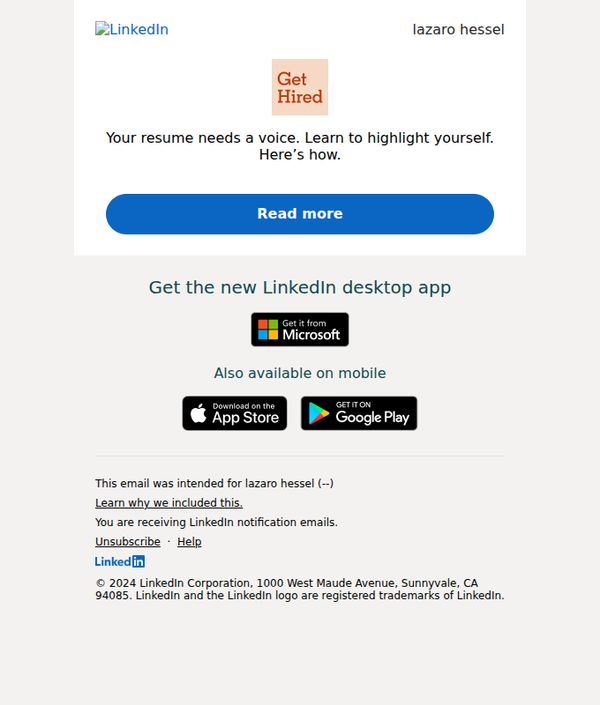
8. Your resume needs a voice. Learn to…
Objective
To encourage the recipient to engage with LinkedIn’s career development resources by framing resume improvement as a storytelling opportunity, ultimately driving clicks to learn how to better highlight their professional value.
Why this works
The email positions resume building not as a chore but as a narrative craft, subtly reframing the user’s mindset from filling forms to telling a compelling professional story that stands out to hiring managers.
How to implement
By using the phrase 'Your resume needs a voice,' the copy taps into emotional resonance, implying that the user’s current resume is silent or invisible, a clever psychological trigger that motivates action without sounding pushy.
Pro Tip
Add a brief testimonial or stat (e.g., '87% of users who rewrote their resume with our guide got more interview requests') in the hero section to build credibility and reduce perceived risk before the CTA. • Reposition the app download section higher or separate it visually from the footer to avoid burying a secondary conversion opportunity, especially since mobile and desktop users may have different engagement intentions.
9. Ace your interview with AI prompts…
Objective
To help job seekers prepare for interviews using AI-powered prompts while driving engagement with LinkedIn’s platform features and desktop app. It also subtly promotes LinkedIn’s gamified learning tools to maintain user activity.
Why this works
The email brilliantly frames AI not as a replacement for human effort but as a strategic ally in interview prep, making the value proposition feel empowering rather than intimidating to job seekers.
How to implement
By anchoring the CTA around a specific, high-stakes moment, ‘Ace your interview’, the email taps into emotional urgency while positioning LinkedIn as a trusted coach, not just a job board.
Pro Tip
Add a brief testimonial or stat near the CTA (e.g., '87% of users who used AI prompts felt more confident in interviews') to reinforce social proof and reduce perceived risk before clicking. • Place the desktop app promotion above the puzzle games to prioritize conversion-driving elements earlier in the scroll, since users may disengage before reaching the app CTA.
10. Big Tech firms are cutting perks –…
Objective
To engage the recipient by highlighting a timely industry trend, Big Tech cutting perks, and drive them to read more about expert analysis, while also promoting the LinkedIn desktop app as a secondary goal.
Why this works
The email leverages real-time industry urgency by spotlighting Big Tech’s perk cuts, creating immediate relevance and curiosity that compels professionals to click for expert insights before competitors do.
How to implement
By anchoring the CTA around ‘experts discuss the implications,’ the email positions LinkedIn as a thought leadership hub, subtly reinforcing its value as a platform for career-critical intelligence beyond networking.
Pro Tip
Add a brief teaser quote or stat from the article above the CTA to increase perceived value and reduce ambiguity about what ‘Read more’ reveals, thereby boosting click-through rates. • Integrate a subtle visual cue, like a small icon or border, around the desktop app section to visually distinguish it from footer links and improve conversion for app downloads without disrupting the primary message.