How Harvard Business Review does media email campaigns

1. What kind of job candidate are you?
Objective
This email aims to help job seekers reflect on their current mindset and approach to job hunting by introducing them to two behavioral archetypes, Avoiders and Gatherers, while offering actionable advice and curated HBR content to guide them toward a more strategic, confident, and effective job search.
Why this works
The email opens with a psychologically resonant question, 'What kind of job candidate are you?', which immediately invites self-reflection and personalizes the experience, making the reader feel seen and understood before any advice is offered.
How to implement
By framing job hunting as a journey with two distinct behavioral archetypes, Avoiders and Gatherers, the email transforms a potentially overwhelming process into a relatable narrative, helping readers identify their own patterns and feel less alone in their struggles.
Pro Tip
Add a visual cue or icon next to each 'Read more' button to differentiate the content types (e.g., resume tips vs. future job trends), helping readers quickly identify which article aligns with their current need without scrolling back to read the section headers. • Include a brief, bolded takeaway or quote from each recommended article directly under its title to increase perceived value and reduce friction, readers are more likely to click if they know exactly what insight they’ll gain before committing to the full read.
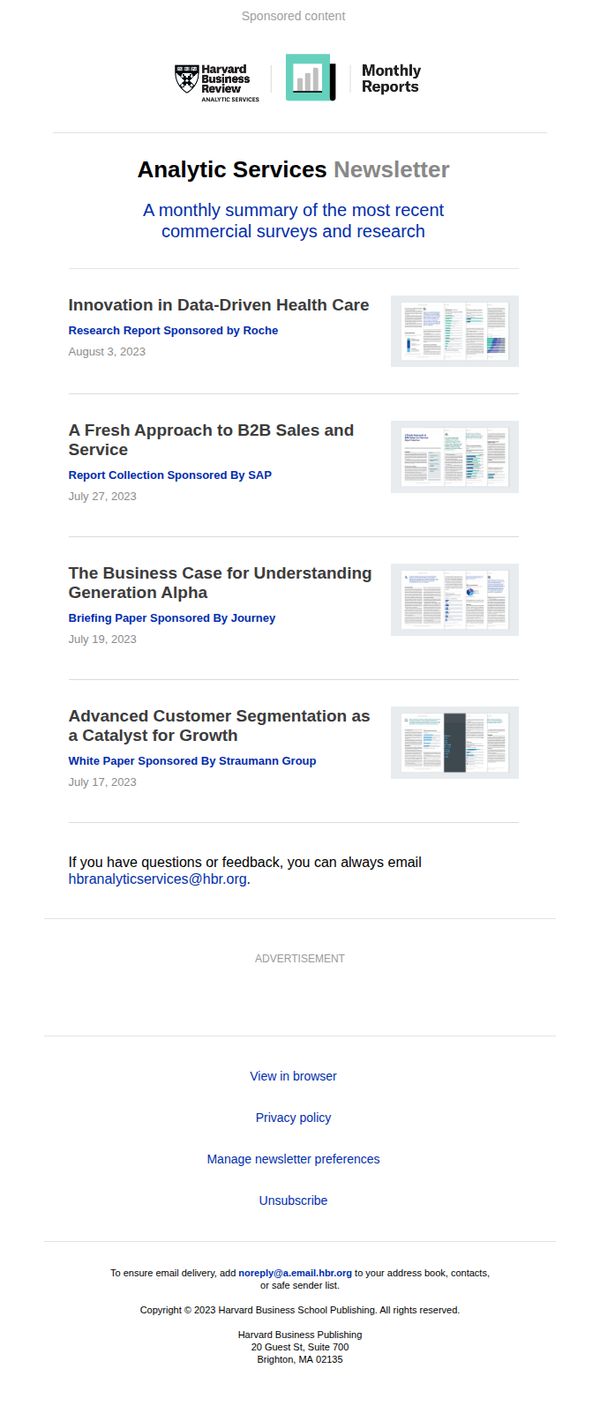
2. The latest research from Harvard Business Review Analytic Services
Objective
This email aims to position Harvard Business Review Analytic Services as a trusted source of cutting-edge business research by delivering a curated monthly digest of sponsored reports and white papers to subscribers. It seeks to maintain engagement through valuable, data-driven insights while subtly reinforcing brand authority and sponsorship partnerships.
Why this works
The email effectively leverages sponsorship transparency by clearly labeling each report’s corporate backer, which builds credibility while subtly aligning HBR with industry leaders without compromising editorial integrity.
How to implement
By organizing content chronologically with bold headlines and thumbnail previews, the email creates a magazine-like browsing experience that encourages readers to click through based on topical relevance rather than promotional pressure.
Pro Tip
Add a primary CTA button above the content list, such as 'Download This Month’s Top Report', to guide readers toward immediate engagement rather than relying solely on passive browsing. • Include a short teaser snippet or key insight under each report title to increase click-through rates by giving readers a compelling reason to open each piece without requiring them to guess its value.
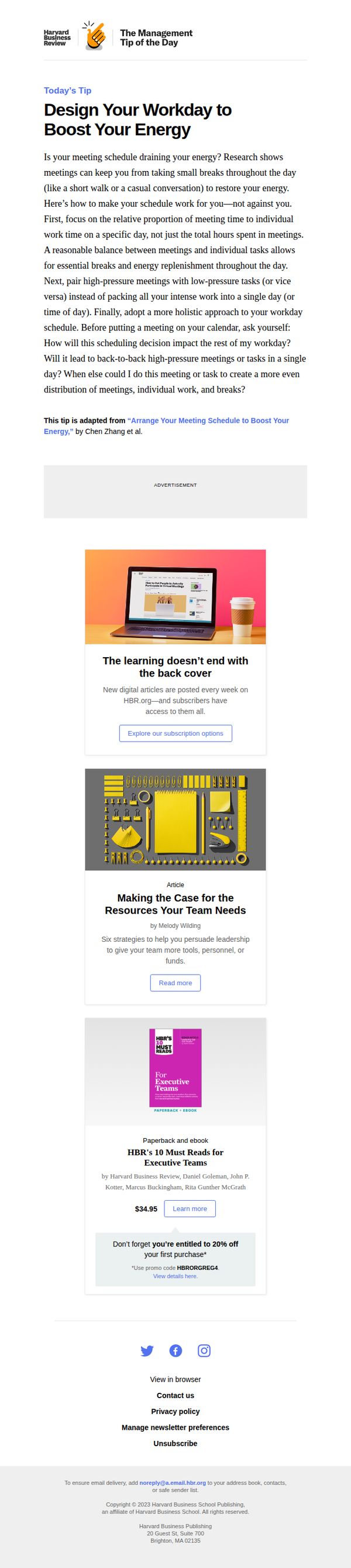
3. The Management Tip of the Day
Objective
This email aims to deliver actionable, research-backed management advice to busy professionals while subtly promoting HBR’s subscription and product offerings. It positions HBR as a trusted daily resource for leadership development and productivity optimization.
Why this works
The email opens with a relatable pain point, energy-draining meetings, then immediately offers a research-backed, structured solution, making the advice feel both urgent and credible without overwhelming the reader.
How to implement
By anchoring the tip in a cited article and author, HBR reinforces its authority while creating a natural bridge to deeper content, encouraging readers to explore the source material or related offerings without feeling sold to.
Pro Tip
Add a secondary CTA button beneath the main tip, such as 'Save This Tip for Later' or 'Share With Your Team', to increase engagement and encourage social sharing without disrupting the primary conversion path. • Include a brief testimonial or user quote near the product promotion (e.g., '92% of readers who applied this tip reported better focus') to build social proof and reinforce the value of the advice before prompting a purchase.
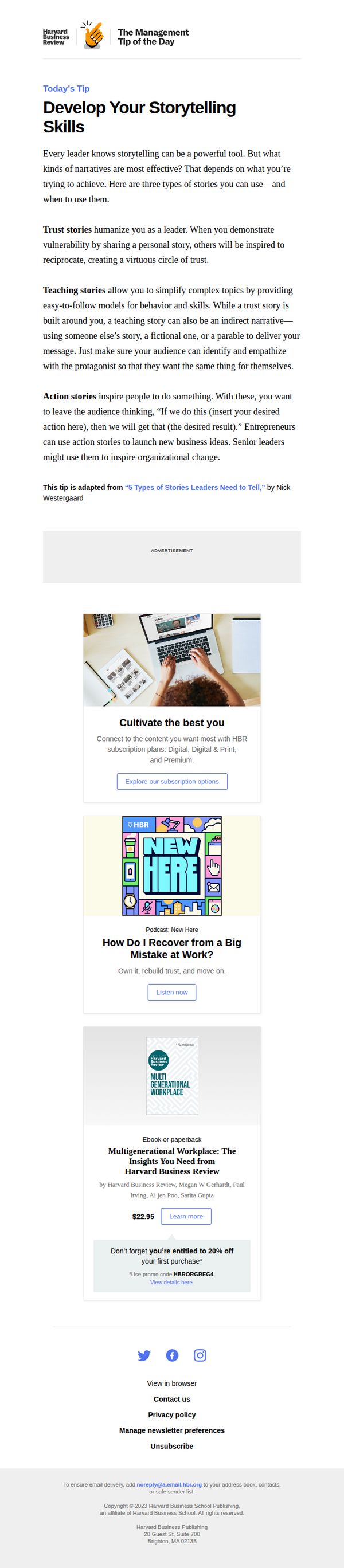
4. The Management Tip of the Day
Objective
This email aims to deliver daily, actionable management advice to professionals while subtly promoting HBR’s subscription offerings and related content. It positions HBR as a trusted source of leadership insight and encourages deeper engagement through product and media recommendations.
Why this works
The email opens with a highly relevant, immediately applicable leadership tip that speaks directly to the reader’s professional identity, making the content feel personalized and valuable from the first sentence.
How to implement
By breaking down storytelling into three distinct, purpose-driven types, trust, teaching, and action, the email transforms abstract advice into a practical framework readers can implement immediately, increasing perceived usefulness and retention.
Pro Tip
Add a secondary CTA button beneath the main tip, such as 'Save This Tip for Later' or 'Share With Your Team', to increase engagement before the reader scrolls to promotional content. • Include a brief testimonial or quote from a reader who applied the storytelling framework successfully, to reinforce credibility and demonstrate real-world impact before transitioning to product offers.
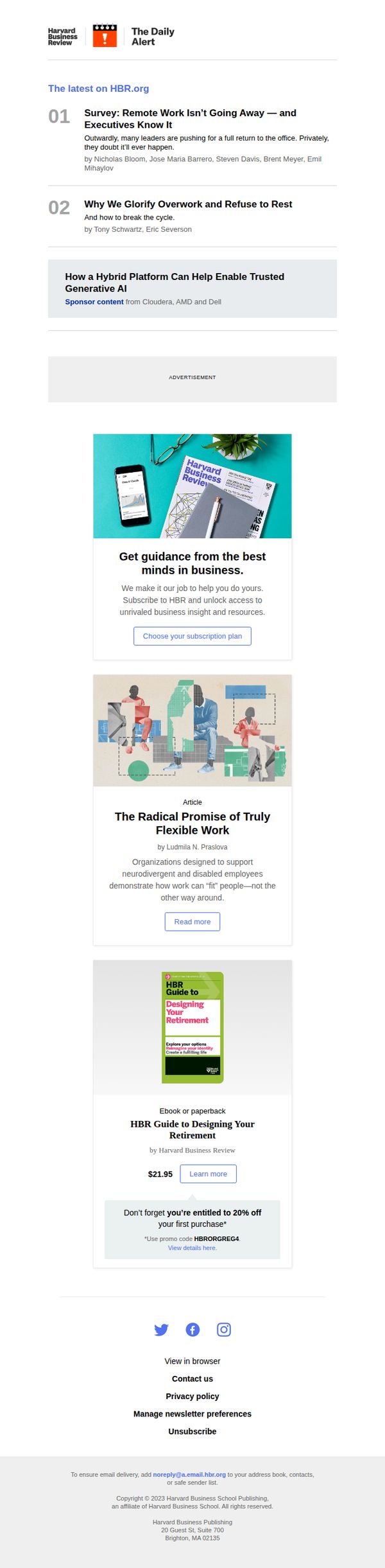
5. The Daily Alert
Objective
To engage subscribers with timely, high-value business insights while subtly promoting HBR’s subscription and product offerings. The email aims to position HBR as an essential daily resource for leadership and professional development.
Why this works
The email opens with a numbered, scannable list of top articles that immediately signals value and urgency, encouraging readers to dive in without decision fatigue or cognitive overload.
How to implement
By embedding a visually distinct sponsored content block mid-email, HBR maintains editorial integrity while monetizing space without disrupting the reader’s journey or trust in the content.
Pro Tip
Add a subtle countdown timer or urgency indicator near the 20% off promo to nudge readers toward immediate action, especially since the discount is tied to a first purchase and likely time-sensitive. • Reposition the ‘Choose your subscription plan’ CTA higher in the email, perhaps after the first article, to capitalize on early engagement before readers scroll past the most compelling content.
6. The Daily Alert
Objective
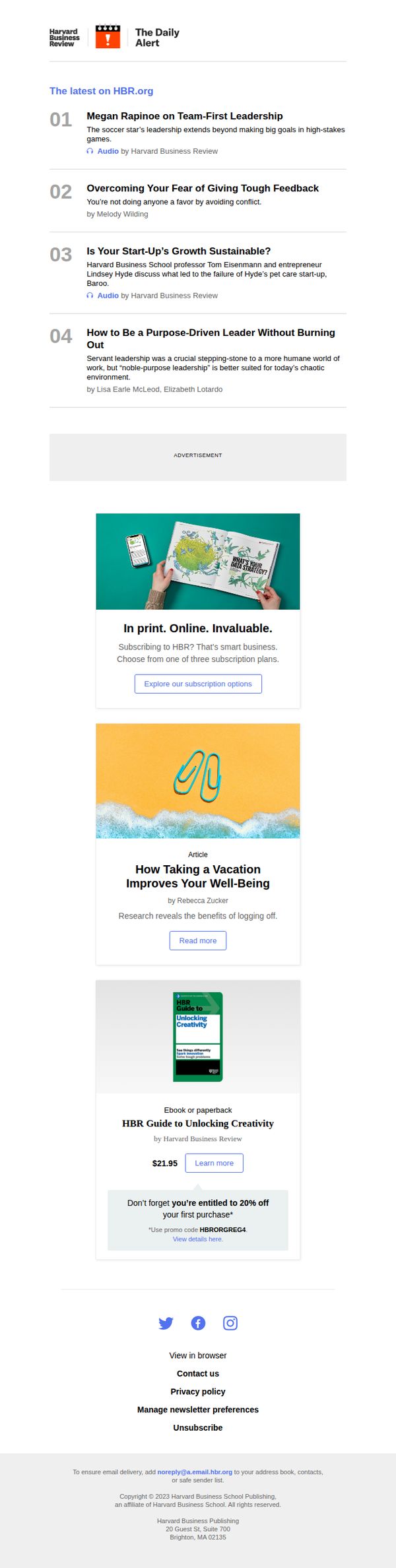
This email aims to drive engagement with HBR’s latest thought leadership content while promoting subscription and product purchases by highlighting high-value articles and exclusive offers. It positions HBR as an essential resource for professional growth and decision-making.
Why this works
The email opens with a numbered, digest-style list of top articles that immediately signals value and saves the reader time, making it easy to scan and choose what to engage with next.
How to implement
By embedding audio options next to select articles, HBR caters to multitaskers and auditory learners, subtly reinforcing that their content is accessible and adaptable to modern professional lifestyles.
Pro Tip
Add a visual progress indicator or 'read time' estimate next to each article to help readers prioritize content based on time commitment, improving perceived usability and reducing decision fatigue. • Reposition the subscription CTA to appear after the first article instead of after the ad block, so readers who engage with content are more likely to convert while still in a receptive mindset.
7. The Daily Alert
Objective
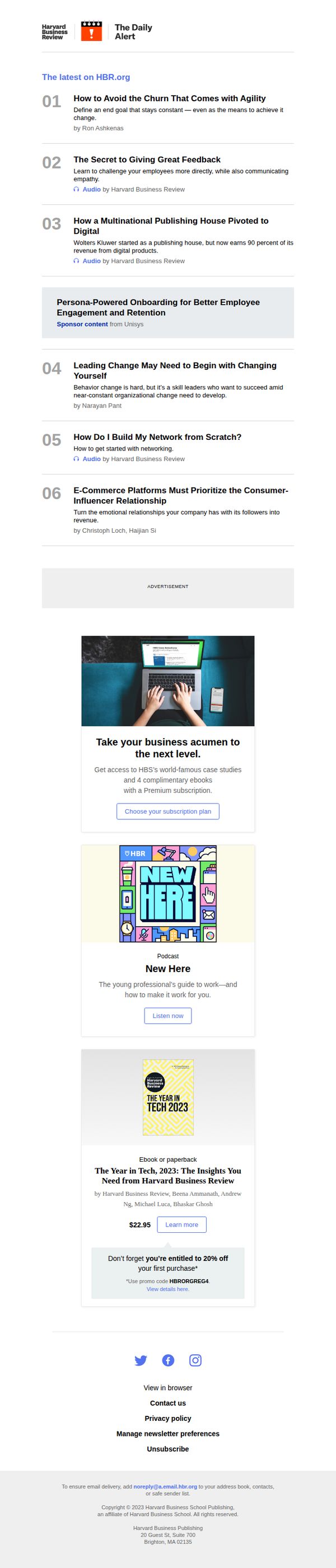
This email aims to deliver curated, high-value business insights to subscribers while subtly promoting premium content and subscriptions. It balances educational value with strategic product placement to nurture long-term reader loyalty and conversion.
Why this works
The email opens with a numbered, digest-style list of top articles that immediately signals value and saves the reader time, making it easy to skim while still feeling curated and authoritative.
How to implement
Strategically placing a sponsored content block mid-email maintains reader trust by clearly labeling it, while still integrating it naturally into the flow without disrupting the editorial tone or user experience.
Pro Tip
Add a visual progress indicator or 'You’re 3/6 articles in' counter near the top to gamify engagement and encourage readers to scroll through all content, increasing time-on-email and content consumption. • Reposition the 'Choose your subscription plan' CTA to appear after the first three articles, not after the ad, to capitalize on early reader interest before attention wanes or gets diverted by sponsored content.
8. The Management Tip of the Day
Objective
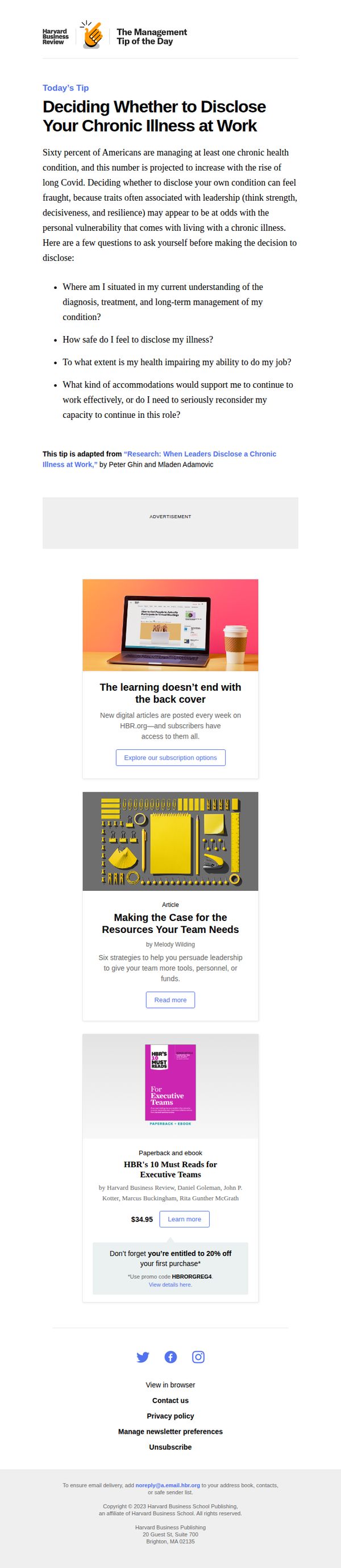
To deliver actionable, research-backed management advice that helps professionals navigate sensitive workplace decisions while subtly promoting HBR’s subscription and product offerings. The email positions HBR as a trusted authority on leadership and workplace well-being.
Why this works
The email opens with a deeply human, emotionally resonant topic, disclosing chronic illness at work, immediately establishing relevance and trust by addressing a real, under-discussed leadership challenge that many professionals face quietly.
How to implement
By anchoring the tip in credible research and citing the original authors, HBR reinforces its authority without sounding academic, making complex management concepts feel accessible, practical, and immediately applicable to the reader’s daily reality.
Pro Tip
Add a countdown timer or urgency cue near the 20% off promo to nudge immediate action, since the discount is time-sensitive and currently lacks visual emphasis to drive conversions. • Include a short testimonial or quote from a leader who benefited from disclosing their condition, to humanize the tip and strengthen emotional persuasion before the cross-sell section.
9. The Management Tip of the Day
Objective
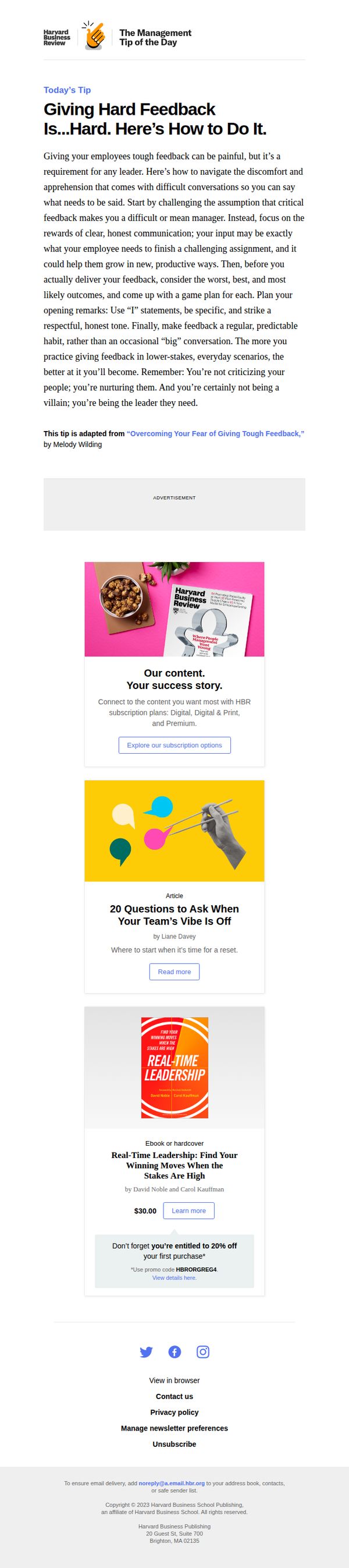
To deliver actionable leadership advice that builds trust and positions HBR as an essential resource for managers, while subtly promoting subscriptions and product purchases through relevant, value-driven content.
Why this works
The email opens with a relatable leadership pain point, giving hard feedback, and immediately offers a structured, empathetic framework, making the advice feel both practical and psychologically safe for overwhelmed managers.
How to implement
By anchoring the tip in a published article and crediting the author, HBR reinforces its authority while subtly signaling depth of content, encouraging readers to explore more without feeling sold to in the initial message.
Pro Tip
Add a subtle countdown timer or urgency cue next to the 20% discount promo to increase conversion pressure without disrupting the educational tone of the email. • Reposition the 'Explore our subscription options' CTA higher, perhaps beneath the tip, to capture interest while the reader is still emotionally engaged with the content, rather than after multiple product blocks.
10. New and updated: The HBR guide to making smarter data visualizations.
Objective
This email aims to drive interest and conversions for the updated HBR guide on data visualization by highlighting its new content and practical value for professionals seeking to improve their storytelling with data. It also encourages broader exploration of HBR’s educational resources.
Why this works
The email effectively positions the updated guide as a must-have resource by emphasizing new visuals, expanded concepts, and a dedicated chapter on team workflows, making it feel timely, comprehensive, and immediately applicable to data-driven professionals.
How to implement
By framing the guide as a tool to transform plain charts into powerful stories, the copy taps into the emotional and professional desire to communicate more persuasively, which resonates deeply with managers and analysts who rely on data to influence decisions.
Pro Tip
Add a brief testimonial or quote from a recognized data visualization expert or past reader to build social proof and credibility around the guide’s value, especially since the target audience is likely skeptical of generic claims. • Include a visual thumbnail or mockup of the guide’s interior pages or sample charts to give recipients a tangible preview of the ‘new visuals’ mentioned, this would reduce ambiguity and increase perceived value before clicking.