Promotional Campaign email gallery from real brands

1. Free Banking tools that flex with your business.
Objective
This email aims to convert Square merchants into users of Square Banking by highlighting its free, integrated financial tools that help manage cash flow, savings, and growth, all tied directly to their point-of-sale activity. It positions banking as a natural extension of their existing Square ecosystem.
Why this works
Square brilliantly ties banking features directly to merchant pain points, like cash flow and tax savings, by showing real-time visuals of balances and automated tools, making abstract financial benefits feel immediate and actionable for small business owners.
How to implement
The email avoids generic financial jargon and instead uses merchant-centric language like 'flex with your business' and 'never miss a beat,' which builds trust by speaking directly to the operational rhythm of small business owners rather than treating them like bank customers.
Pro Tip
Add a subtle visual indicator (like a progress bar or checkmark animation) next to 'Tax Savings Folder' to imply automation is already working for the user, even if they haven’t set it up yet, creating a sense of momentum and reducing perceived setup friction. • Include a micro-testimonial or social proof badge near the 'Get capital to grow' section, such as '92% of eligible merchants approved within 24 hours', to reduce skepticism around loan eligibility and reinforce speed and accessibility.
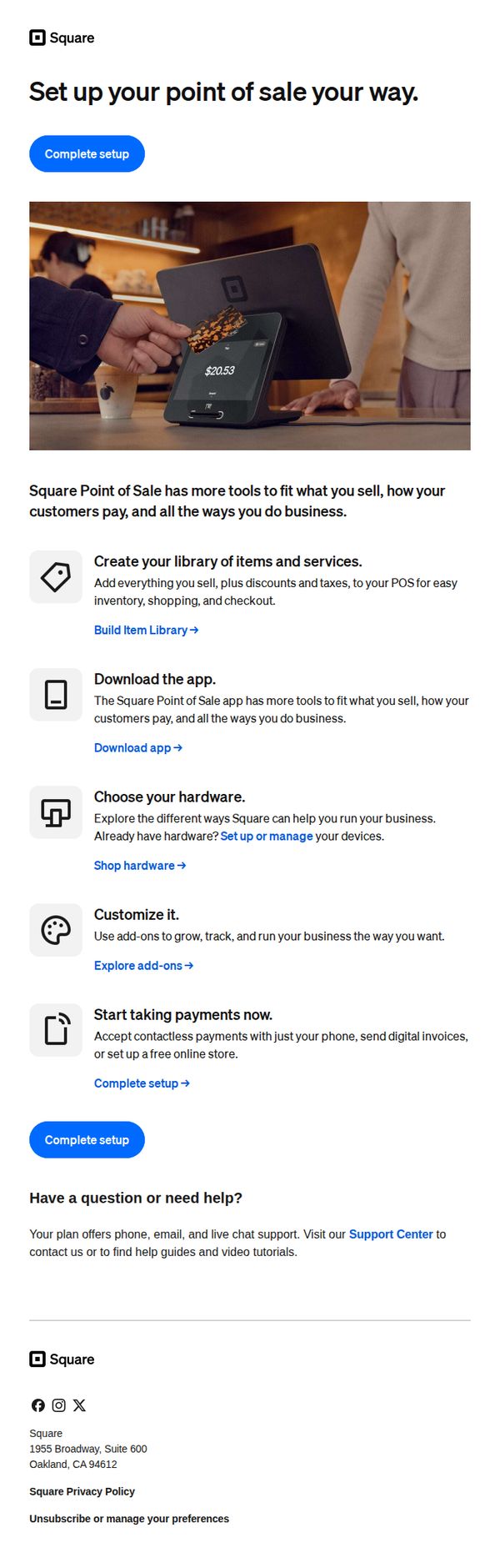
2. Let’s set up your point of sale
Objective
This email aims to guide new Square users through the essential steps to configure their point-of-sale system, encouraging immediate action by simplifying setup into digestible tasks while reinforcing the platform’s flexibility for diverse business needs.
Why this works
The email breaks down a potentially overwhelming setup process into five clear, benefit-driven steps, each paired with a relevant icon and actionable link, making onboarding feel approachable and goal-oriented rather than technical or intimidating.
How to implement
By emphasizing customization and flexibility, 'set up your point of sale your way', the message positions Square not as a rigid system but as a tailored solution, which resonates deeply with small business owners seeking control over their operations and customer experience.
Pro Tip
Add a progress indicator or checklist next to each setup step to visually reinforce completion status, helping users track their progress and reducing abandonment by making the process feel more tangible and rewarding. • Include a short testimonial or social proof near the 'Start taking payments now' section to build trust, e.g., '92% of new users complete setup in under 10 minutes', to alleviate hesitation and validate the ease of use.
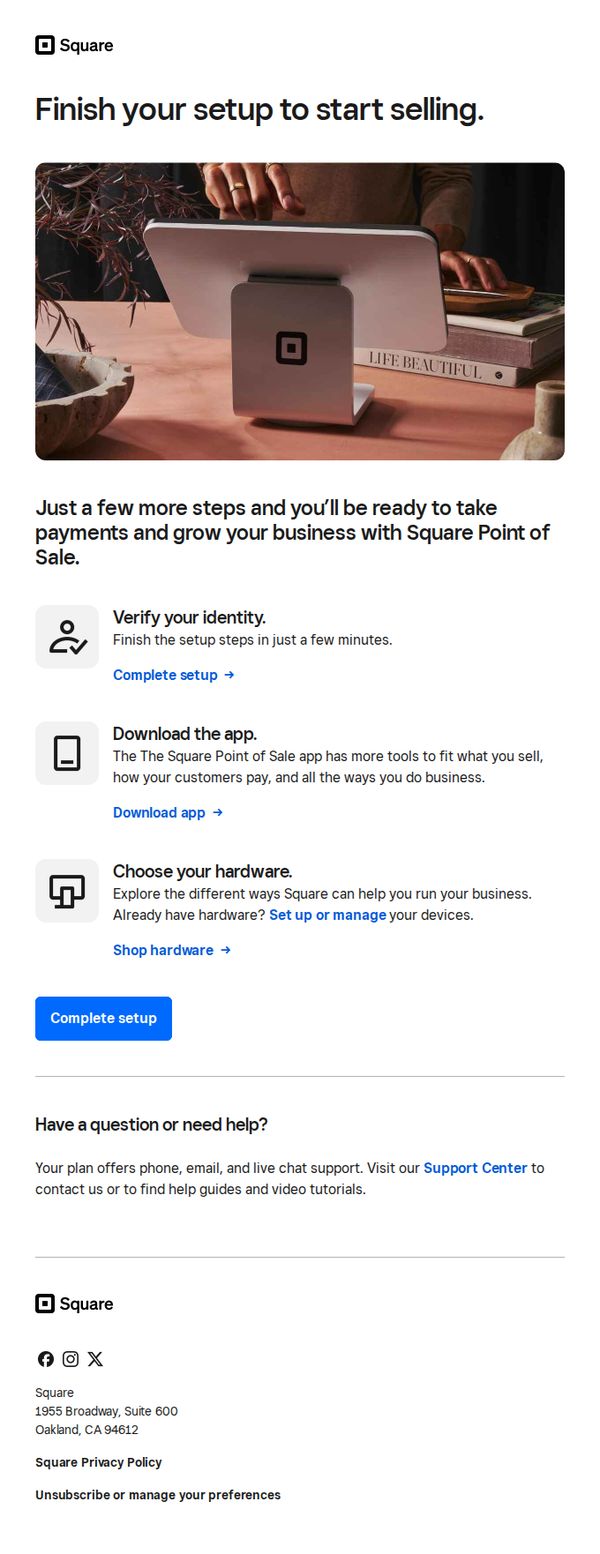
3. Your point of sale is waiting
Objective
This email aims to guide new Square users through the final steps of setting up their Point of Sale system so they can begin accepting payments and scaling their business quickly. It reduces friction by breaking down setup into simple, actionable tasks with clear next steps.
Why this works
The email frames setup as a near-completion milestone, 'Just a few more steps', which reduces perceived effort and leverages the psychological momentum of almost finishing, making users more likely to act immediately.
How to implement
Each setup step is paired with a benefit-driven micro-CTA, such as 'Download the app' to unlock tools tailored to the user’s business model, which transforms a technical task into a value-driven experience.
Pro Tip
Add a progress bar or checklist visual near the top to show users how many steps remain, this increases perceived control and completion motivation, especially since the email already lists three distinct setup actions. • Include a brief testimonial or social proof near the CTA, such as '92% of users complete setup in under 5 minutes,' to reduce hesitation and reinforce that the process is quick and widely successful.
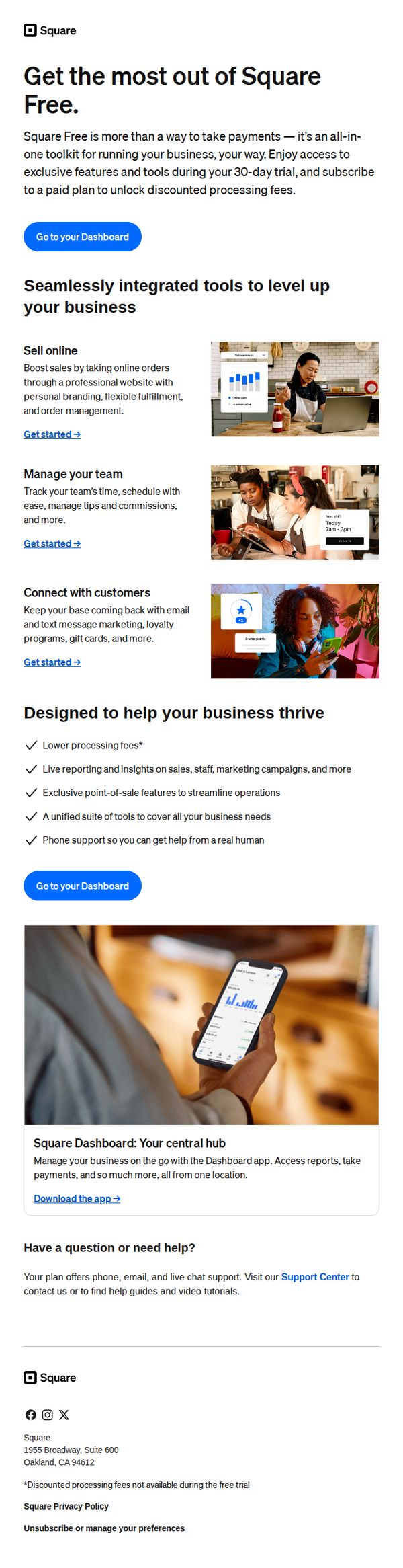
4. Welcome to Square Free
Objective
This email aims to onboard new Square Free users by showcasing the platform’s all-in-one business tools and encouraging immediate engagement through dashboard access, while subtly guiding them toward upgrading to a paid plan after the 30-day trial.
Why this works
The email positions Square Free not just as a payment tool but as a full business operating system, which reframes value perception and justifies future upsells by showing integrated capabilities from day one.
How to implement
Each feature is paired with a clear, action-oriented 'Get started' link and a relevant visual, reducing cognitive load and creating a frictionless path for users to explore tools without feeling overwhelmed.
Pro Tip
Add a subtle countdown timer near the CTA to emphasize the 30-day trial window, creating urgency without being pushy, this would leverage scarcity psychology to nudge users toward exploring paid features sooner. • Include a short testimonial or social proof snippet near the 'Designed to help your business thrive' section to build trust and validate claims about lower fees and live support, especially for users skeptical of free-tier limitations.
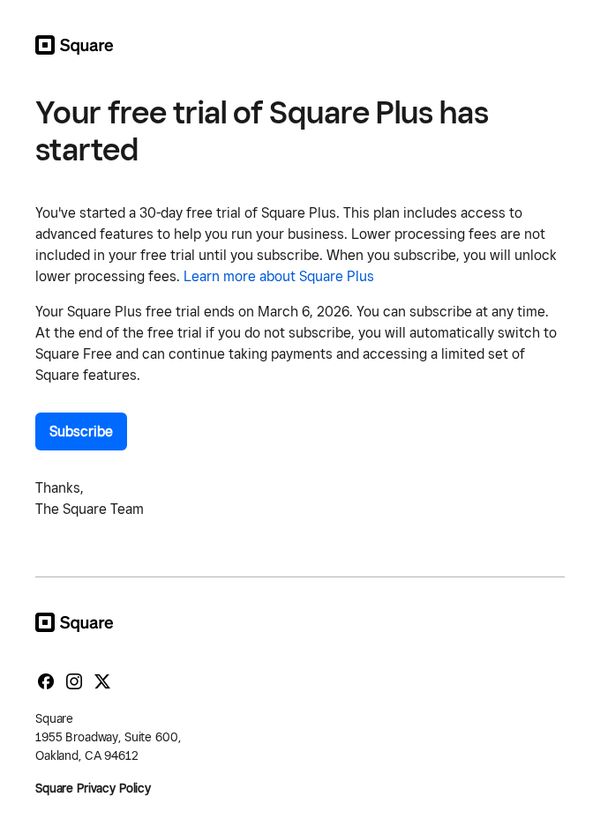
5. Your free trial of Square Plus has started
Objective
To inform the recipient that their 30-day free trial of Square Plus has officially begun and to encourage subscription before the trial ends, emphasizing the value of advanced features and lower processing fees available upon upgrading.
Why this works
The email immediately confirms trial activation with a clear subject line and headline, reducing user uncertainty and building trust by setting precise expectations around trial duration and next steps.
How to implement
It strategically separates the benefit of advanced features from the financial incentive of lower processing fees, allowing users to evaluate value both functionally and economically before committing to a subscription.
Pro Tip
Add a visual countdown timer near the CTA to create urgency and reinforce the March 6, 2026 deadline, helping users internalize the time-sensitive nature of the trial before it expires. • Include a brief bulleted list of 2–3 standout Square Plus features directly under the headline to immediately showcase value, reducing the need for users to click through to learn more before deciding to subscribe.
6. Set up your point of sale
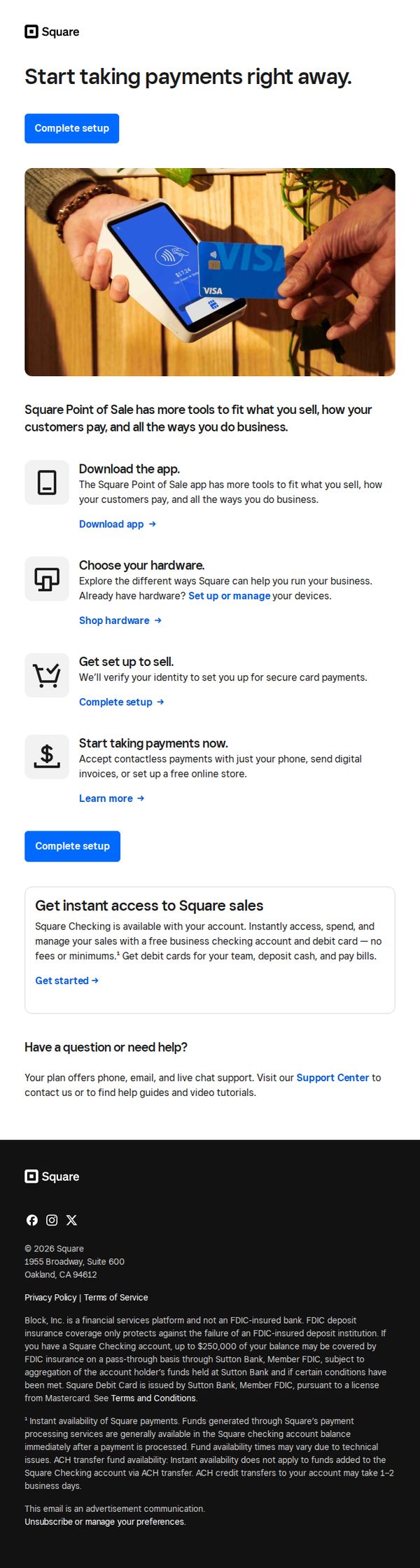
Objective
This email aims to guide new or prospective users through the initial setup of Square’s point-of-sale system, encouraging immediate action by simplifying onboarding into payment acceptance, hardware selection, and business management tools.
Why this works
The email strategically breaks down onboarding into four digestible steps, download, choose hardware, set up, and start selling, making a complex process feel approachable and actionable for time-strapped business owners.
How to implement
By embedding the primary CTA 'Complete setup' both above and below the step-by-step guide, the email reinforces urgency and reduces friction, ensuring users never lose sight of the next action regardless of scroll depth.
Pro Tip
Add a visual progress indicator or checklist next to each setup step to give users a sense of momentum and completion, which can increase conversion by reducing perceived effort. • Include a short testimonial or trust badge near the 'Start taking payments now' section to alleviate security concerns, especially for users unfamiliar with contactless or digital invoicing.
7. Set up your library to speed up sales
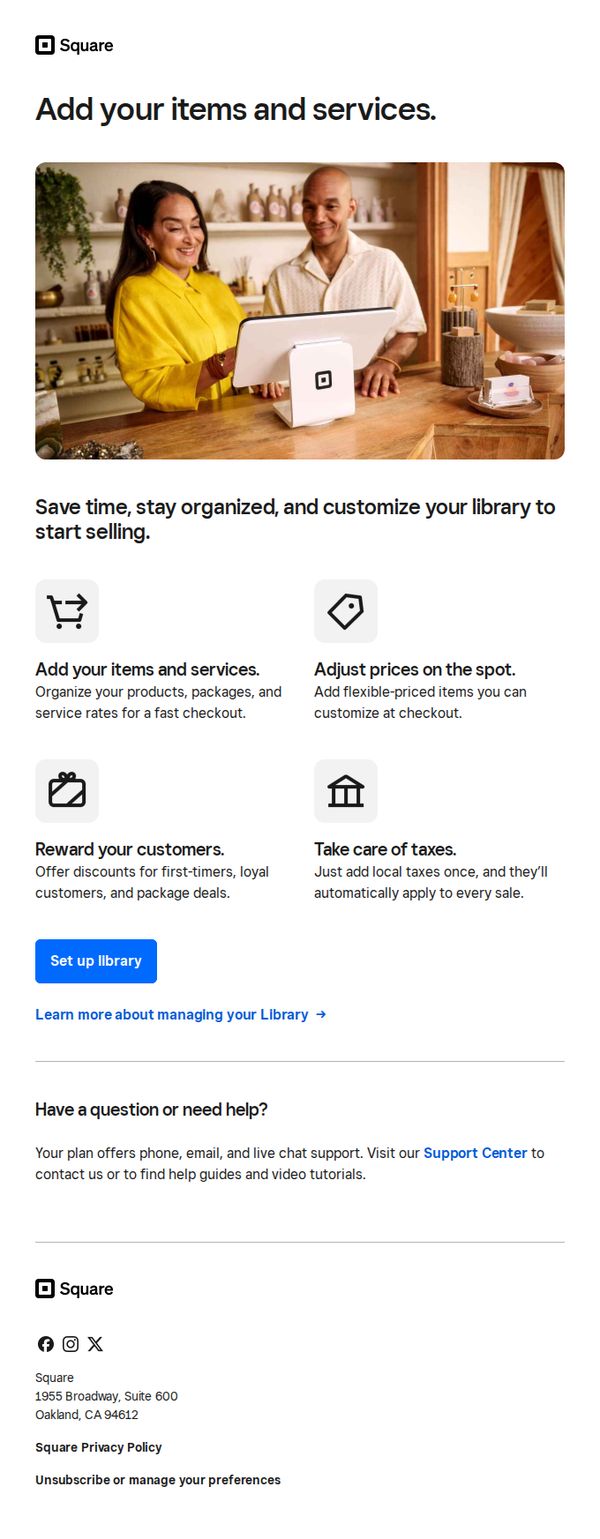
Objective
This email aims to guide new Square users to set up their item and service library to streamline sales operations, emphasizing time savings, organization, and customization for faster checkout experiences.
Why this works
The email effectively frames setup as a time-saving, organizational advantage rather than a technical chore, making the action feel immediately valuable to busy business owners.
How to implement
By visually pairing each benefit with a simple icon and concise explanation, the email reduces cognitive load and helps users quickly grasp how each feature directly improves their daily sales workflow.
Pro Tip
Add a progress bar or checklist after the CTA to show users how close they are to completing setup, which can increase completion rates by creating a sense of momentum and accomplishment. • Include a short customer testimonial or stat (e.g., 'Merchants who set up their library see 30% faster checkouts') to reinforce the value proposition with social proof and tangible outcomes.
8. Build your library for faster sales
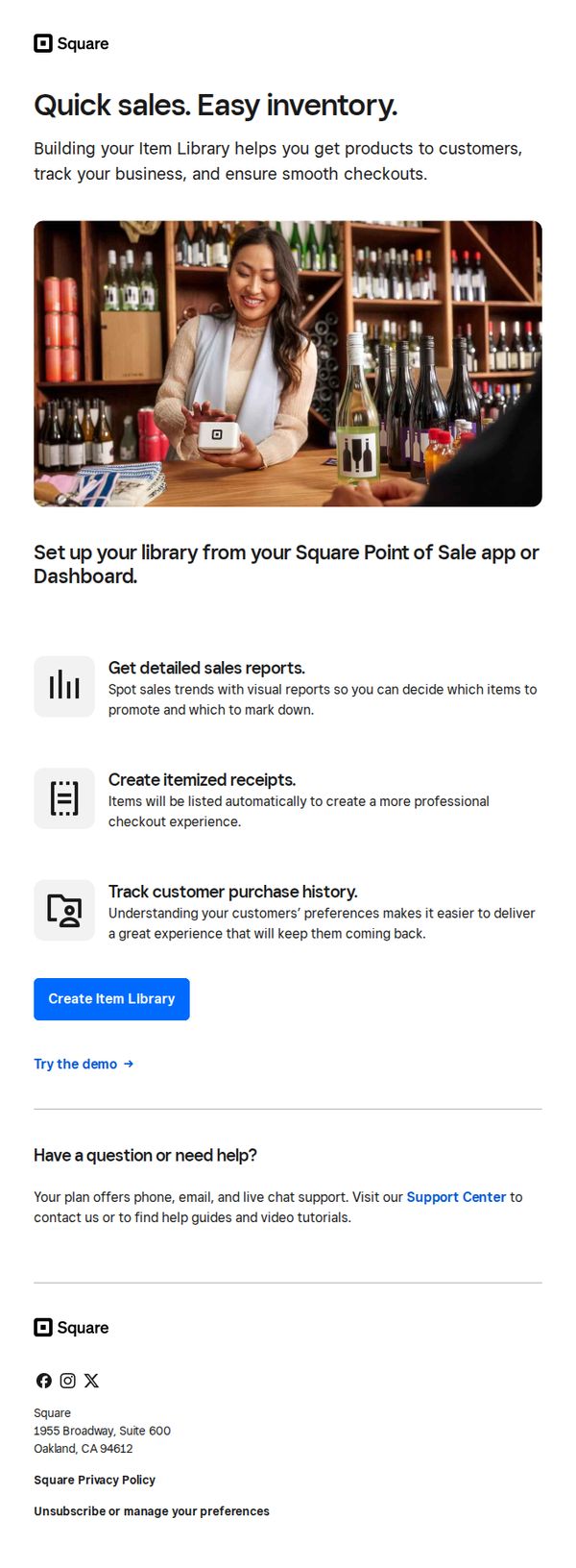
Objective
This email aims to encourage Square users to build and organize their item library within the Point of Sale app to streamline sales, improve inventory tracking, and enhance customer checkout experiences. It positions the feature as essential for smarter, faster business operations.
Why this works
The email smartly frames inventory management not as a chore but as a growth lever, tying item library setup to tangible outcomes like faster sales, better reports, and repeat customers, which speaks directly to business owners’ pain points.
How to implement
Using a real-world visual of a smiling merchant in a retail setting instantly builds relatability and trust, subtly signaling that this isn’t just software, it’s a tool that works seamlessly in actual small business environments.
Pro Tip
Add a subtle countdown timer or urgency trigger near the CTA to nudge procrastinators, since setting up an item library is a low-effort, high-impact task that benefits from timely action. • Include a short customer testimonial or stat (e.g., 'Merchants who set up their library see 20% faster checkouts') to reinforce social proof and validate the claimed benefits before the CTA.
9. Set your team up for success
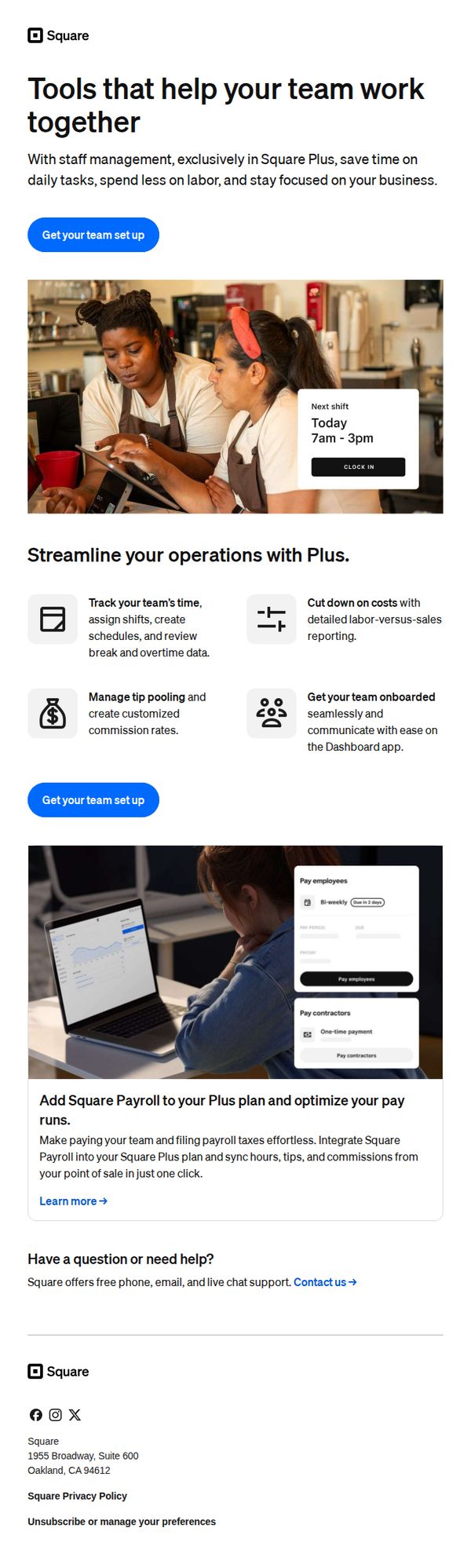
Objective
This email aims to encourage business owners to adopt Square Plus by highlighting its team management tools that save time, reduce labor costs, and improve operational focus. It also promotes the integration of Square Payroll to simplify payroll and tax processes.
Why this works
The email brilliantly positions Square Plus not as a software upgrade but as a team empowerment tool, framing features like shift scheduling and tip pooling as direct solutions to daily operational friction for small business owners.
How to implement
By embedding a realistic visual of two team members using a tablet with a shift overlay, the campaign creates an immediate emotional connection, showing not just what the tool does, but how it feels to use it in a real-world setting.
Pro Tip
Add a time-sensitive incentive or limited-time offer near the primary CTA to create urgency, for example, 'Get 3 months free with your Plus plan', to convert interested readers who may otherwise delay action. • Include a short customer testimonial or stat (e.g., '87% of users reduced payroll errors within 2 weeks') in the education section to build social proof and reinforce the value of integrating Square Payroll.
10. Try out your POS with a test payment
Objective
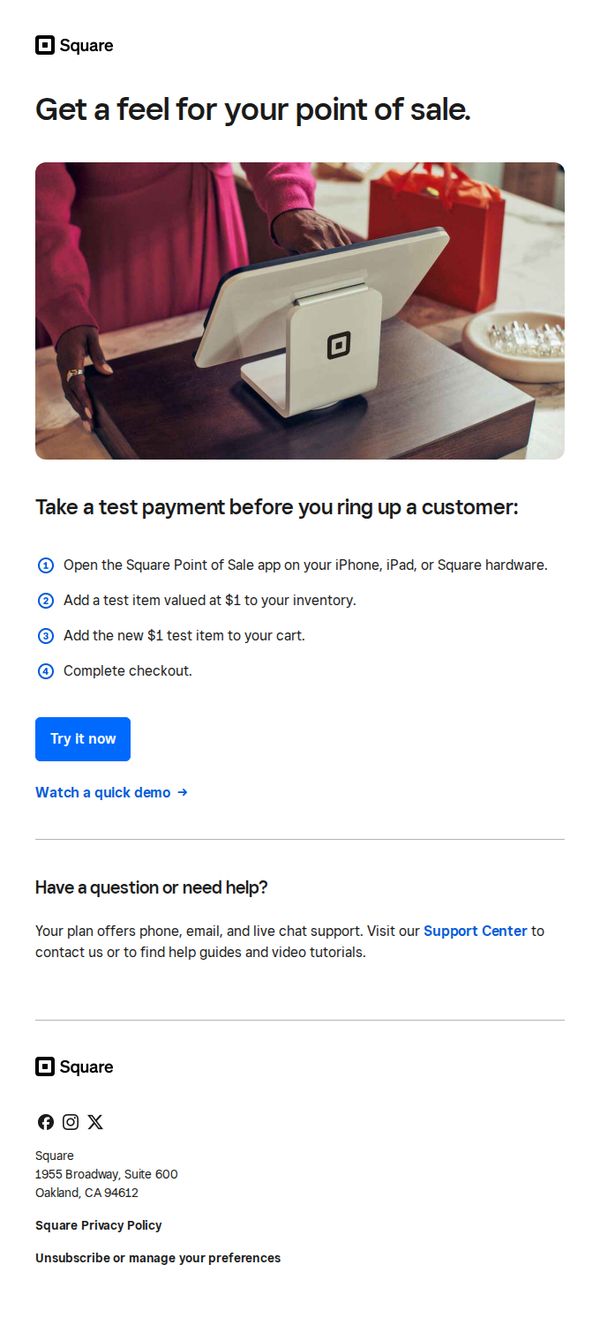
This email aims to encourage new users to experience Square’s point-of-sale system firsthand by simulating a real transaction, reducing hesitation through hands-on familiarity before committing to live use.
Why this works
The email brilliantly lowers the barrier to entry by inviting users to simulate a real transaction with a $1 test item, making the unfamiliar feel safe and intuitive without requiring financial risk or setup complexity.
How to implement
By visually anchoring the message with a warm, real-world photo of a customer interacting with the Square terminal, the email builds emotional trust and subtly positions the product as part of a natural retail experience, not just software.
Pro Tip
Add a subtle countdown or urgency cue near the CTA, like 'Start your test before [date]', to nudge procrastinators, since the current design lacks time-based motivation despite the low-friction offer. • Include a short testimonial or stat (e.g., '92% of users complete their first test payment within 5 minutes') near the steps to reinforce social proof and reduce perceived effort, making the action feel even more effortless and widely adopted.