How LinkedIn does recruitment emails
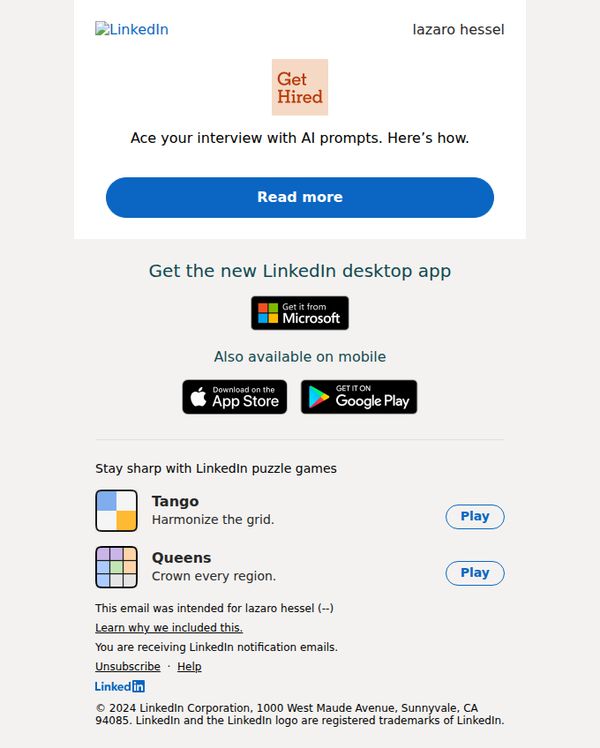

1. Ace your interview with AI prompts…
Objective
To help job seekers prepare for interviews using AI-powered prompts while driving engagement with LinkedIn’s platform features and desktop app. It also subtly promotes LinkedIn’s gamified learning tools to maintain user activity.
Why this works
The email brilliantly frames AI not as a replacement for human effort but as a strategic ally in interview prep, making the value proposition feel empowering rather than intimidating to job seekers.
How to implement
By anchoring the CTA around a specific, high-stakes moment, ‘Ace your interview’, the email taps into emotional urgency while positioning LinkedIn as a trusted coach, not just a job board.
Pro Tip
Add a brief testimonial or stat near the CTA (e.g., '87% of users who used AI prompts felt more confident in interviews') to reinforce social proof and reduce perceived risk before clicking. • Place the desktop app promotion above the puzzle games to prioritize conversion-driving elements earlier in the scroll, since users may disengage before reaching the app CTA.
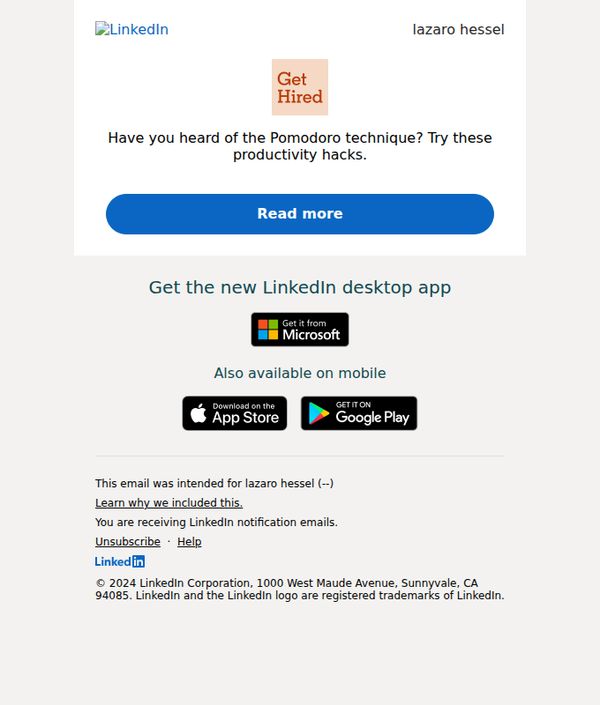
2. Have you heard of the Pomodoro…
Objective
This email aims to engage users by introducing the Pomodoro productivity technique and encouraging them to explore LinkedIn’s career resources, while also promoting the LinkedIn desktop and mobile apps to increase platform usage and retention.
Why this works
The email opens with a curiosity-driven hook by referencing the Pomodoro technique, instantly connecting with professionals seeking productivity tips while subtly positioning LinkedIn as a source of career growth strategies.
How to implement
By embedding a clear, high-contrast CTA button labeled 'Read more,' the email guides users toward deeper engagement without overwhelming them, balancing simplicity with persuasive intent to drive click-throughs.
Pro Tip
Add a brief testimonial or stat near the CTA (e.g., '87% of users who tried Pomodoro on LinkedIn saw improved focus') to build social proof and strengthen the incentive to click. • Include a visual element, like a minimalist timer icon or productivity graphic, next to the Pomodoro mention to make the concept more tangible and visually anchor the user’s attention before the CTA.
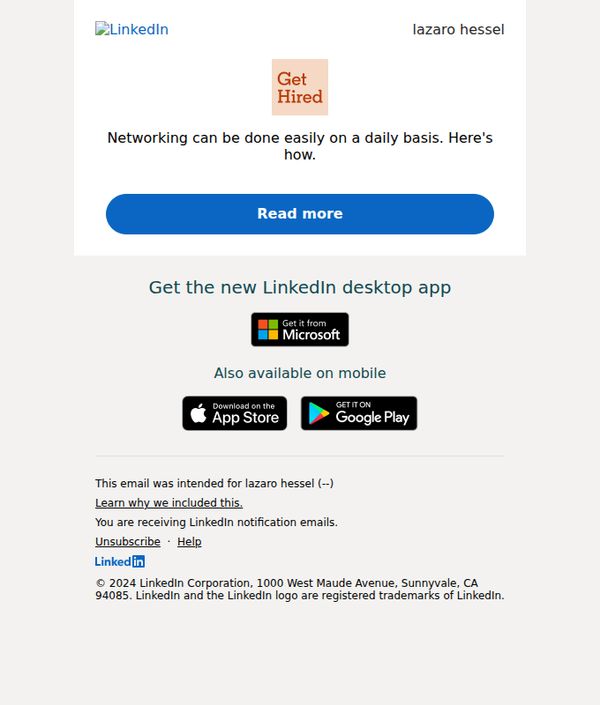
3. Networking can be done easily on a daily…
Objective
To encourage daily networking habits by positioning LinkedIn as a simple, accessible tool for professional growth, while driving engagement through a clear educational prompt and app promotion.
Why this works
The email brilliantly reframes networking as a low-effort daily habit rather than a daunting task, making professional growth feel accessible and sustainable for time-strapped users.
How to implement
By anchoring the message to a personal name and using a conversational tone, the email builds immediate trust and relevance, increasing the likelihood of engagement without sounding overly promotional.
Pro Tip
Add a brief testimonial or user stat near the 'Read more' button to reinforce credibility and reduce friction, e.g., '87% of users who network daily land new opportunities within 3 months.' • Reposition the app download section higher or integrate it into the hero area to reduce scroll dependency, since the primary goal appears to be driving app adoption alongside engagement.
4. Fuad Curri just posted something that might be of interest to you
Objective
This email aims to re-engage users by surfacing relevant, personalized content from their network, encouraging them to return to LinkedIn to read, interact, and stay active on the platform. It leverages social proof and curiosity to drive clicks and reinforce habitual usage.
Why this works
The email smartly personalizes the subject line by naming a specific connection, instantly triggering curiosity and relevance, a powerful tactic to boost open rates by making the recipient feel the content is uniquely curated for them.
How to implement
Each post preview includes social proof metrics like comments and reactions, subtly signaling popularity and encouraging engagement by tapping into the psychological principle of social validation to reduce hesitation before clicking.
Pro Tip
Add a subtle visual indicator (like a small badge or icon) next to posts with high engagement to further amplify social proof and guide attention toward the most compelling content in the feed. • Include a personalized teaser line under each post preview, such as 'Your connection Fuad Curri commented on this', to deepen relevance and increase click-through by reinforcing network-based context.
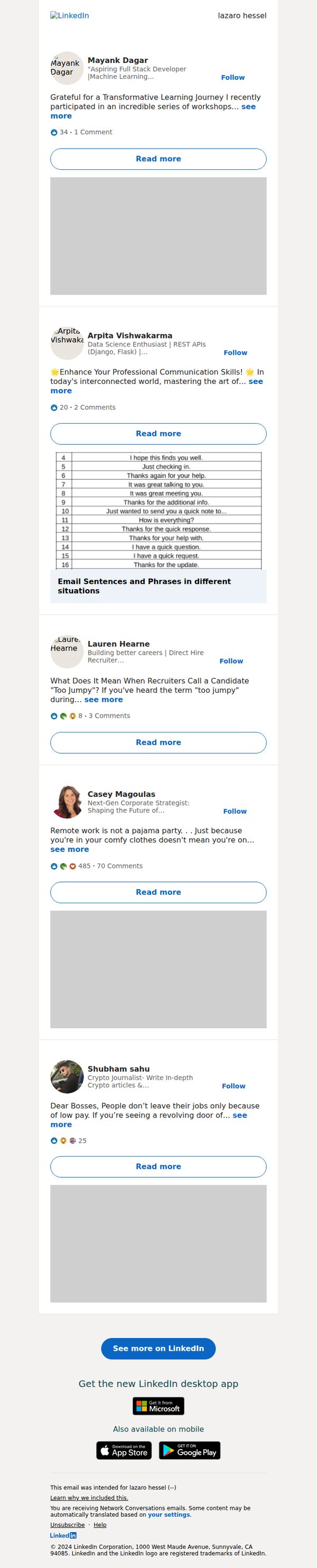
5. Mayank Dagar just posted something that might be of interest to you
Objective
To re-engage users by surfacing relevant, personalized content from their network that encourages clicks back to LinkedIn, thereby increasing platform activity and reinforcing the value of staying connected through the network.
Why this works
The email leverages social proof by highlighting posts from connections with clear professional identities, making the content feel personally relevant and trustworthy rather than generic or algorithmically dumped.
How to implement
Each post preview includes engagement metrics and a 'Read more' button that creates a sense of curiosity and low-friction entry, encouraging users to click without feeling pressured or overwhelmed by too much text.
Pro Tip
Add a personalized subject line or preheader that references the user’s industry or recent activity (e.g., 'Posts from tech professionals you follow') to increase open rates and perceived relevance. • Include a brief visual indicator (like a small icon or tag) next to each post to denote content type, e.g., 'Career Tip', 'Industry Insight', or 'Discussion', helping users quickly filter what’s most valuable to them.
6. Research your interviewer. Here's why it…
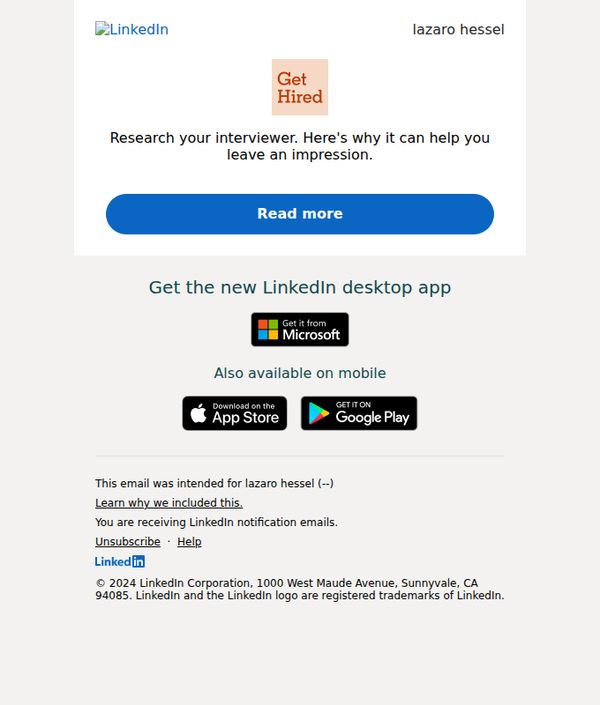
Objective
To encourage LinkedIn users to research their interviewers by highlighting how it helps them make a strong impression, driving engagement through a strategic 'Read more' CTA that leads to career advice content.
Why this works
The email opens with a highly relevant, action-oriented tip, researching your interviewer, that immediately resonates with job seekers by addressing a real, high-stakes moment in their career journey.
How to implement
By anchoring the message in a tangible benefit, 'leave an impression', the copy frames the advice as a strategic advantage rather than just a suggestion, increasing perceived value and urgency to engage.
Pro Tip
Add a brief testimonial or stat near the CTA (e.g., '87% of hiring managers notice when candidates reference their background') to reinforce credibility and boost conversion. • Include a secondary CTA or link to a quick 'Interviewer Research Checklist' to offer immediate value and deepen engagement beyond just reading the article.
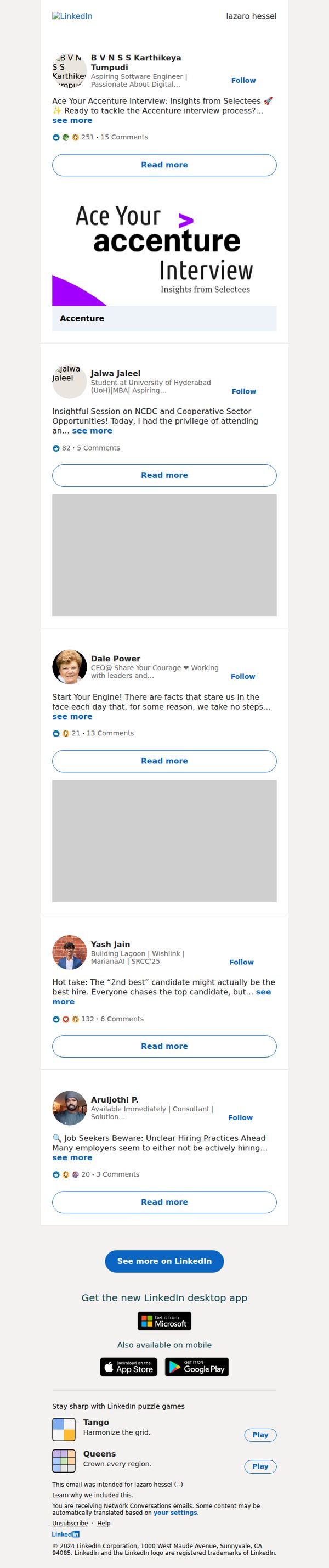
7. B V N S S Karthikeya Tumpudi just posted something that might be of interest to you
Objective
This email aims to re-engage users by surfacing relevant, personalized content from their network, encouraging them to return to LinkedIn to read, interact, and stay informed about professional conversations that align with their interests or career goals.
Why this works
The email leverages social proof by highlighting posts from real connections with visible engagement metrics, subtly nudging users to participate in conversations they might otherwise miss, which increases perceived relevance and urgency to click.
How to implement
By personalizing the subject line with a specific name and implying tailored content, the email creates a sense of exclusivity and direct relevance, making the recipient feel the update was curated just for them, not mass-broadcast.
Pro Tip
Add a brief preview snippet or quote from each post directly under the 'see more' link to reduce friction, users are more likely to click if they can quickly gauge the value without expanding. • Introduce a visual hierarchy by bolding or highlighting the most popular or timely post (e.g., the Accenture one) with a small badge like 'Trending' or 'Most Viewed' to guide attention and prioritize content.
8. Updates to our terms
Objective
This email aims to inform users about upcoming changes to LinkedIn’s Terms of Service and data-sharing practices, while reassuring them of continued community value and offering transparency through a clear call to learn more.
Why this works
LinkedIn opens with a warm, personalized greeting that immediately humanizes a typically dry legal update, making the recipient feel seen rather than just notified, which builds trust before delivering policy changes.
How to implement
The email strategically frames the update as a shared journey, 'we’re updating' and 'we’re glad you’re here', turning a compliance requirement into a community moment that softens resistance and reinforces belonging.
Pro Tip
Add a brief bullet-point summary of key changes directly in the body to reduce friction, many users won’t click through, so surface the most impactful updates (e.g., 'What changes for you?') to improve comprehension and reduce anxiety. • Include a subtle visual indicator like a small icon or color accent next to the 'Learn more' link to draw the eye and reinforce its importance, currently, it blends into the paragraph and may be overlooked in skim reading.
9. Here's how to use job descriptions to…
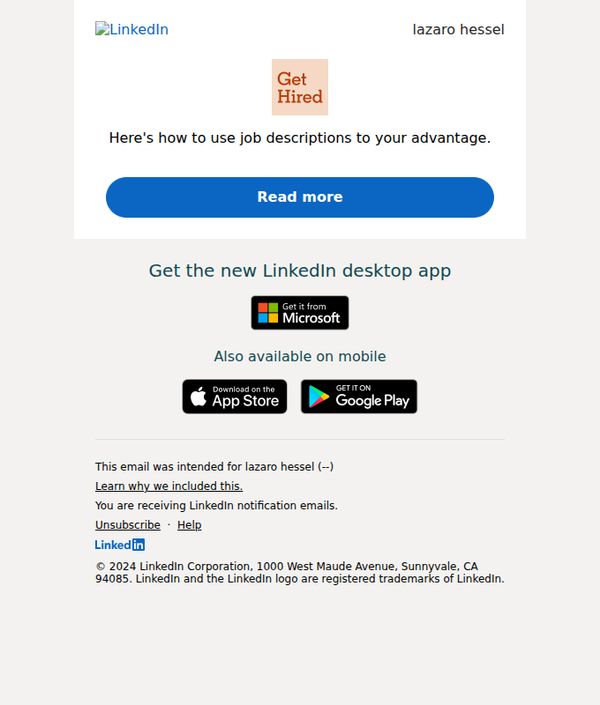
Objective
This email aims to engage the recipient by offering actionable advice on leveraging job descriptions to improve hiring outcomes, while subtly promoting LinkedIn’s desktop app as a productivity tool for recruiters and hiring managers.
Why this works
The email opens with a personalized name and a benefit-driven headline that immediately signals value, making the recipient feel the content is tailored to their professional needs rather than generic marketing noise.
How to implement
By placing a prominent, high-contrast CTA button labeled 'Read more' directly under the headline, the email reduces friction and guides the reader toward the next step without overwhelming them with options or distractions.
Pro Tip
Add a brief testimonial or stat near the CTA (e.g., '87% of recruiters say this tactic improved candidate quality') to build credibility and urgency, encouraging more clicks by validating the promise before the reader has to commit. • Reposition the app promotion section to appear after the 'Read more' content, currently, it interrupts the flow and distracts from the primary goal of driving engagement with the educational content, which should come first.
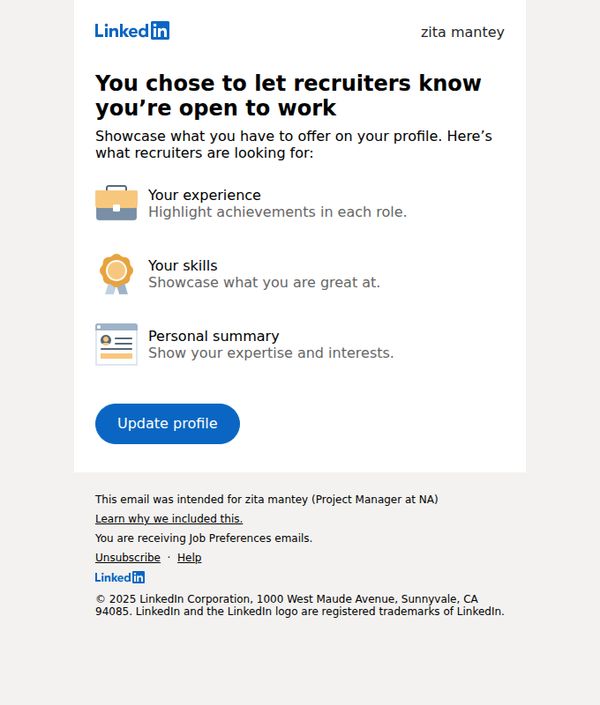
10. You’re now open to work - we can help you get noticed
Objective
This email aims to encourage LinkedIn users who’ve signaled they’re open to work to optimize their profiles so recruiters can easily discover and evaluate them. It guides users to highlight key professional assets that attract hiring managers.
Why this works
The email immediately validates the user’s decision to go job-seeking by affirming it’s a smart move, then quickly pivots to actionable guidance, making the recipient feel supported rather than sold to.
How to implement
By breaking down profile optimization into three digestible, icon-supported components, experience, skills, and personal summary, the email reduces overwhelm and makes profile updating feel manageable and goal-oriented.
Pro Tip
Add a visual example or mini-preview of what an optimized profile looks like after updating, so users can visualize the outcome and feel more motivated to act. • Include a time-sensitive element like ‘Recruiters view 30% more profiles this week’ to create urgency and nudge immediate action instead of passive reading.