How Descript does relational campaign emails


1. How to get links in ChatGPT & other AI search
Objective
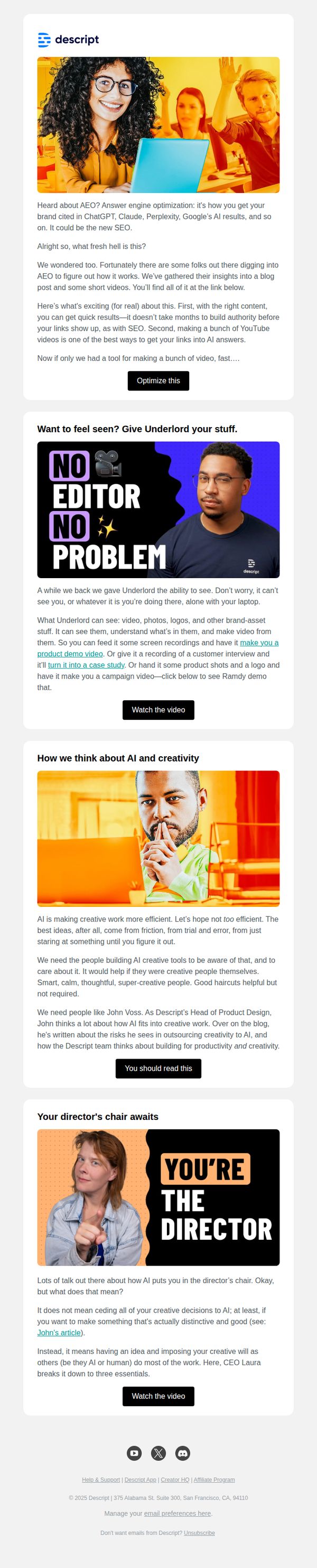
This email aims to educate readers on Answer Engine Optimization (AEO) and position Descript as a valuable tool for creators looking to get their content featured in AI search results like ChatGPT and Perplexity. It also promotes internal thought leadership and product capabilities through curated content and video demos.
Why this works
The email brilliantly frames AEO as the next frontier of visibility, not just SEO, making it feel urgent and relevant to creators who want their content surfaced by AI, a smart pivot that aligns with current tech trends and audience anxieties.
How to implement
By embedding real team voices, like John Voss and CEO Laura, the email builds trust through internal authority, subtly reinforcing that Descript isn’t just selling software but is deeply invested in the creative process and ethical AI integration.
Pro Tip
The primary CTA 'Optimize this' is vague and doesn’t clearly signal what action the user will take, consider rephrasing to 'Get Your Guide to AEO' or 'Watch the AEO Breakdown' to better align with the educational intent and reduce friction. • The email lacks a visual hierarchy that guides the eye from the main value proposition to the CTA, adding subtle dividers, bold subheadings, or directional arrows could improve flow and increase click-through rates on key sections.
2. The no-slop guide to AI repurposing
Objective
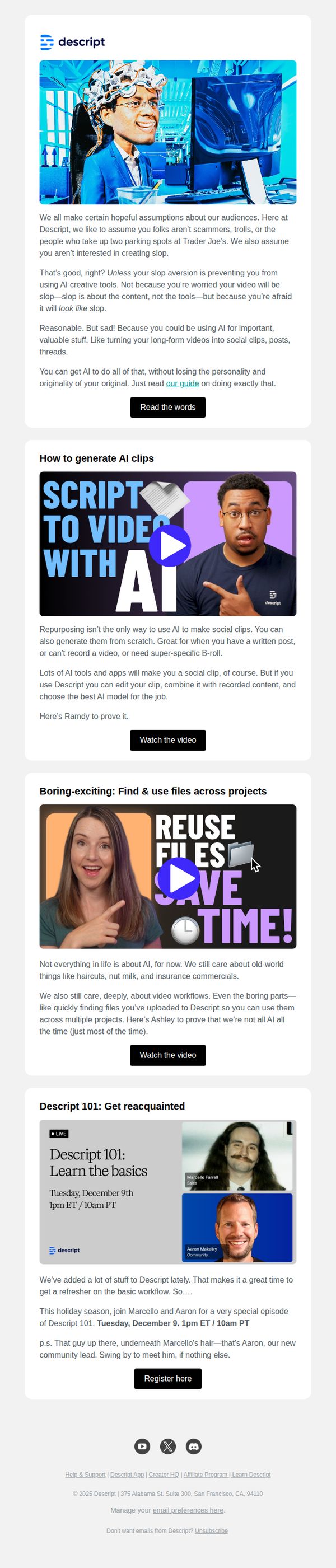
This email aims to educate users on how to repurpose content intelligently using Descript’s AI tools without sacrificing authenticity, while also driving engagement through video tutorials and a live educational webinar.
Why this works
The email opens with a disarmingly honest tone that acknowledges user skepticism about AI, immediately building trust by validating their fear of 'slop' while reframing AI as a tool for preserving personality and originality.
How to implement
Each section is anchored by a compelling video thumbnail with bold, benefit-driven headlines like 'Script to Video with AI' and 'Reuse Files, Save Time!', making complex features feel accessible and immediately useful without overwhelming the reader.
Pro Tip
The primary CTA 'Read the words' is vague and underwhelming for a guide-focused email; replacing it with 'Get the No-Slop AI Guide' would better reflect the value proposition and increase click-through intent. • The email lacks a visual hierarchy that guides the eye from problem → solution → action; adding subtle dividers or background color shifts between sections would improve scannability and reinforce the narrative flow.
3. How to generate AI video you actually need
Objective
This email aims to drive engagement with Descript’s new generative video features by showcasing practical use cases, demystifying AI video models, and encouraging users to try the tool or attend a live demo. It positions Descript as the go-to platform for purposeful, brand-aligned video creation, not just novelty content.
Why this works
The email brilliantly reframes AI video from a novelty gimmick into a practical workflow tool by contrasting absurd examples like capybara videos with real-world needs like B-roll and branded animations, making the value proposition instantly relatable to professional creators.
How to implement
By featuring Ramdy, a recognizable internal expert, the email builds trust through personality-driven education, turning a technical feature into a human-led journey that invites users to learn alongside someone who’s already mastered the tool’s creative potential.
Pro Tip
Add a subtle countdown timer or urgency indicator near the 'Register here' CTA for the live demo to increase registration rates by leveraging FOMO, especially since the event date is specific and approaching. • Include a short testimonial or social proof snippet under the 'Get generating' CTA, such as 'Used by 10,000+ creators to generate custom B-roll', to reduce perceived risk and reinforce credibility before the user commits to trying the tool.
4. Make any video you want—just describe it
Objective
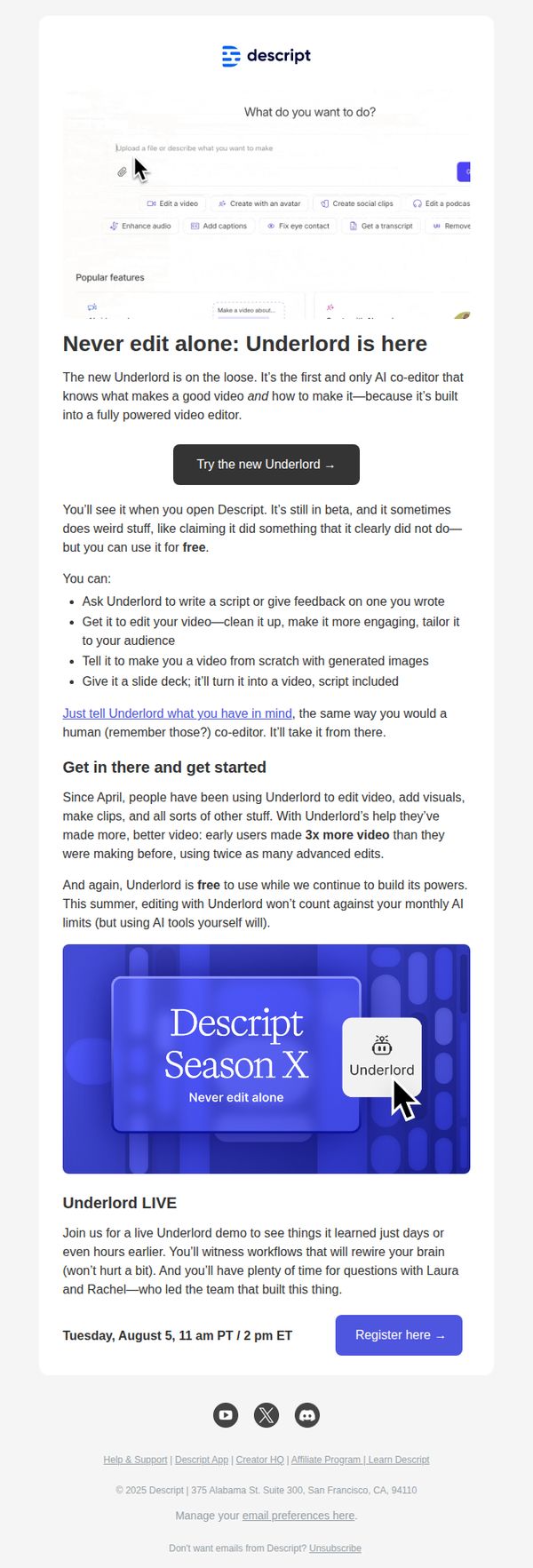
This email aims to introduce and drive adoption of Descript’s new AI co-editor, Underlord, by showcasing its unique ability to transform natural language descriptions into fully edited videos, positioning it as a revolutionary, free-to-use tool that eliminates the need for manual editing. It also promotes an upcoming live demo event to build excitement and hands-on engagement.
Why this works
Descript brilliantly frames Underlord not as another AI tool, but as a human-like co-editor that understands video storytelling, this emotional positioning makes the tech feel intuitive and trustworthy, lowering the barrier to trial for non-technical creators.
How to implement
The email leverages social proof by highlighting that early users made 3x more video content with Underlord, subtly implying productivity gains without overpromising, this grounded metric builds credibility while appealing to creators’ desire for efficiency.
Pro Tip
The primary CTA 'Try the new Underlord →' is buried below multiple paragraphs; moving it higher, ideally right after the hero headline, would capture attention before users scroll past, increasing conversion likelihood. • The email lacks a visual demonstration or short video preview of Underlord in action; adding a 5-second embedded GIF or thumbnail linking to a demo would make the 'describe to create' promise instantly tangible and reduce cognitive friction.
5. In the AI age, what is craft? Here's what we know.
Objective
This email aims to position Descript’s AI editor, Underlord, as a creative collaborator rather than a replacement for human craft, while driving engagement with educational content and new product features. It seeks to reassure users that AI enhances, not erases, professional skill in video editing and content creation.
Why this works
The email brilliantly reframes AI not as a threat to creativity but as a co-pilot that amplifies human intent, by showing real user prompts and Underlord’s thoughtful responses, it builds trust through relatable, conversational examples that feel less like tech demos and more like creative partnerships.
How to implement
Instead of leading with features, it leads with philosophy, asking 'what is craft?', which emotionally anchors the reader before introducing tools, making the product feel like a natural extension of the user’s creative identity rather than just another software upgrade.
Pro Tip
The CTA 'Get the knowledge' is vague and doesn’t reflect the urgency or value of the content; replacing it with something like 'Read the Craft of AI Editing' or 'See How Pros Use Underlord' would better align with the educational intent and increase click-through rates. • The email lacks visual hierarchy between sections, adding subtle dividers, consistent spacing, or a progress indicator (e.g., 'Section 1 of 5') would help users mentally navigate the long-form content and reduce scroll fatigue, especially since the email blends education, product updates, and thought leadership.
6. Live demo: Learn the basics of video editing with Descript
Objective
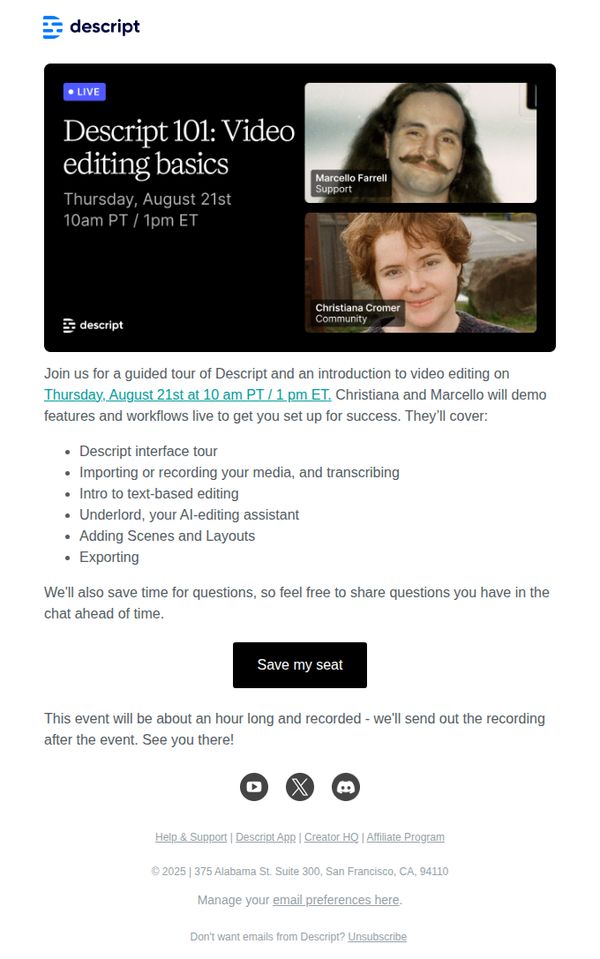
This email aims to drive registrations for a live, educational demo that introduces new users to Descript’s video editing tools through a guided walkthrough led by product experts, while also positioning the platform as approachable and supportive for beginners.
Why this works
The email smartly frames the live demo as a beginner-friendly ‘101’ session, lowering the barrier to entry by signaling it’s designed for those new to video editing, which builds trust and reduces intimidation for potential users.
How to implement
By naming the presenters and their roles, Support and Community, it humanizes the brand and subtly reassures recipients they’ll get real, relatable guidance rather than a generic sales pitch, increasing perceived value and attendance likelihood.
Pro Tip
Add a countdown timer or urgency indicator near the CTA to nudge procrastinators, since the event is time-bound, visual scarcity would reinforce FOMO and boost registration conversions. • Include a short testimonial or social proof snippet from a past attendee (e.g., ‘92% of attendees said they felt confident editing after this session’) to validate the session’s effectiveness and reduce skepticism.
7. New: Generate video you can actually use
Objective
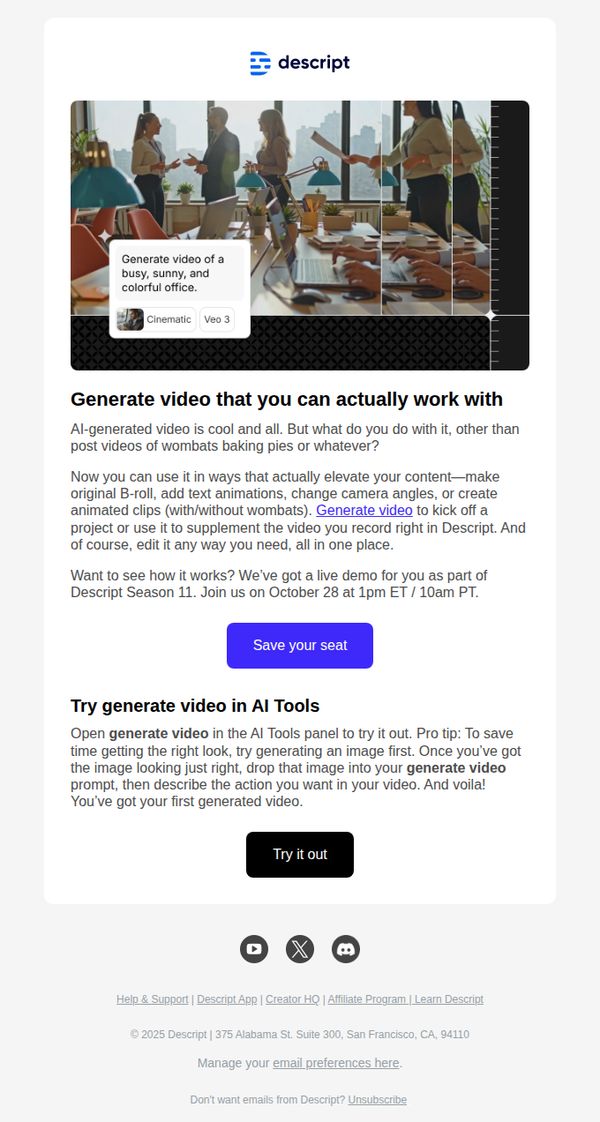
To introduce and promote Descript’s new AI-generated video feature by highlighting its practical, professional applications and driving sign-ups for a live demo during Descript Season 11.
Why this works
The email brilliantly reframes AI video from a novelty to a workflow tool by showing concrete use cases like B-roll creation and camera angle changes, making the feature feel indispensable rather than gimmicky.
How to implement
By embedding a live demo invitation directly after explaining the feature’s utility, the email creates a seamless journey from curiosity to commitment, reducing friction and increasing conversion likelihood.
Pro Tip
Add a subtle countdown timer near the CTA to create urgency around the live demo, leveraging FOMO to boost registration rates without disrupting the clean layout. • Include a short customer testimonial or use-case quote from a known creator or brand to validate the tool’s real-world impact and build social proof before the CTA.
8. Now in Descript: Underlord turned loose, mobile uploads, Brand Studio

Objective
This email aims to inform existing Descript users about the latest product updates released in July 2025, encouraging them to explore new features like Underlord beta, Brand Studio, and mobile uploads while driving engagement through demos, trials, and community interaction.
Why this works
The email brilliantly frames each new feature as a narrative milestone, like 'Underlord turned loose', making technical updates feel like exciting plot twists in a product story, which keeps users emotionally invested in the platform’s evolution.
How to implement
By embedding direct CTAs like 'Try it now' and 'Register here' immediately after explaining each feature’s value, the email creates frictionless pathways for users to act, turning curiosity into immediate engagement without requiring extra navigation or decision fatigue.
Pro Tip
Add a visual progress bar or checklist near the top indicating how many new features the user has tried, to gamify exploration and nudge users toward completing all feature trials. • Include a short testimonial or user quote under each major feature section to build social proof and reduce perceived risk for users hesitant to adopt beta tools like Underlord or Control Room.
9. New generative media tools, Brand Studio upgrades, Rooms invite links and more

Objective
This email aims to inform existing users about Descript’s October product updates while encouraging immediate engagement with new features like generative video tools, Brand Studio permissions, and Rooms invite links. It also primes users for upcoming November releases and community participation.
Why this works
The email brilliantly balances feature depth with user-friendly framing by explaining complex tools like Sora 2 and VEO 3.1 through real-world use cases, cinematic quality, fast iteration, or realistic physics, so users instantly grasp value without technical overload.
How to implement
By embedding role-based permissions directly into the Brand Studio update, Descript turns a functional upgrade into a strategic advantage for teams, subtly appealing to enterprise decision-makers who care about governance, compliance, and scalable workflows across hundreds of creators.
Pro Tip
Add a visual progress bar or checklist under the October update section to help users track which features they’ve tried, increasing perceived value and encouraging exploration across multiple tools. • Replace the generic 'Learn more' CTA under the keyframe capture section with a benefit-driven version like 'Save 10 minutes per video, capture frames now' to align with the time-saving message and drive higher click-through.
10. Why context matters more than perfect prompts
Objective
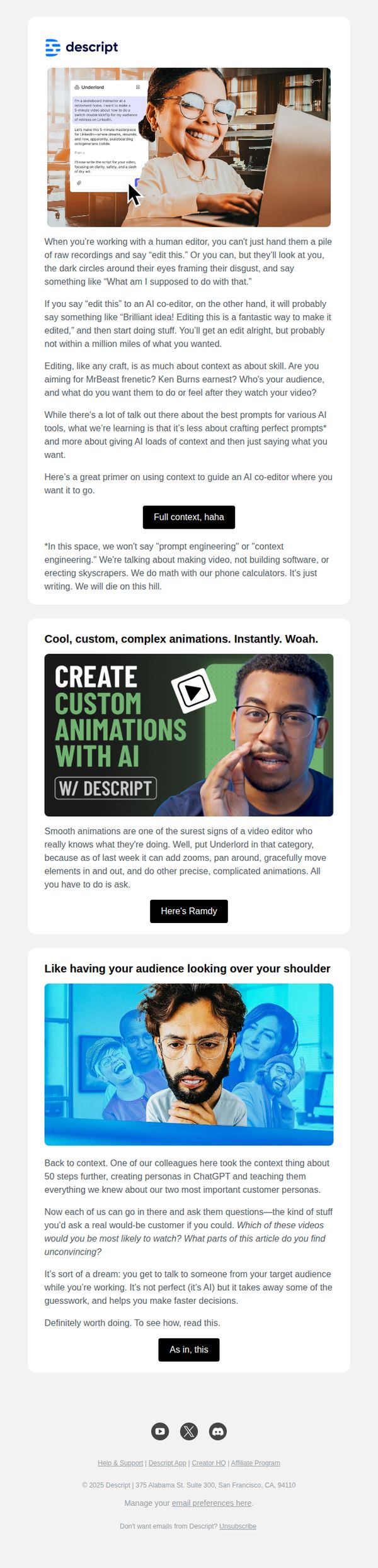
To educate users on the importance of context over perfect prompts when working with AI co-editors, and to showcase Descript’s advanced editing capabilities through real-world examples and relatable analogies.
Why this works
The email brilliantly reframes AI editing as a collaborative conversation rather than a technical prompt-fitting exercise, making the tool feel more intuitive and human-centered for creators who value storytelling over syntax.
How to implement
By using vivid analogies, like comparing AI editing to working with a human editor who needs context, the campaign transforms abstract AI concepts into emotionally resonant, real-world scenarios that users instantly recognize and relate to.
Pro Tip
Add a subtle visual cue or icon next to each CTA button to reinforce action, like a small arrow or play symbol, to increase click-through by guiding the eye and reducing cognitive friction in decision-making. • Include a short, bolded takeaway sentence at the end of each section summarizing the core insight, helping skimmers retain value even if they don’t read the full paragraph, especially useful for busy creators.