Atticus software email examples & ideas


1. ⭐ Achieve Peace of Mind with Atticus - Your Trustworthy Estate Settlement Partner
Objective
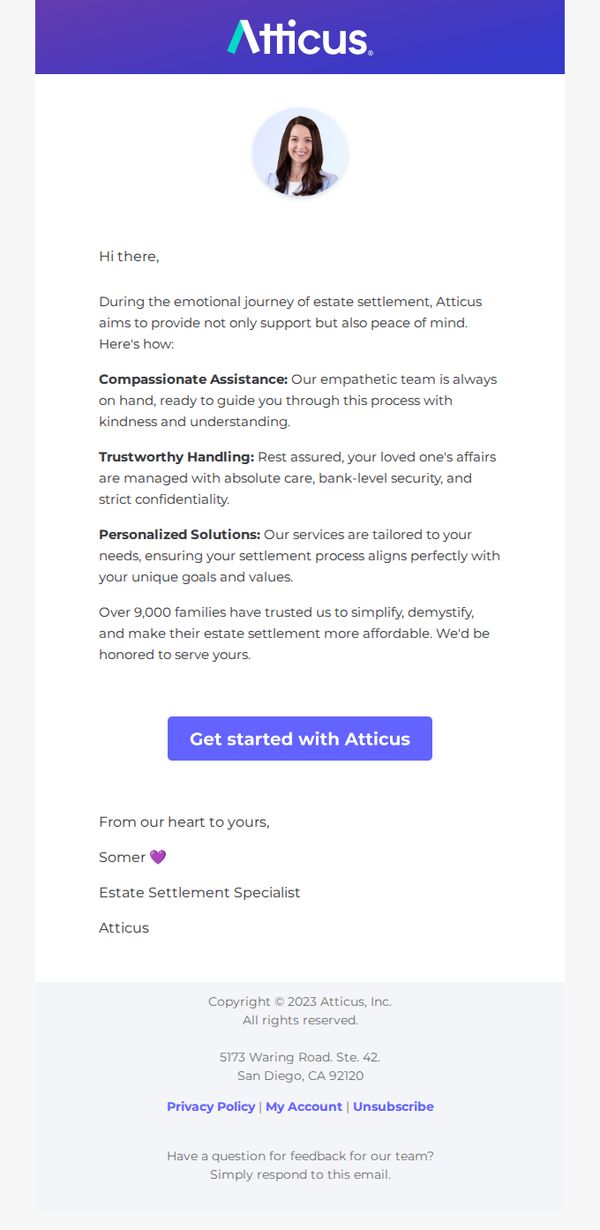
This email aims to build trust and emotional connection with recipients by positioning Atticus as a compassionate, secure, and personalized partner for estate settlement, encouraging them to take the first step toward peace of mind.
Why this works
The email opens with empathy, acknowledging the emotional weight of estate settlement, a powerful hook that immediately aligns the brand with the reader’s emotional state rather than just their logistical needs.
How to implement
By highlighting three core pillars, Compassionate Assistance, Trustworthy Handling, and Personalized Solutions, the message creates a clear, memorable framework that reassures prospects while differentiating Atticus from transactional competitors.
Pro Tip
Add a brief testimonial or client quote near the CTA to reinforce social proof, the current mention of 'Over 9,000 families' is strong but would be more persuasive with a real voice or specific outcome. • Include a subtle visual cue like a small icon or divider between the three value pillars to improve scannability and help readers quickly absorb the key benefits without cognitive overload.
2. Your verification code
Objective
This email aims to securely deliver a one-time verification code to the user for account authentication or action confirmation, ensuring the user can proceed with their intended task without delay.
Why this works
The email cuts through noise by delivering the verification code instantly and plainly, prioritizing speed and clarity over design flair, a smart move when users are in a time-sensitive authentication flow.
How to implement
By placing the code front and center with no distractions, the email respects the user’s urgency and reduces cognitive load, making it easier for them to complete verification without second-guessing where to look.
Pro Tip
Add a brief line explaining why the code was sent (e.g., 'You requested this code to verify your identity for [Action]') to reduce user confusion and prevent accidental dismissal. • Include a countdown timer or expiration notice (e.g., 'Code expires in 10 minutes') to encourage timely action and reduce support inquiries about expired codes.
3. Let's get started ✔️
Objective
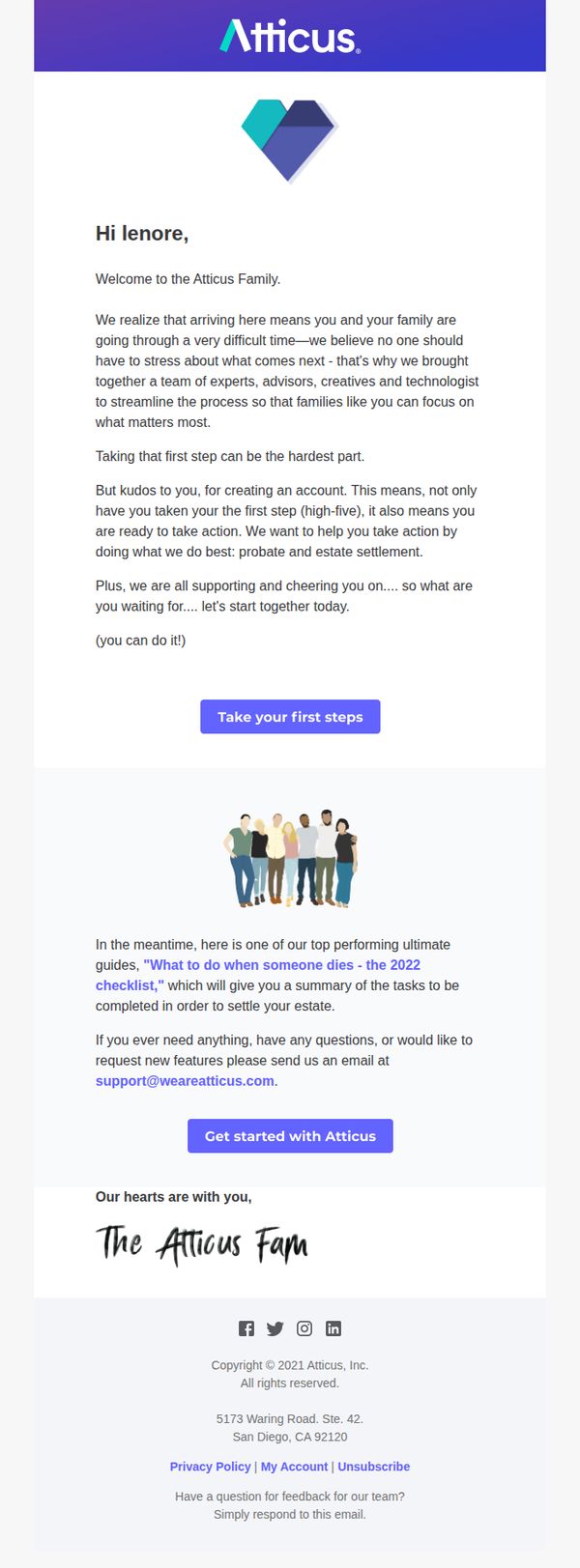
This email aims to warmly welcome new users into the Atticus platform while acknowledging the emotional weight of their situation, encouraging immediate action through empathetic messaging and clear next steps to begin estate settlement.
Why this works
The email opens with emotional validation, immediately acknowledging the recipient’s difficult situation, this builds trust and reduces friction by showing the brand understands the user’s emotional state before pitching solutions.
How to implement
By celebrating the user’s account creation as a meaningful first step, the message reframes a technical action into an empowering milestone, which psychologically motivates continued engagement through positive reinforcement and shared momentum.
Pro Tip
Add a subtle countdown or progress bar near the CTA to create gentle urgency or visual momentum, helping users feel they’re moving forward rather than just clicking a button, this supports the goal of driving action without pressure. • Include a short testimonial or user quote from someone who successfully used Atticus during estate settlement to reinforce social proof and reduce perceived risk, making the next step feel safer and more validated.
4. Your verification code
Objective
This email aims to securely deliver a one-time verification code to the user for account authentication or identity confirmation, ensuring only the intended recipient can proceed with the verification process.
Why this works
The email prioritizes clarity and urgency by placing the verification code front and center with no distractions, ensuring the user can act immediately without scanning for critical information.
How to implement
By using minimal design and zero visual clutter, the email reduces cognitive load and eliminates the risk of users missing the code, a crucial tactic for security-sensitive communications.
Pro Tip
Add a subtle visual border or background highlight around the verification code to draw the eye and reduce the chance of misreading or overlooking the six-digit number. • Include a brief line below the code indicating its expiration time (e.g., 'Expires in 10 minutes') to encourage prompt action and reduce support inquiries about expired codes.
5. Just so you know
Objective
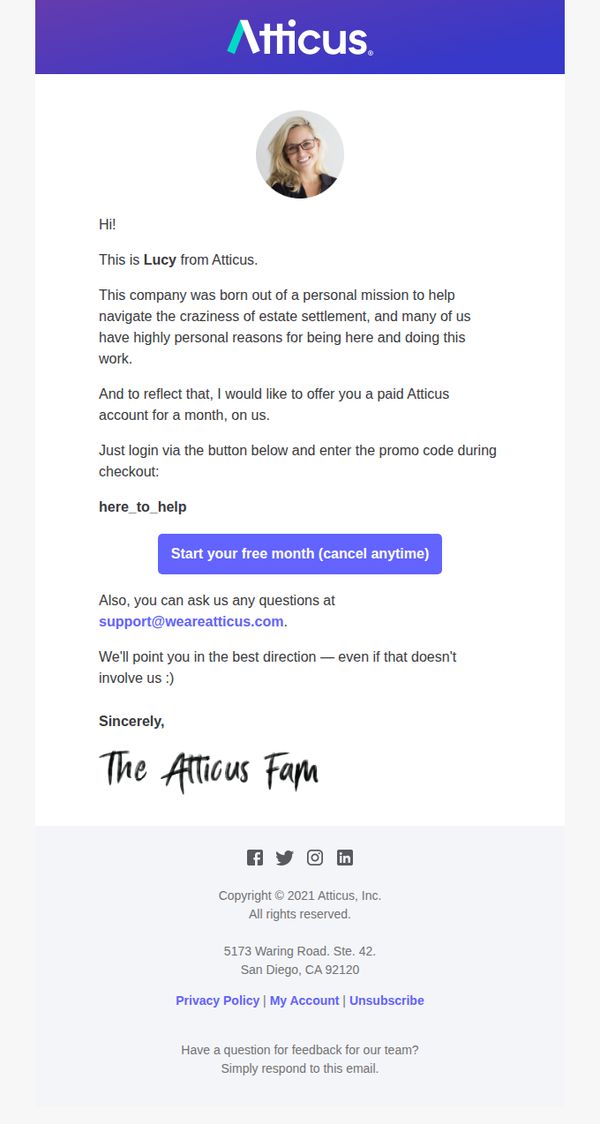
The email aims to build emotional connection and trust by sharing a personal story from a team member, then converting that goodwill into a trial by offering a free month of service with no commitment. It positions the brand as mission-driven and customer-centric.
Why this works
By opening with a personal note from Lucy, Atticus transforms a promotional email into a human conversation, making the offer feel like a genuine gesture rather than a sales pitch, which builds trust before asking for action.
How to implement
The phrase 'on us' paired with the mission-driven backstory frames the free trial not as a marketing tactic but as a values-based gift, aligning the brand’s purpose with the customer’s emotional need for support during a stressful life event.
Pro Tip
Add a subtle visual cue or icon next to the promo code 'here_to_help' to make it more scannable and reduce friction for users who may overlook plain text in the body copy. • Include a brief bullet list or one-line benefit summary under the CTA button, such as 'Access legal docs, timeline tools, and expert guidance', to reinforce value and reduce hesitation before clicking.
6. 💡 Did you know - Atticus is 100% reimbursable by the estate?
Objective
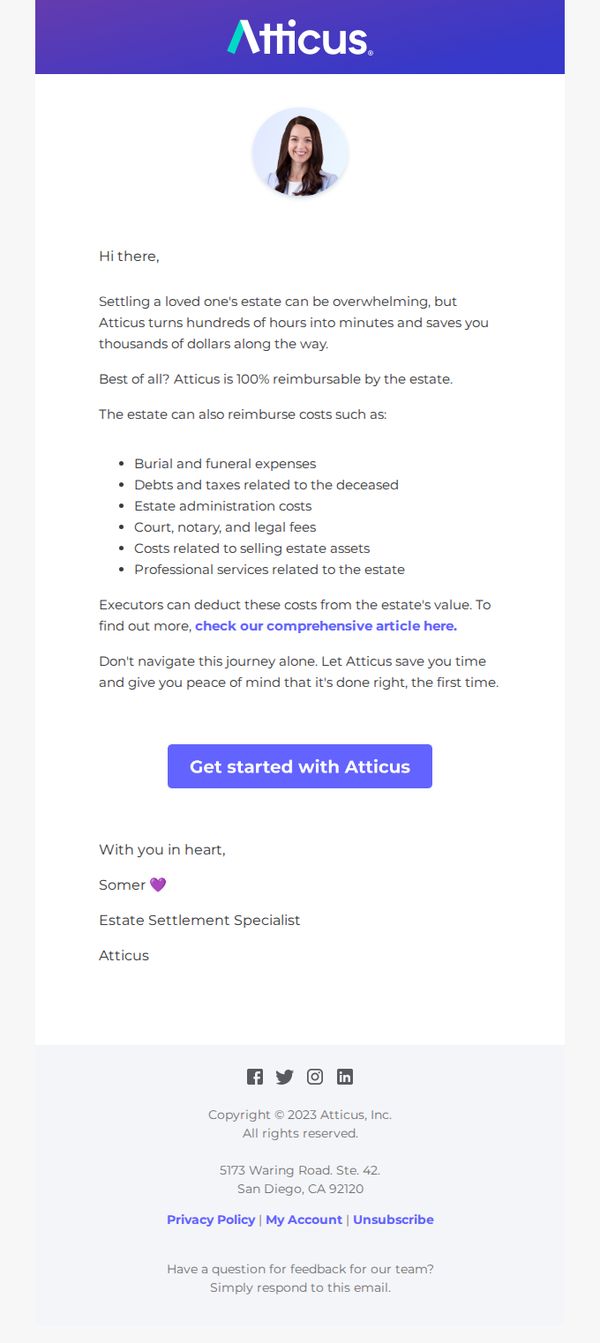
This email aims to reassure potential users that Atticus is a financially responsible choice by highlighting its 100% estate-reimbursable status, reducing perceived cost barriers and encouraging immediate sign-up during a sensitive life event.
Why this works
The email brilliantly reframes cost as a non-issue by anchoring the value proposition in estate reimbursement, a powerful psychological shift that turns financial hesitation into confidence for grieving executors.
How to implement
By listing specific reimbursable expenses like court fees and professional services, the email builds credibility and reduces ambiguity, helping readers visualize real savings and feel empowered to act without fear of hidden costs.
Pro Tip
Add a brief testimonial or social proof near the CTA to reinforce trust, for example, '92% of executors using Atticus reported saving over 100 hours and $5,000 in reimbursable costs.' • Include a subtle visual cue like a checkmark icon or badge next to '100% reimbursable' to make the key benefit more scannable and memorable in a single glance.
7. 📍Begin Your Easy Estate Settlement Journey with Atticus
Objective
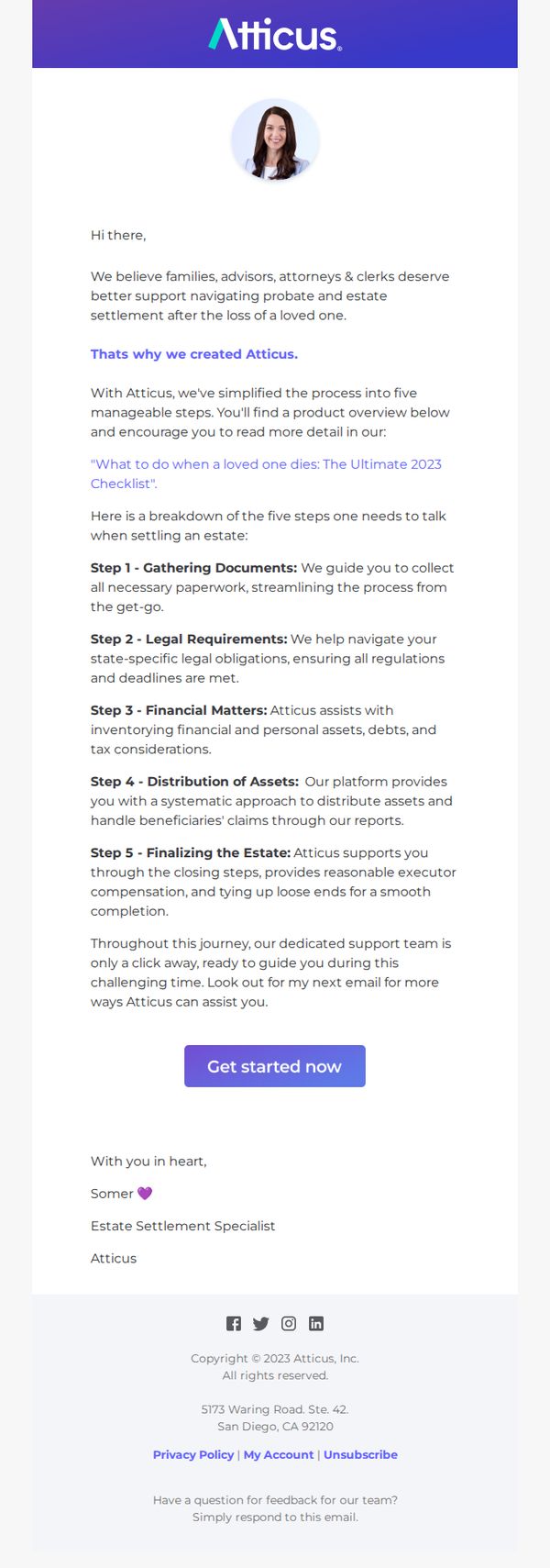
This email aims to guide grieving families, advisors, and legal professionals through the emotional and logistical complexity of estate settlement by introducing Atticus’s five-step simplified process, encouraging them to begin their journey with a clear, supportive onboarding experience.
Why this works
Atticus frames estate settlement not as a legal burden but as a compassionate journey, using empathetic language and a five-step structure that reduces overwhelm and builds trust with emotionally vulnerable audiences.
How to implement
The email strategically positions the brand as a guide rather than a service provider, using phrases like 'we guide you' and 'dedicated support team is only a click away' to reinforce emotional safety and ongoing assistance.
Pro Tip
Add a subtle visual cue or icon next to each of the five steps to improve scannability and reinforce the structured, manageable nature of the process, especially helpful for readers in emotional distress. • Include a brief testimonial or social proof near the CTA to validate the process with real user outcomes, increasing conversion by reducing perceived risk for first-time users.
8. An interactive probate map 🗺
Objective
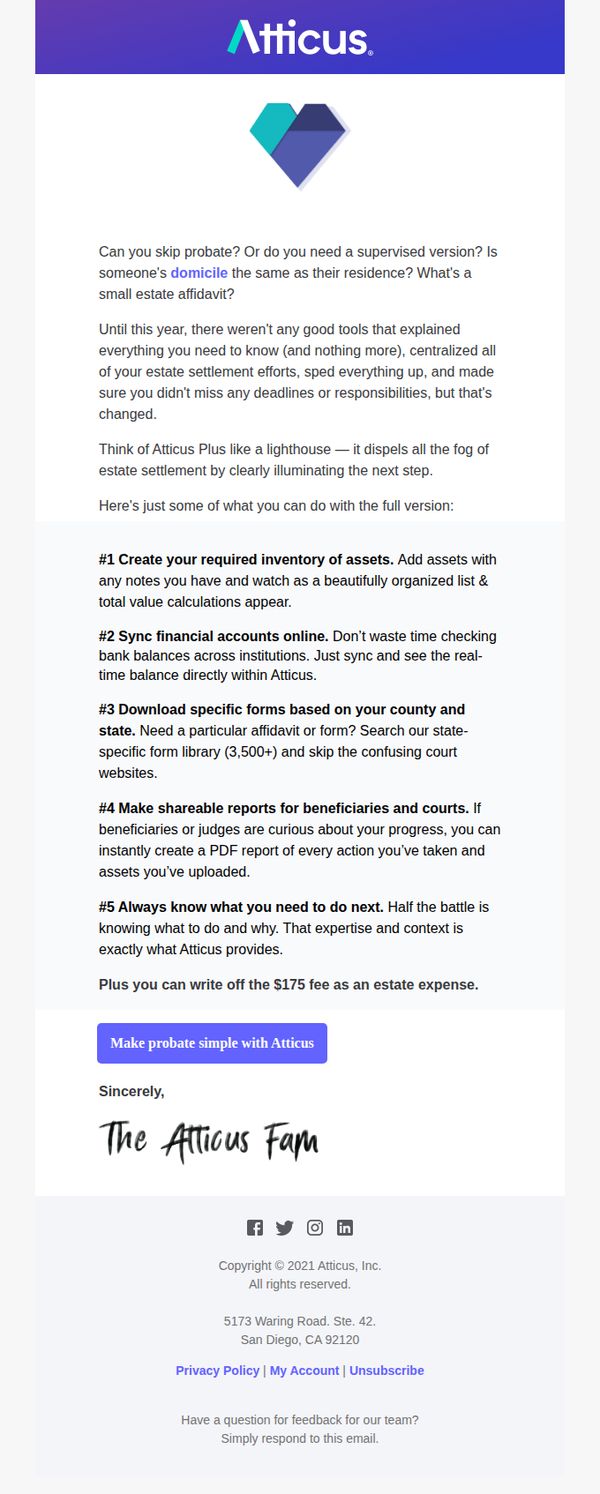
This email aims to educate recipients on the complexities of probate while positioning Atticus Plus as the essential, all-in-one solution that simplifies estate settlement through automation, clarity, and state-specific tools. It also incentivizes sign-up by highlighting a fee write-off as an estate expense.
Why this works
The email opens with provocative, jargon-busting questions that immediately resonate with overwhelmed executors, creating instant relevance and positioning Atticus as the guide through legal ambiguity rather than just another software tool.
How to implement
By framing Atticus Plus as a 'lighthouse' that dispels fog, the campaign uses powerful metaphorical language to transform a dry legal process into an emotional journey of clarity and control, a technique that builds trust and reduces perceived complexity.
Pro Tip
Add a visual element like a mini-map or icon next to the 'interactive probate map' subject line in the hero section to reinforce the geographic, state-specific value proposition and increase visual engagement. • Include a short testimonial or trust signal near the CTA, such as 'Used by 10,000+ executors' or a quote from a user, to reduce friction and validate the claim that Atticus simplifies probate for real people.
9. Everything you need to do
Objective
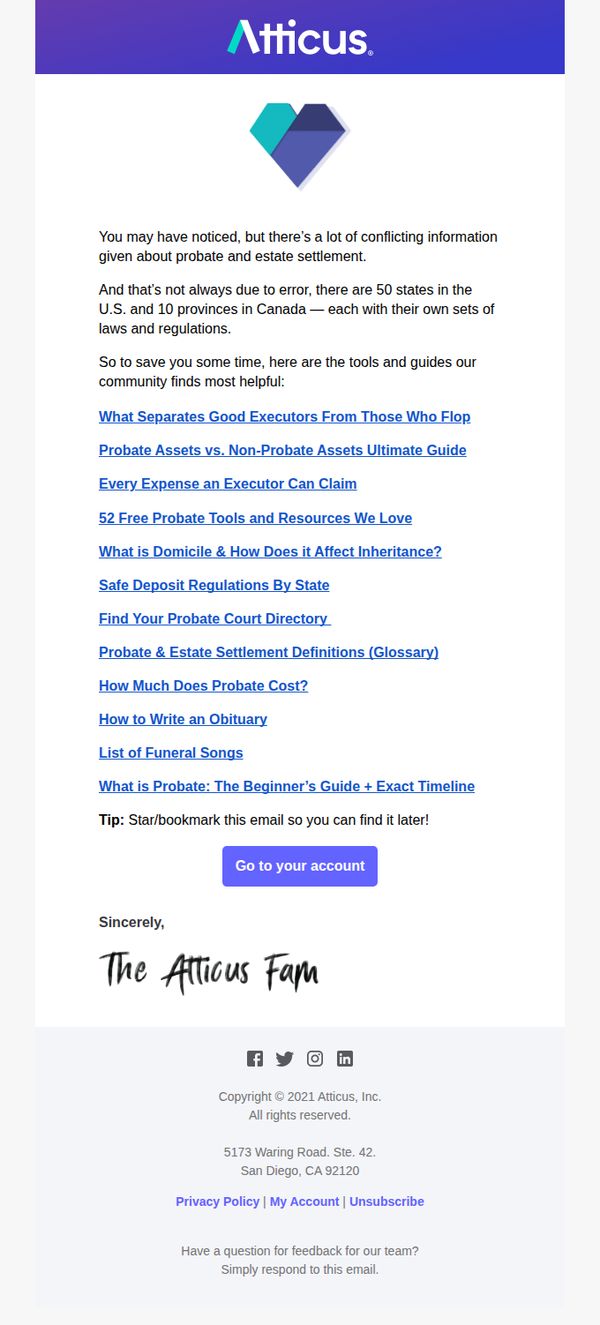
This email aims to position Atticus as a trusted, authoritative resource for navigating the complex landscape of probate and estate settlement by curating and delivering high-value educational content directly to users who may feel overwhelmed by conflicting legal information.
Why this works
The email brilliantly reframes confusion as a universal pain point, then immediately positions the brand as the solution by offering a curated list of essential, community-vetted resources, making the reader feel seen and supported rather than overwhelmed.
How to implement
By listing hyper-specific, actionable guides like 'How Much Does Probate Cost?' and 'How to Write an Obituary,' the email demonstrates deep empathy for the user’s emotional and logistical needs, transforming abstract legal topics into digestible, human-centered next steps.
Pro Tip
Add a subtle visual hierarchy or iconography next to each resource link to help users quickly distinguish between guides, tools, and definitions, reducing cognitive load and improving scanability for overwhelmed readers. • Reposition the 'Go to your account' CTA to appear immediately after the first 2–3 most critical resources (e.g., 'What is Probate: The Beginner’s Guide'), so users who resonate with the content are prompted to engage before scrolling past.
10. Probate Deadlines 📃
Objective
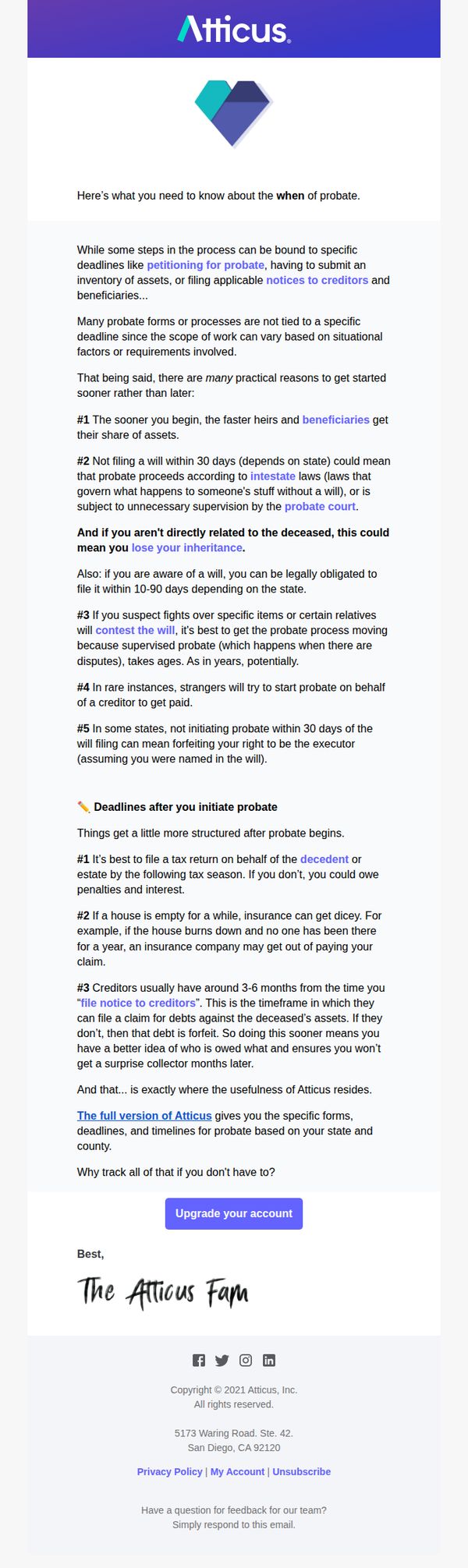
This email aims to educate recipients about the urgency and legal implications of probate deadlines while positioning Atticus as the essential tool to navigate these time-sensitive obligations. It seeks to convert readers into paying users by highlighting consequences of delay and offering state-specific guidance.
Why this works
The email masterfully transforms a dry legal topic into an urgent, emotionally resonant message by tying probate deadlines to personal consequences like losing inheritance or facing legal liability, making the stakes feel immediate and real.
How to implement
By breaking down complex probate timelines into numbered, scenario-based reasons, especially those involving family conflict or creditor claims, the email simplifies overwhelming legal processes into digestible, actionable insights that build trust and urgency.
Pro Tip
Add a visual countdown timer or progress bar near the CTA to reinforce urgency, especially since the email emphasizes time-sensitive legal actions, this would make the 'Upgrade your account' button feel more consequential and timely. • Include a short testimonial or case study from a user who avoided legal trouble by using Atticus to meet a deadline, this would strengthen social proof and validate the email’s urgency claims with real-world outcomes.