Proven Expert Recommends email designs you can use in software
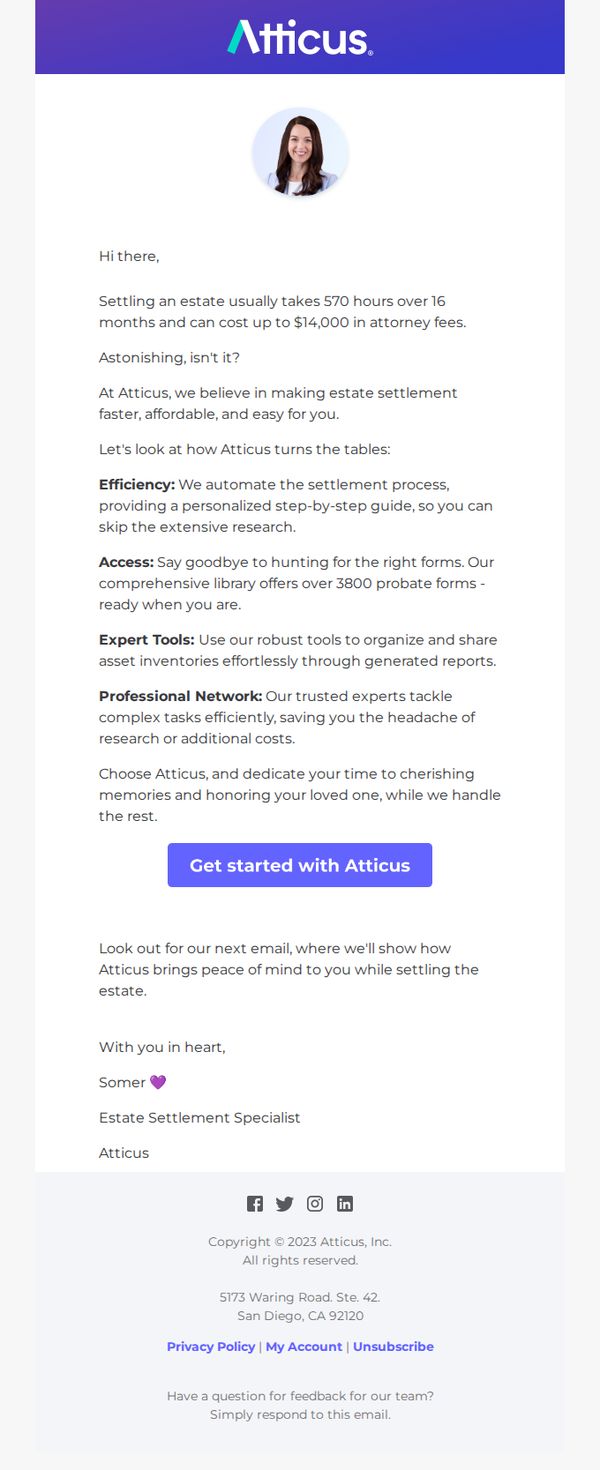
1. Atticus: 💜 We are here for you!
Objective
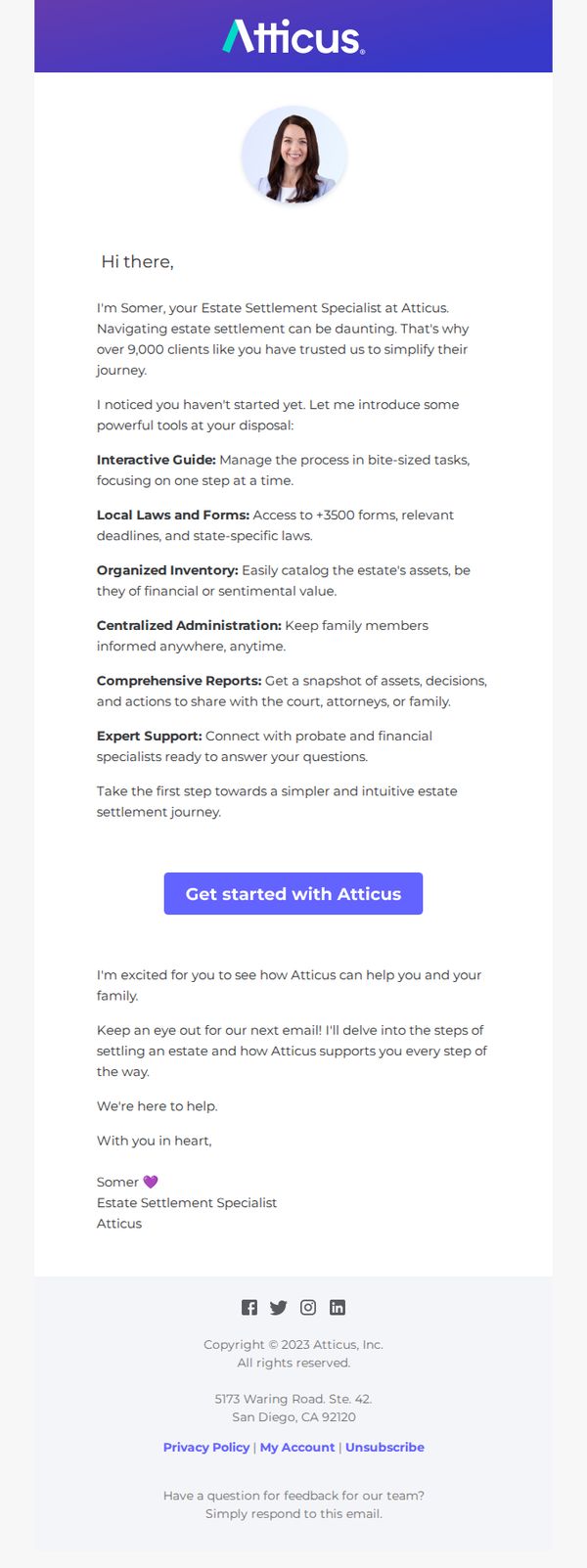
This email aims to re-engage a prospect who hasn’t yet started their estate settlement journey by offering personalized, empathetic guidance and highlighting Atticus’s key tools to reduce overwhelm and build trust. It positions the brand as a supportive partner rather than a sales entity.
Why this works
The email opens with a warm, humanized tone by introducing a real specialist by name, which instantly builds rapport and transforms a transactional message into a personal invitation to collaborate during an emotionally charged process.
How to implement
Instead of listing generic features, it frames each tool as a solution to a specific pain point, like managing bite-sized tasks or accessing state-specific forms, making the value immediately tangible and emotionally resonant for someone feeling overwhelmed.
Pro Tip
Add a subtle visual hierarchy to the tool list, such as icons or light dividers, to break up the text block and make each benefit scannable, since dense paragraphs may deter readers already feeling emotionally taxed. • Include a micro-testimonial or social proof near the CTA, such as '9,000+ families have started their journey with Atticus,' to reinforce credibility and reduce hesitation at the conversion point.
2. RAYGUN: Welcome to Raygun 👋
Objective
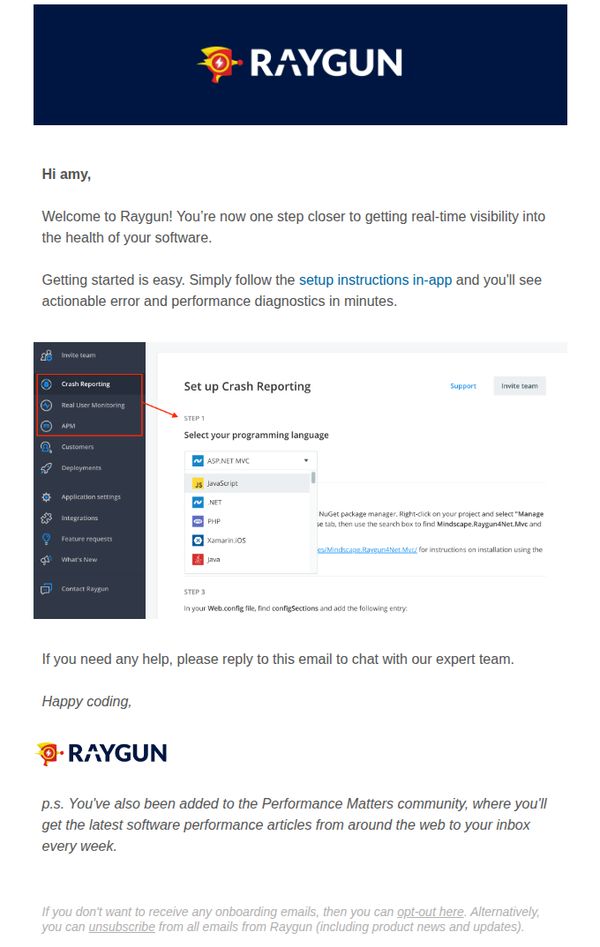
This email aims to warmly welcome new users to Raygun and guide them toward immediate onboarding by directing them to in-app setup instructions for real-time software diagnostics. It also reinforces brand community by subscribing them to performance-focused content.
Why this works
The email opens with a personalized greeting and immediately frames the user’s next step as a natural progression toward value, ‘one step closer to getting real-time visibility’, which reduces friction and builds momentum for onboarding.
How to implement
By embedding a visual screenshot of the actual setup interface with highlighted navigation and step-by-step instructions, the email bridges the gap between abstract guidance and concrete action, making technical onboarding feel approachable and intuitive.
Pro Tip
Add a secondary CTA button labeled 'Start Setup Now' next to the 'setup instructions in-app' link to increase conversion by reducing cognitive load and giving users a clear, clickable path to action. • Include a short testimonial or success metric (e.g., '92% of users complete setup in under 5 minutes') near the setup instructions to build confidence and reduce perceived complexity for new users.
3. Trusted Tech Team: Tune in for Intune 🧠 We are going live in one hour ⌛
Objective
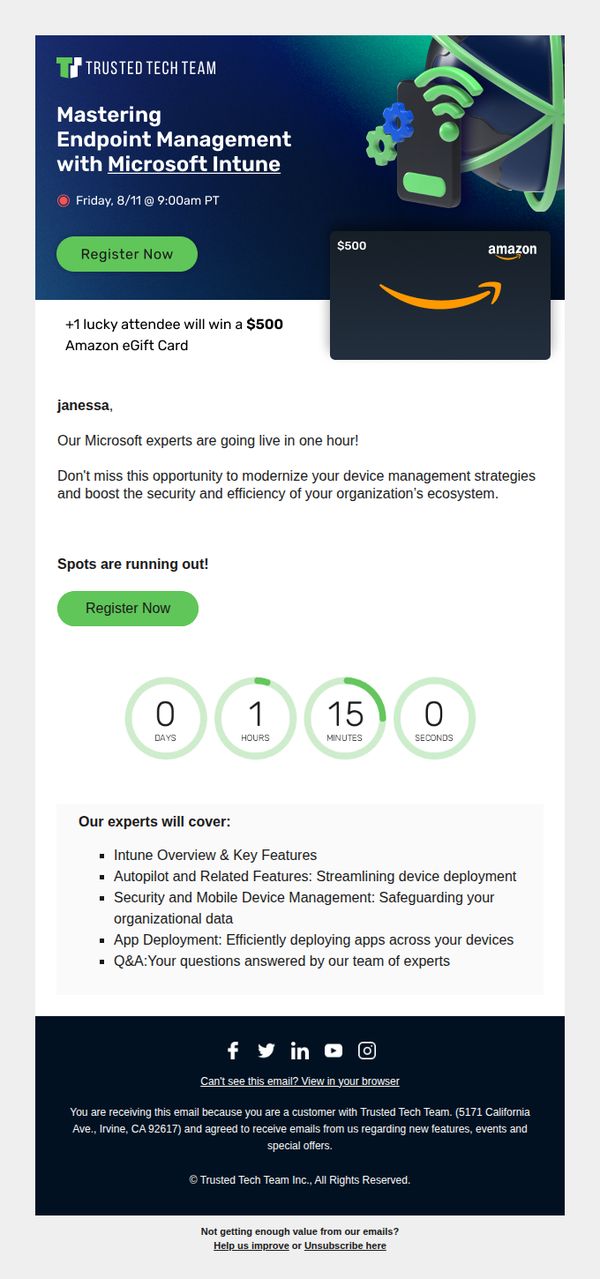
This email aims to drive last-minute registrations for a live webinar on Microsoft Intune by emphasizing urgency, expert-led value, and a tangible incentive, a $500 Amazon eGift card for one lucky attendee, to convert recipients into active participants before the event begins.
Why this works
The email masterfully combines urgency with reward by announcing a live event in one hour and immediately following it with a high-value incentive, a $500 Amazon gift card, which transforms passive readers into motivated registrants.
How to implement
By personalizing the greeting with the recipient’s name and framing the webinar as a strategic opportunity to modernize device management, the email positions the event not as a generic demo but as a mission-critical upgrade for the reader’s organization.
Pro Tip
Add a brief testimonial or quote from a past attendee near the countdown timer to build social proof and reduce hesitation, for example, '92% of past attendees said this session helped them cut deployment time by half.' • Reposition the second 'Register Now' button above the countdown timer, not below, so users don’t have to scroll past urgency cues to take action, improving conversion flow and reducing drop-off.
4. Robin: Easier workplace management starts here
Objective
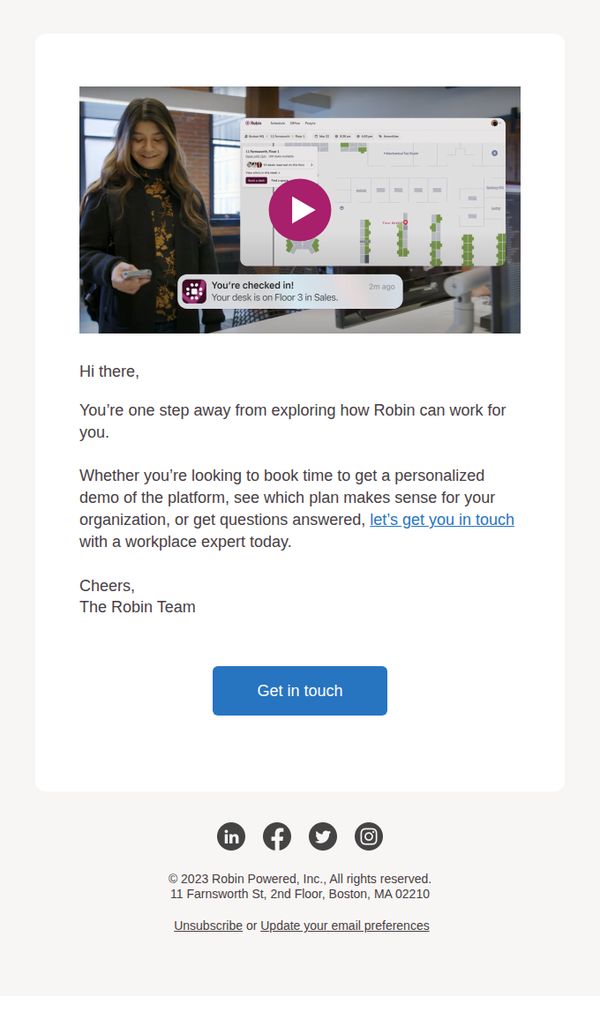
This email aims to convert curious prospects into engaged leads by positioning Robin as the solution for smarter workplace management and encouraging immediate contact with a workplace expert for personalized guidance.
Why this works
The email opens with a warm, conversational tone that reduces friction and positions the brand as a helpful partner rather than a sales-driven entity, making the recipient feel supported from the first sentence.
How to implement
By embedding a video preview directly in the hero section, the campaign visually demonstrates product value without requiring a click, increasing engagement and reducing cognitive load for the user.
Pro Tip
Add a brief bullet list under the main paragraph highlighting 2–3 key benefits (e.g., 'Book desks in seconds,' 'Optimize space usage,' 'Integrate with your calendar') to reinforce value before the CTA. • Include a small social proof element, like 'Trusted by 5,000+ teams' or a mini testimonial quote, near the CTA to build credibility and reduce hesitation before the user clicks.
5. Atticus: 💸 Start Saving Time & Money
Objective
This email aims to convert readers into users of Atticus by highlighting how their platform reduces the time, cost, and stress of estate settlement, positioning the service as an essential, empathetic solution for grieving families.
Why this works
Atticus frames estate settlement not as a legal chore but as an emotional journey, using empathetic language like 'cherishing memories' to align their service with the reader’s emotional state rather than just their logistical needs.
How to implement
By quantifying the pain point, 570 hours and $14,000 in fees, Atticus creates an immediate sense of urgency and value, making the reader feel the cost of inaction is far greater than the investment in their solution.
Pro Tip
Add a subtle visual hierarchy or iconography next to each of the four value pillars to make them scannable and memorable, helping readers retain key benefits even if they skim the email. • Include a micro-testimonial or social proof near the CTA, such as 'Join 12,000+ families who saved 80% of their settlement time', to reduce perceived risk and reinforce credibility before the conversion step.
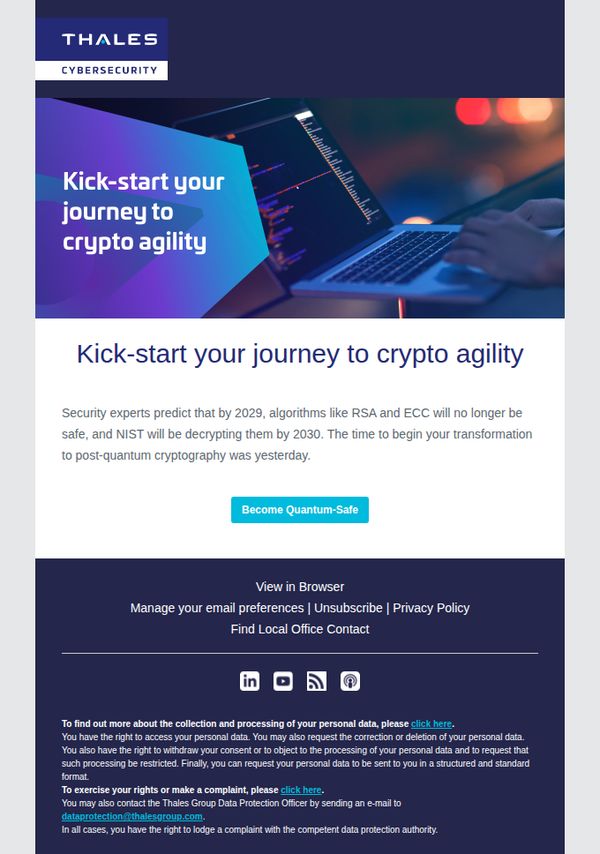
6. Imperva : Are you ready for Quantum Computing?
Objective
This email aims to alert security professionals about the urgent need to prepare for quantum computing threats by transitioning to post-quantum cryptography, positioning Thales as a trusted guide for this critical transformation.
Why this works
The email opens with a bold, future-focused headline that immediately frames quantum computing as an imminent threat, creating urgency without resorting to fearmongering, which primes the reader for a solution-oriented message.
How to implement
By citing NIST and specific cryptographic algorithms like RSA and ECC, the email leverages authoritative third-party validation to build credibility and subtly positions Thales as the expert partner equipped to navigate this complex transition.
Pro Tip
Add a brief testimonial or customer success snippet near the CTA to reinforce social proof, since the topic is highly technical, real-world validation from peers would reduce perceived risk and increase conversion confidence. • Include a short, visually distinct 'What’s Next?' section after the CTA that outlines the 2–3 steps Thales will guide the reader through, reducing friction by clarifying the post-click journey and managing expectations.
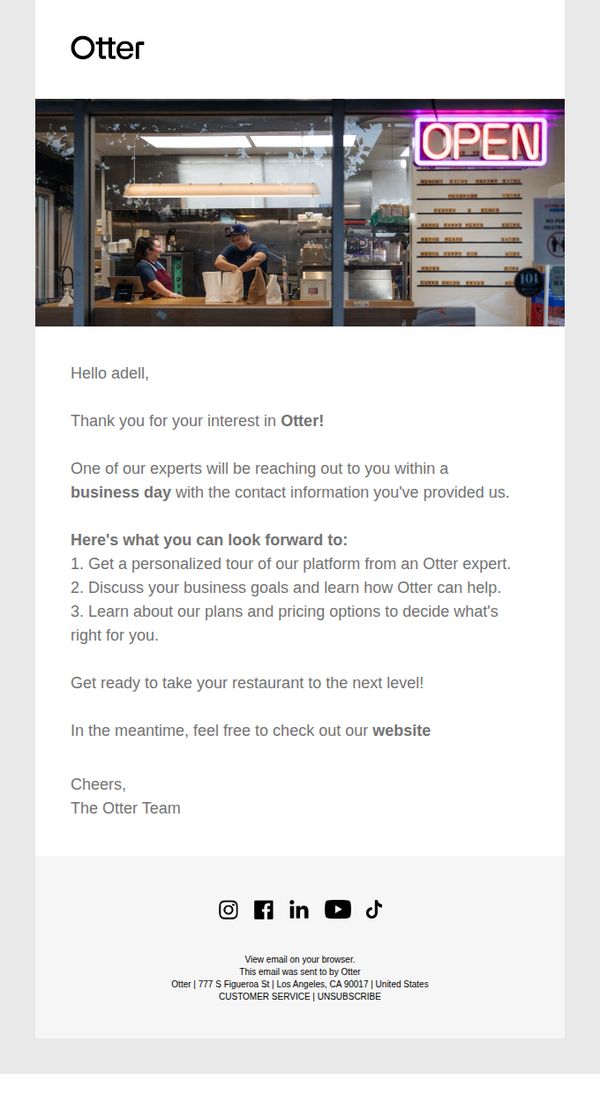
7. Otter: Demo Confirmed
Objective
This email confirms a demo request and sets clear expectations for the next steps, aiming to build trust and excitement by outlining what the recipient will experience during their personalized tour with an Otter expert.
Why this works
The email opens with a warm, personalized greeting that immediately validates the recipient’s interest, making them feel seen and valued before diving into logistics or next steps.
How to implement
By listing exactly three clear outcomes the recipient can expect from the demo, the email reduces uncertainty and builds anticipation, turning a simple confirmation into a compelling preview of value.
Pro Tip
Add a secondary CTA button labeled 'Explore Features Now' above the footer to give users an immediate, low-friction action while they wait for the expert to reach out. • Include a small visual element, like a calendar icon or countdown, next to 'within a business day' to reinforce urgency and manage expectations more effectively.
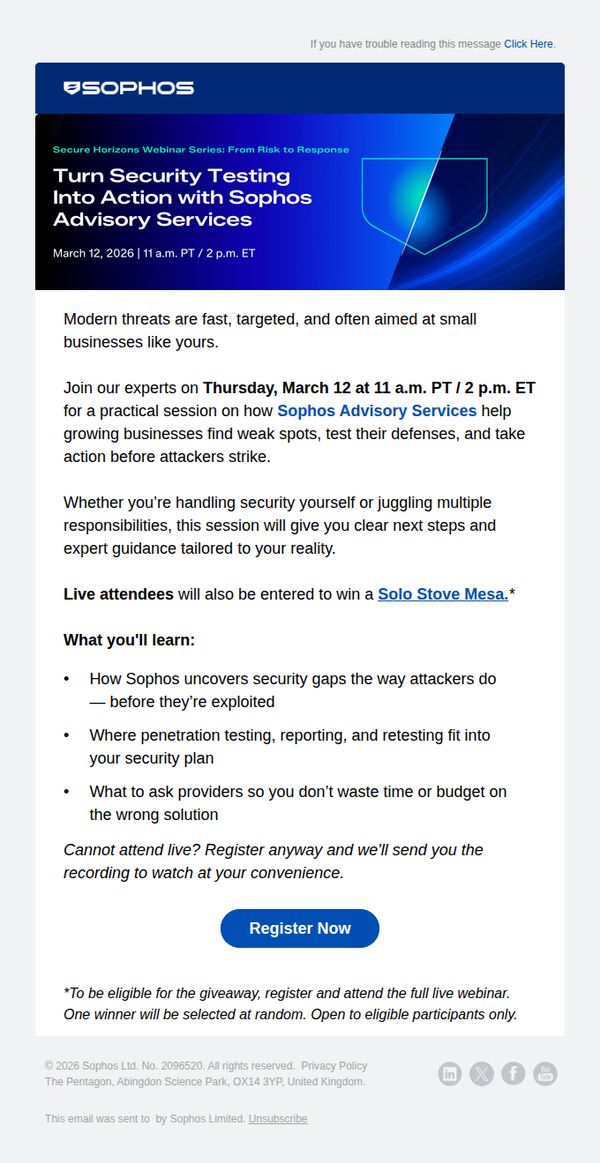
8. Sophos: Cybersecurity Testing Made Simple for Small Teams
Objective
This email aims to drive registrations for a Sophos webinar that educates small business teams on proactive cybersecurity testing, while incentivizing live attendance with a giveaway to increase engagement and perceived value.
Why this works
The email positions cybersecurity not as a technical burden but as a strategic advantage for small teams, framing Sophos Advisory Services as a practical, reality-based solution rather than a generic product pitch.
How to implement
By offering a tangible giveaway, a Solo Stove Mesa, the campaign transforms a routine webinar into an event with perceived exclusivity and reward, increasing live attendance without compromising the educational core message.
Pro Tip
Add a countdown timer near the CTA to create urgency, especially since the webinar date is fixed and proximity to the event can motivate last-minute registrations. • Include a short testimonial or quote from a past attendee in the Education Section to build social proof and reinforce the practical value of the session for small business security teams.
9. Atticus: ✨ Start Your Hassle-free Estate Settlement Today with Atticus!
Objective
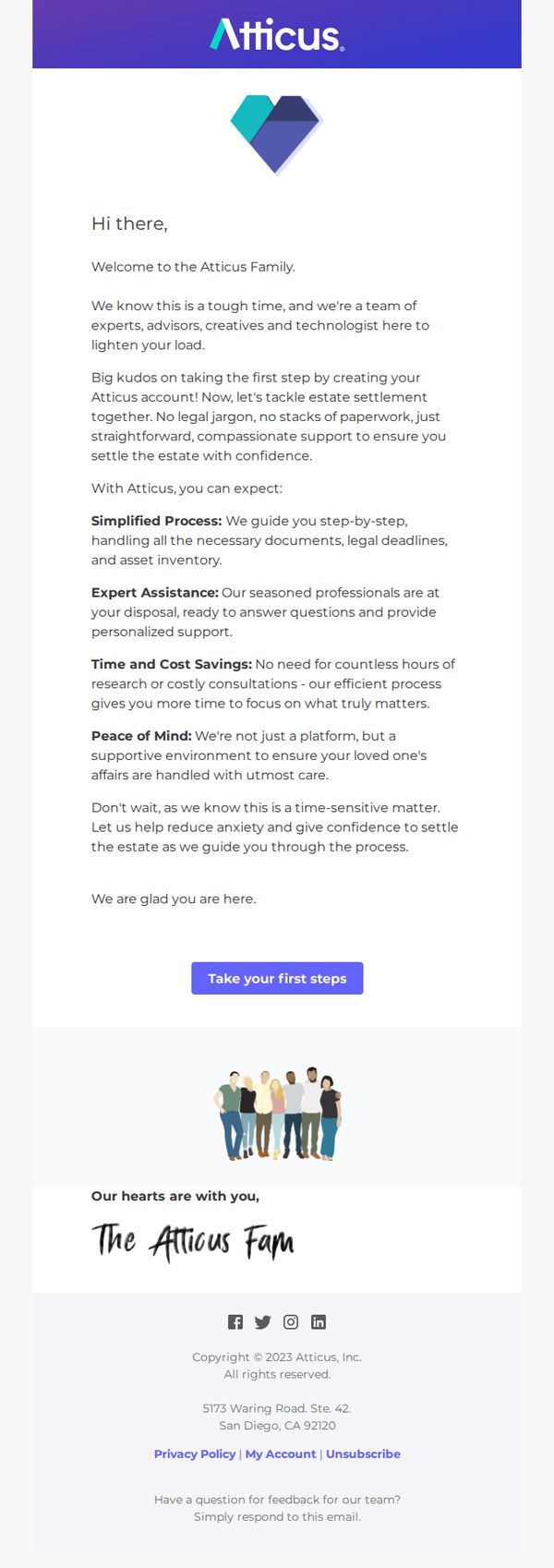
This email aims to welcome new users to Atticus and gently guide them into beginning their estate settlement journey by emphasizing emotional support, simplicity, and expert assistance during a difficult time.
Why this works
The email opens with empathy, acknowledging the emotional weight of estate settlement, which immediately builds trust and positions Atticus as a compassionate ally rather than just a service provider.
How to implement
By breaking down benefits into clear, emotionally resonant categories like 'Simplified Process' and 'Peace of Mind,' the email transforms a complex legal task into an approachable, human-centered journey.
Pro Tip
Add a brief testimonial or user quote near the CTA to reinforce social proof and alleviate hesitation, for example, a short line like 'I felt supported every step of the way' from a real user. • Include a subtle visual cue or icon next to each benefit (Simplified Process, Expert Assistance, etc.) to improve scannability and help users quickly grasp value without reading every word.
10. Trusted Tech Team: Meet our Microsoft Experts 🧠 and Learn the Ins and Outs of Intune
Objective
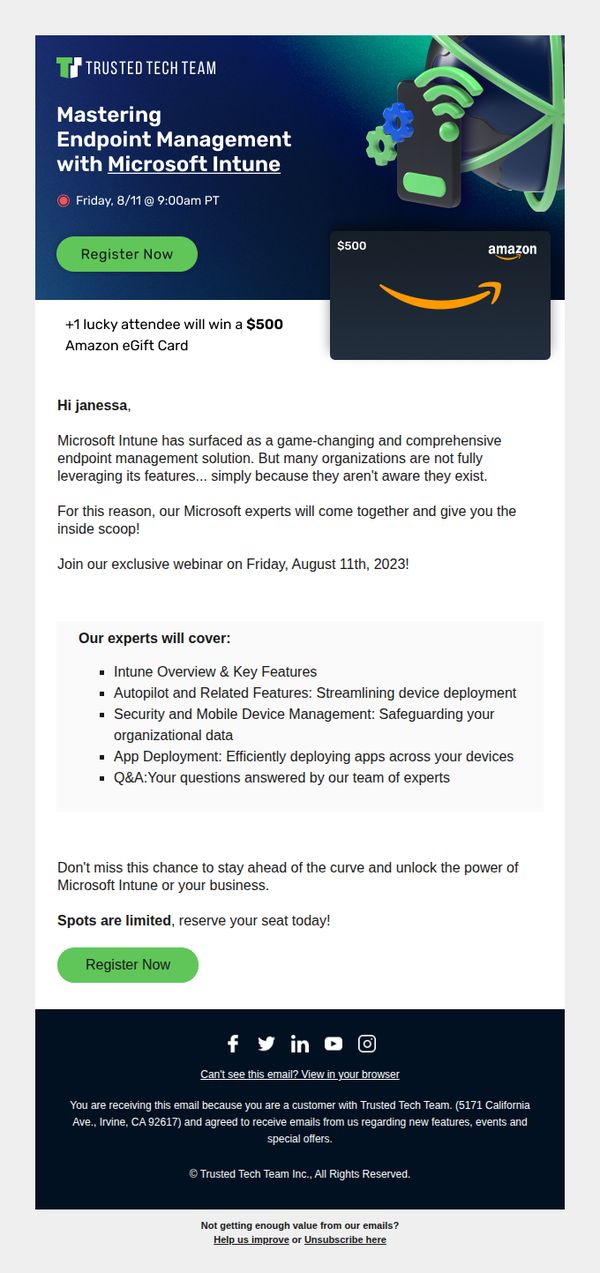
This email aims to drive registrations for a webinar on Microsoft Intune by positioning Trusted Tech Team as the authority on endpoint management, while incentivizing attendance with a $500 Amazon eGift card giveaway to create urgency and perceived value.
Why this works
The email smartly frames Microsoft Intune not just as a tool, but as a game-changing solution many organizations overlook, creating instant curiosity and positioning the webinar as essential insider knowledge for forward-thinking IT leaders.
How to implement
By featuring a high-value $500 Amazon eGift card as a random giveaway, the campaign transforms a routine educational event into a compelling, gamified experience that boosts registration rates without diluting the professional tone of the content.
Pro Tip
Add a countdown timer near the CTA to visually reinforce urgency, since 'spots are limited' is mentioned but not emphasized with dynamic visual cues that trigger immediate action. • Include a short video thumbnail or headshot of one of the Microsoft experts with a 10-second teaser to humanize the event and build trust before the registration click, especially since the audience is enterprise IT decision-makers.