Time-sensitive engagement email examples & ideas for software
1. My Choice Software: 🌟July Products of the Month Are Here!
Objective
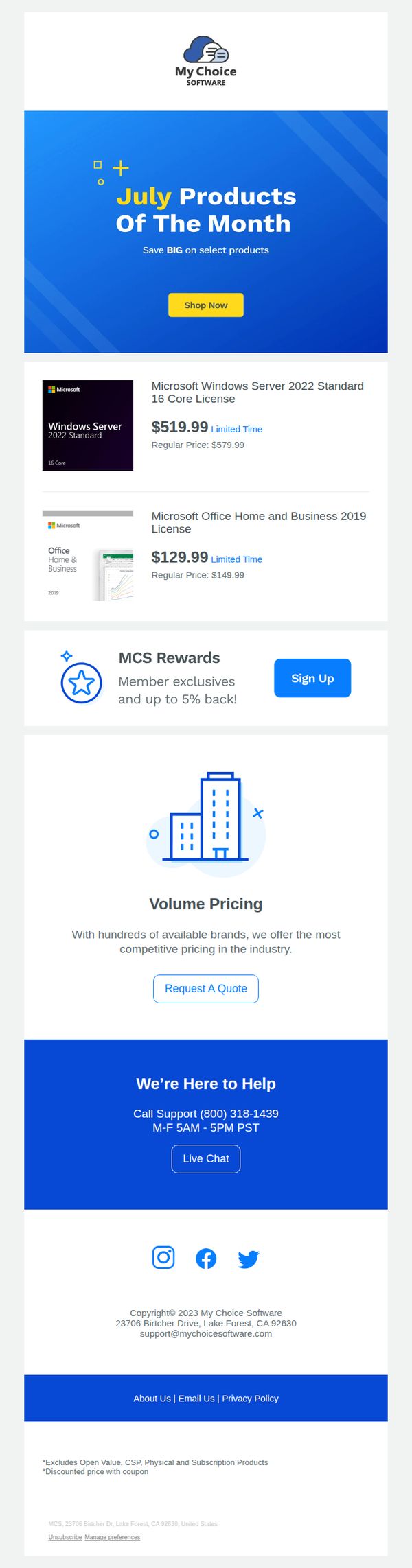
This email aims to drive immediate sales by highlighting time-sensitive discounts on featured software products for July, while also encouraging new customer sign-ups for the rewards program to build long-term loyalty and repeat purchases.
Why this works
The email immediately grabs attention by anchoring the promotion to a specific month, creating a sense of urgency and relevance that makes subscribers feel they’re getting insider access to timely deals rather than generic offers.
How to implement
Each product listing clearly displays both the discounted and regular price side by side, which visually reinforces the value of the deal and leverages price anchoring to make the savings feel more substantial and compelling to the buyer.
Pro Tip
Add a countdown timer or 'Limited Time' badge directly next to the 'Shop Now' CTA in the hero section to amplify urgency and reduce hesitation, since the current placement of 'Limited Time' is buried under each product and less visible at a glance. • Include a short customer testimonial or star rating next to at least one of the featured products to build social proof, as software buyers often rely on peer validation before purchasing high-value licenses, especially from lesser-known resellers.
2. Café: Plan your next event 🥳
Objective
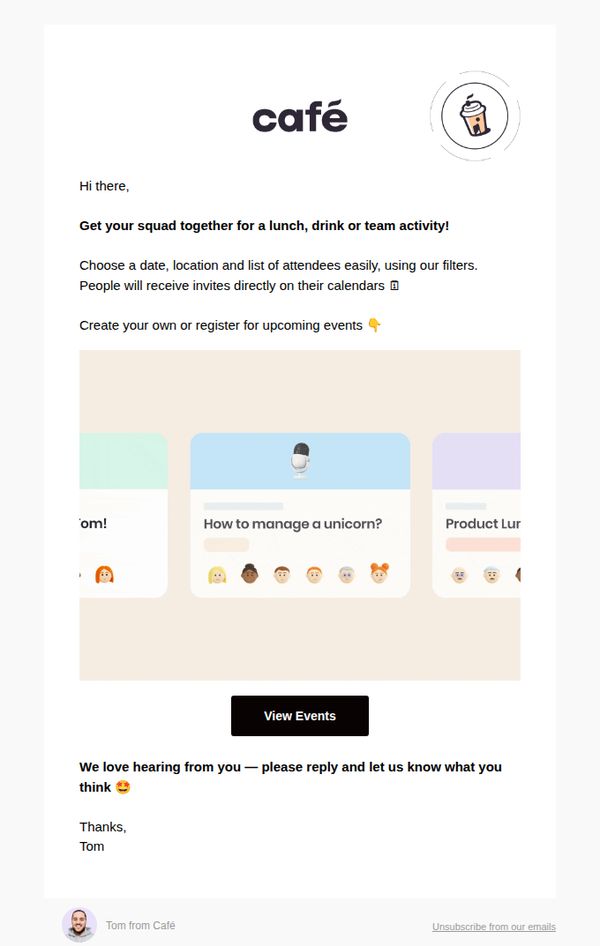
This email aims to encourage users to plan and organize group events, like lunches, drinks, or team activities, by leveraging Café’s event coordination tools, while also prompting engagement through a personal reply request from Tom.
Why this works
The email opens with a warm, conversational tone that invites users to gather their squad, making event planning feel social and effortless rather than transactional or administrative.
How to implement
By highlighting calendar integration and attendee management, the email subtly reassures users that the platform handles logistical friction, which reduces perceived effort and increases conversion likelihood.
Pro Tip
Add a visual example or screenshot of the event creation interface to reduce cognitive load and demonstrate ease of use, since the current abstract card graphics don’t clearly convey functionality. • Include a secondary CTA like 'See How It Works' or 'Watch a 30-Second Demo' above the main button to cater to users who need more context before committing to view events.
3. Trusted Tech Team: We're keeping your cart warm 🛒🔥
Objective
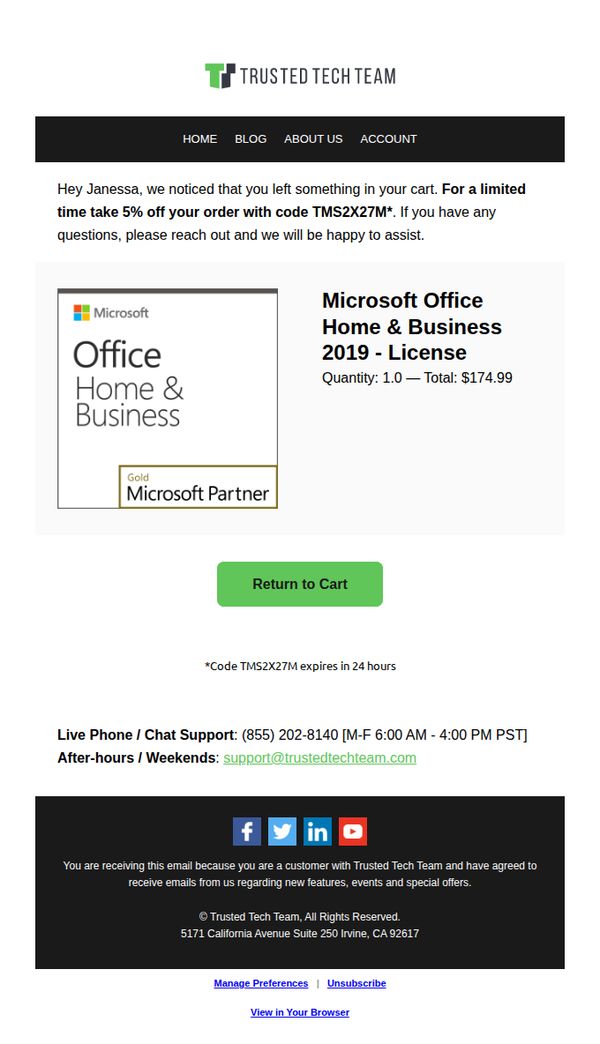
This email aims to recover an abandoned cart by offering a time-sensitive 5% discount to incentivize immediate purchase, while reinforcing trust through personalized messaging and brand credibility cues.
Why this works
The email opens with a warm, personalized greeting that acknowledges the user’s abandoned cart, making the recipient feel seen and reducing friction by immediately offering a solution instead of just reminding them.
How to implement
By embedding the discount code directly in the offer text and adding a subtle expiration notice beneath the CTA, the email creates urgency without overwhelming the user, balancing persuasion with clarity.
Pro Tip
Add a small countdown timer next to the CTA or discount code expiration notice to visually reinforce urgency and encourage faster decision-making without adding clutter. • Include a brief testimonial or trust badge near the product image to strengthen credibility, especially since the product is a high-value software license and the user may need reassurance before completing the purchase.
4. SecurityScorecard: Welcome to SecurityScorecard!
Objective
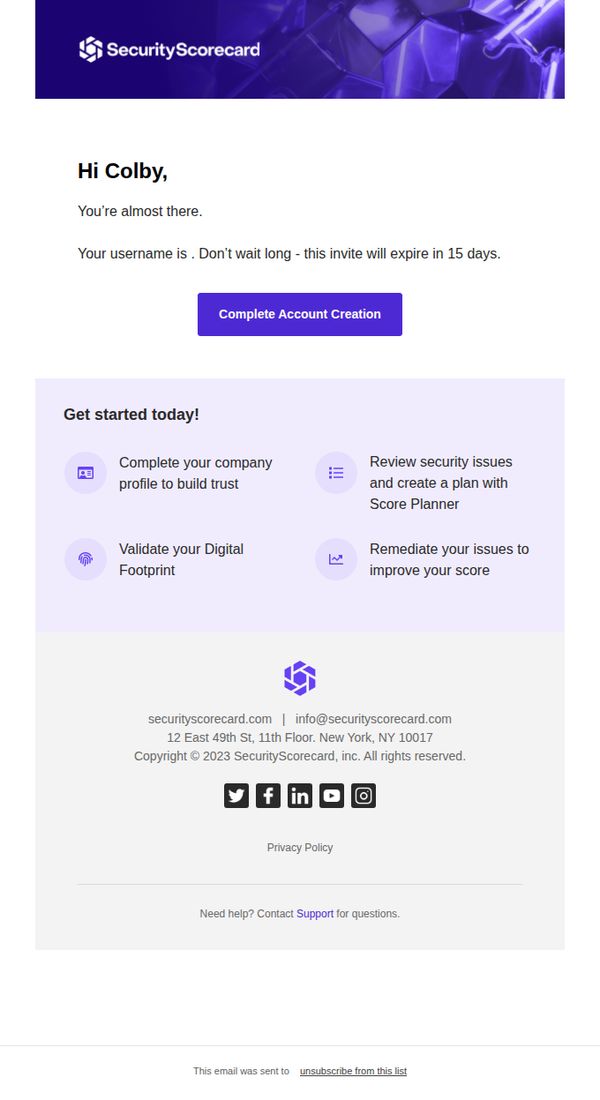
This email aims to guide the new user, Colby, through the final step of account creation by emphasizing urgency with a 15-day expiration and clearly outlining the immediate value they’ll unlock by completing their profile and validating their digital footprint.
Why this works
The email creates immediate momentum by framing account completion as the gateway to tangible security outcomes, like building trust and improving scores, rather than just another form to fill out, which aligns user action with business value.
How to implement
Using a personalized name and a time-sensitive expiration notice (15 days) transforms a generic welcome into a high-stakes, user-specific moment that reduces procrastination and increases conversion urgency without feeling pushy or salesy.
Pro Tip
Add a subtle progress indicator or checklist next to each of the four onboarding steps to visually reinforce completion status and motivate users to check off each action as they go, increasing perceived momentum and reducing drop-off. • Reposition the 'Complete Account Creation' CTA to appear again at the bottom of the 'Get started today!' section, right after the user reads the value they’ll unlock, to reduce friction and capitalize on peak motivation.
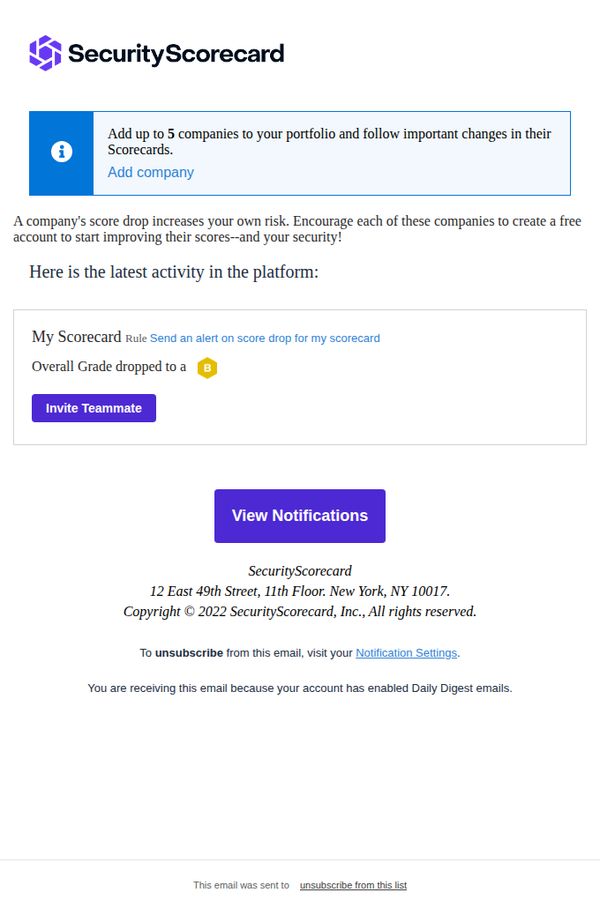
5. SecurityScorecard: New Scorecard alerts: My Scorecard - njaemail.com [SecurityScorecard Daily Digest]
Objective
This email aims to alert the user to a recent decline in their security score and prompt immediate action by inviting teammates or viewing detailed notifications. It reinforces the value of portfolio monitoring and encourages collaborative risk mitigation.
Why this works
The email immediately surfaces a critical data point, the dropped security grade, and pairs it with a clear, actionable CTA, making the user’s next step obvious without requiring extra navigation or interpretation.
How to implement
By framing the score drop as a shared risk that impacts the user’s own security posture, the message creates urgency and social accountability, subtly nudging the recipient to involve teammates rather than ignore the alert.
Pro Tip
Add a visual indicator or icon next to the grade drop (e.g., a downward arrow or red alert badge) to make the severity of the score change instantly scannable without requiring text parsing. • Include a brief one-line explanation of what caused the score drop, even if generic, to reduce cognitive load and increase the likelihood of engagement by answering the user’s first question: 'Why did this happen?'
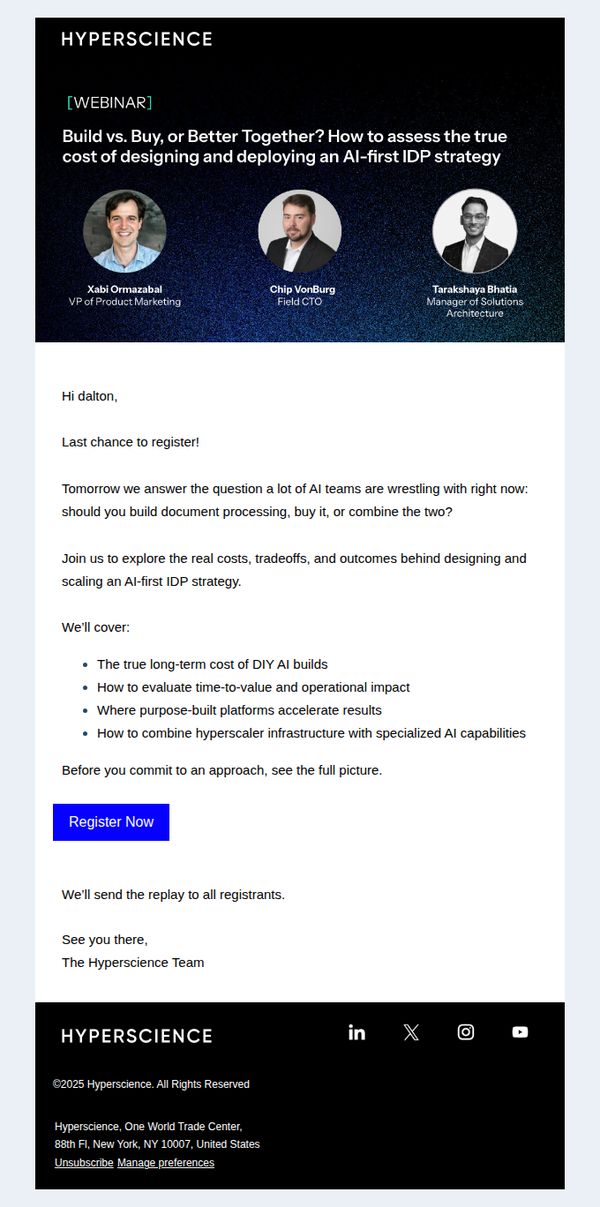
6. Hyperscience: Last Call: Build vs. Buy Webinar Tomorrow
Objective
This email aims to drive last-minute registrations for a webinar that helps AI teams evaluate whether to build, buy, or blend solutions for document processing by highlighting real costs, tradeoffs, and strategic outcomes of an AI-first IDP strategy.
Why this works
The email opens with a high-stakes, time-sensitive subject line and header that immediately frames the webinar as a critical decision point for AI teams, creating urgency without sounding pushy or salesy.
How to implement
By listing exactly what attendees will learn, including long-term costs, time-to-value, and infrastructure blending, the email builds credibility and reduces perceived risk, making the registration decision feel informed and low-friction.
Pro Tip
Add a countdown timer or 'X seats left' indicator near the CTA to amplify urgency and reduce decision paralysis, especially since the email is sent as a 'last chance' reminder. • Include a short testimonial or quote from a past attendee to reinforce value and social proof, since the current email relies solely on speaker credibility without peer validation.
7. TodayTix: 🎟️ Bay Area Theatre Week: $25 tickets
Objective
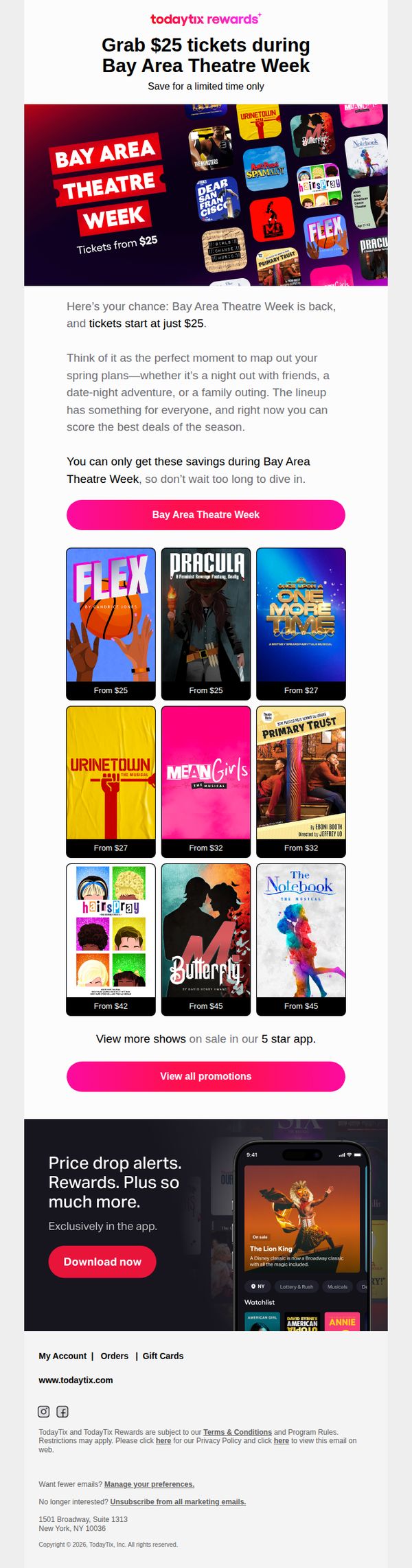
This email aims to drive immediate ticket sales for Bay Area Theatre Week by highlighting limited-time $25 deals across popular shows, encouraging users to act fast before prices increase. It also promotes app engagement by showcasing exclusive features like price drop alerts and rewards.
Why this works
The email brilliantly frames the promotion as a time-sensitive cultural event, Bay Area Theatre Week, rather than just a discount, which elevates perceived value and taps into local pride and FOMO to drive urgency without sounding salesy.
How to implement
By showcasing a visually rich grid of top-tier shows with clear pricing tiers, the email reduces decision fatigue and lets users self-select based on genre or budget, making the browsing experience feel personalized even in a mass campaign.
Pro Tip
Add a countdown timer near the hero section to visually reinforce the urgency of the limited-time offer, which would increase conversion by making the time constraint more tangible and emotionally compelling. • Include a short testimonial or star rating from a recent attendee beneath one or two top shows in the product grid to build social proof and reduce perceived risk for first-time buyers.
8. Toast: Babara- Next Steps with Toast POS
Objective
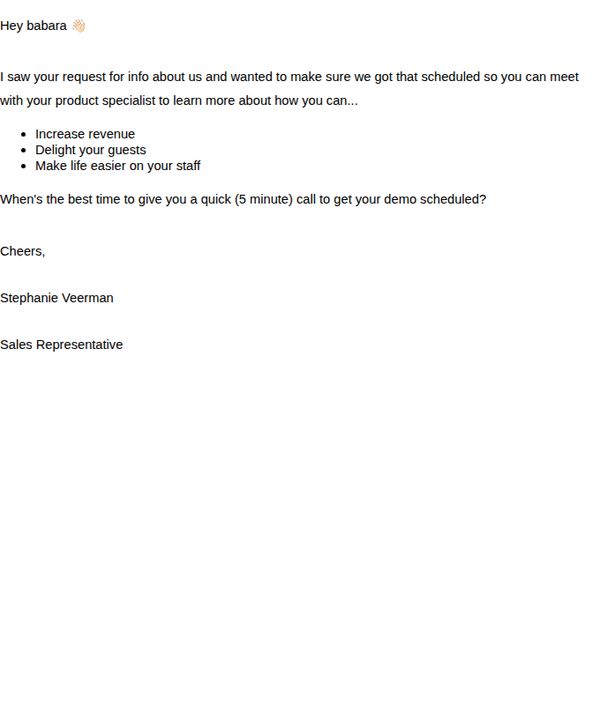
This email aims to convert a warm lead into a scheduled product demo by highlighting key business benefits and prompting immediate action through a personalized, low-pressure call-to-action.
Why this works
The email opens with a warm, personalized greeting that immediately acknowledges the recipient’s prior interest, creating a sense of continuity and trust that encourages engagement.
How to implement
It strategically frames the product’s value around three tangible business outcomes, revenue growth, guest satisfaction, and staff efficiency, making the benefits instantly relatable to restaurant operators.
Pro Tip
Add a subtle visual hierarchy or bullet point styling to the three benefits to make them more scannable and visually distinct, helping busy restaurant owners absorb value quickly. • Include a brief testimonial or social proof near the CTA, such as '87% of restaurants saw faster checkout times within 2 weeks', to reinforce credibility and reduce perceived risk.
9. Café: Don't miss out on your work besties 🌟
Objective
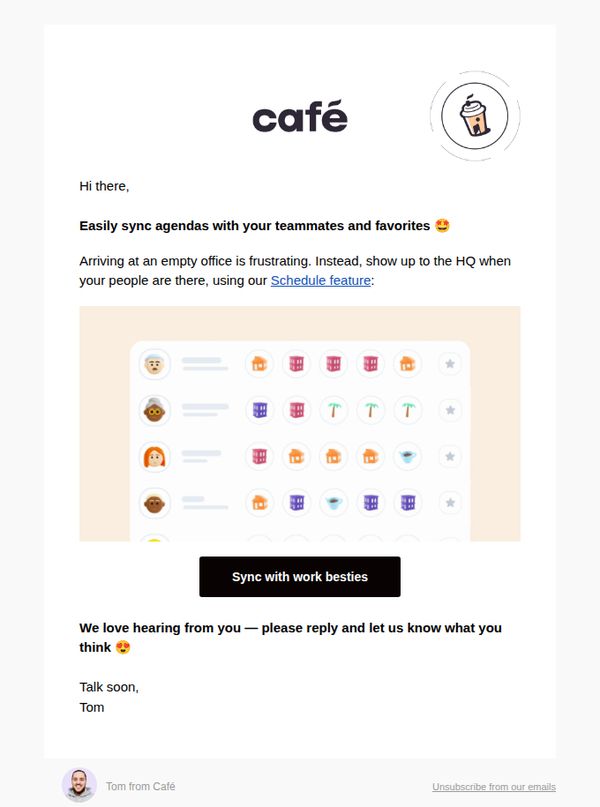
This email aims to encourage users to engage with the Schedule feature by framing it as a social tool to coordinate with coworkers, reducing the frustration of showing up to an empty office and fostering a sense of workplace connection.
Why this works
The email brilliantly reframes a productivity tool as a social connector by using the phrase 'work besties,' which humanizes the feature and taps into emotional motivation rather than just functional utility.
How to implement
By acknowledging a relatable pain point, arriving at an empty office, the message builds instant empathy and positions the Schedule feature as the intuitive, emotionally satisfying solution to a shared workplace frustration.
Pro Tip
Add a subtle countdown or urgency cue near the CTA (e.g., 'Join 5,000 teams syncing schedules this week') to nudge action without being pushy, leveraging social proof to reinforce the feature’s popularity. • Include a micro-testimonial or quote from a real user beneath the CTA, such as 'I finally stopped showing up to empty offices!', to strengthen credibility and mirror the emotional payoff already hinted at in the copy.
10. Café: 🆕 Join a community in Café 👋
Objective
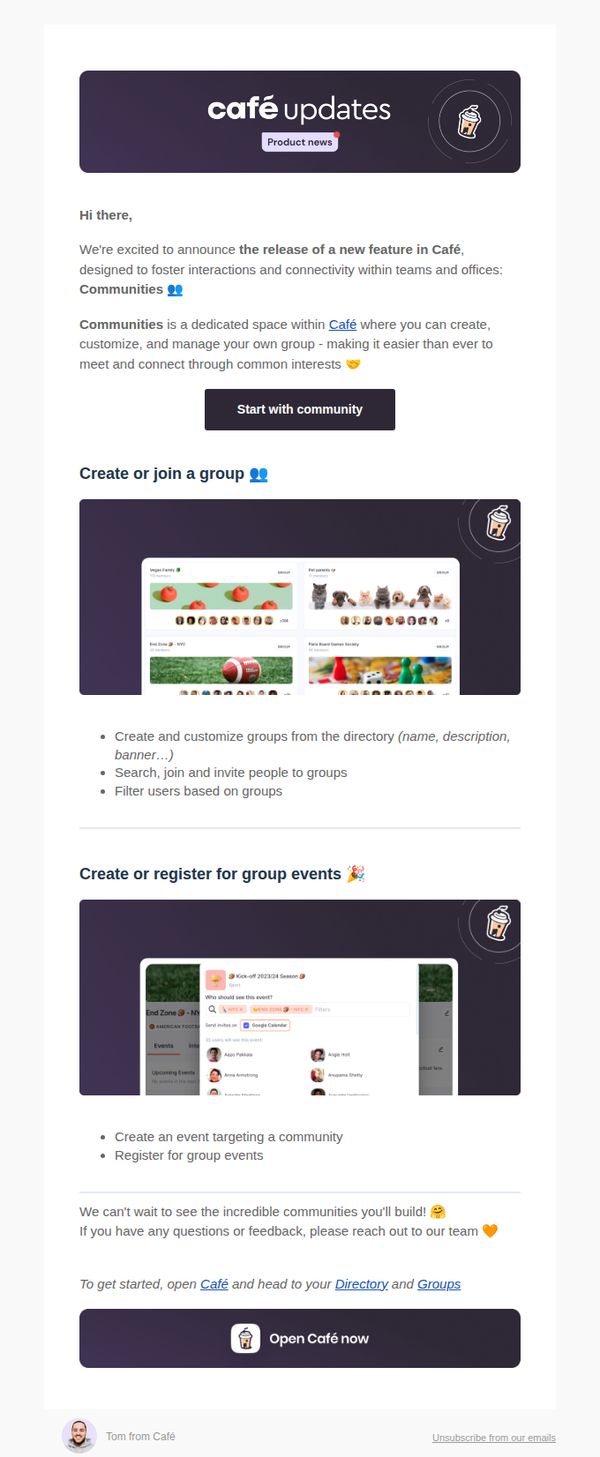
This email aims to introduce and drive adoption of Café’s new 'Communities' feature by highlighting its value for team connectivity and group interaction, encouraging immediate user engagement through clear next steps and visual examples.
Why this works
The email opens with warm, conversational tone and emoji-enhanced copy to instantly humanize the product update, making technical features feel inviting and socially relevant rather than corporate or overwhelming.
How to implement
It strategically breaks down complex functionality into digestible, benefit-driven sections, like group creation and event registration, each paired with real UI screenshots to reduce cognitive load and build user confidence.
Pro Tip
Add a subtle countdown or urgency cue near the CTA, such as 'First 100 groups get custom banners', to nudge procrastinators and increase conversion without compromising the friendly tone. • Include a short testimonial or quote from an early adopter within the education section to reinforce social proof and demonstrate real-world value beyond feature descriptions.