Trusted Tech Team software email examples & ideas
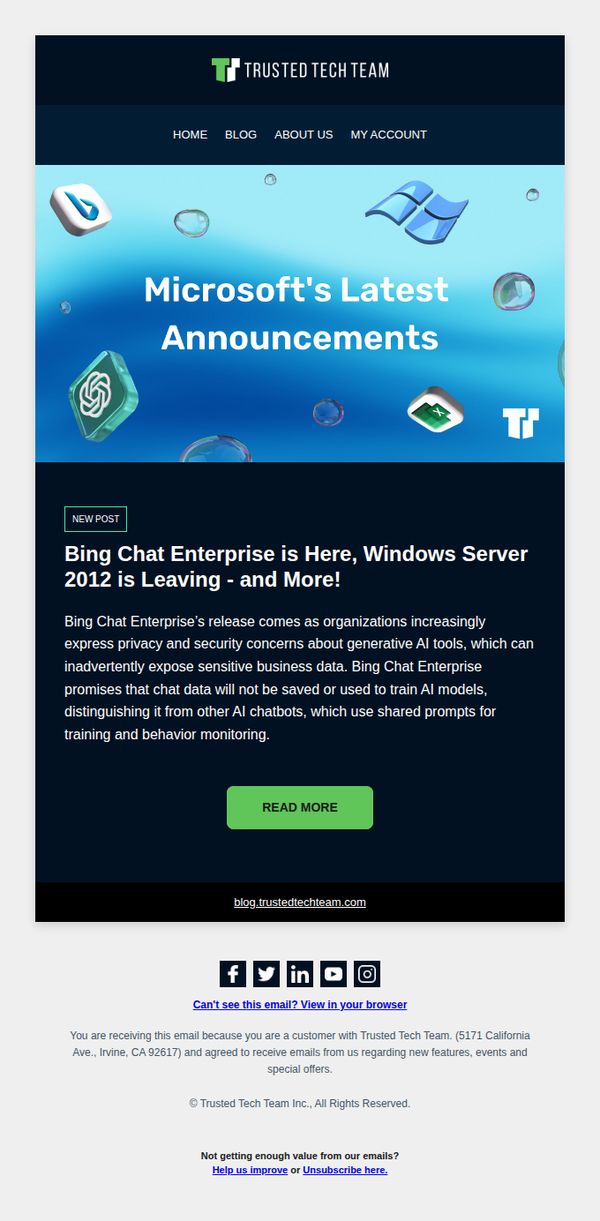
1. Bing Chat Enterprise is Here, Windows Server 2012 is Leaving - and More!
Objective
This email aims to inform existing customers about critical Microsoft product updates, specifically the launch of Bing Chat Enterprise and the end of support for Windows Server 2012, while positioning Trusted Tech Team as a trusted advisor for navigating these changes. It drives traffic to the company blog for deeper insights.
Why this works
The email immediately grabs attention by pairing a major product launch with an urgent end-of-life notice, creating a dual incentive for IT decision-makers to engage, both out of curiosity and necessity, making the subject line impossible to ignore.
How to implement
By framing Bing Chat Enterprise as a privacy-first solution that doesn’t store or train on user data, the email directly addresses enterprise security concerns, transforming a product announcement into a strategic business recommendation that builds trust and positions the sender as a thought leader.
Pro Tip
Add a brief bullet-point summary under the headline listing the top 3 takeaways from the blog post (e.g., 'What Bing Chat Enterprise means for your compliance', 'How to migrate off Windows Server 2012', 'Timeline for end of support') to increase perceived value and reduce click hesitation. • Include a small, non-intrusive 'Recommended for You' section below the CTA that links to a related product or service (e.g., 'Need help migrating servers? Get a free assessment') to bridge informational content with a commercial opportunity without disrupting the email’s educational tone.
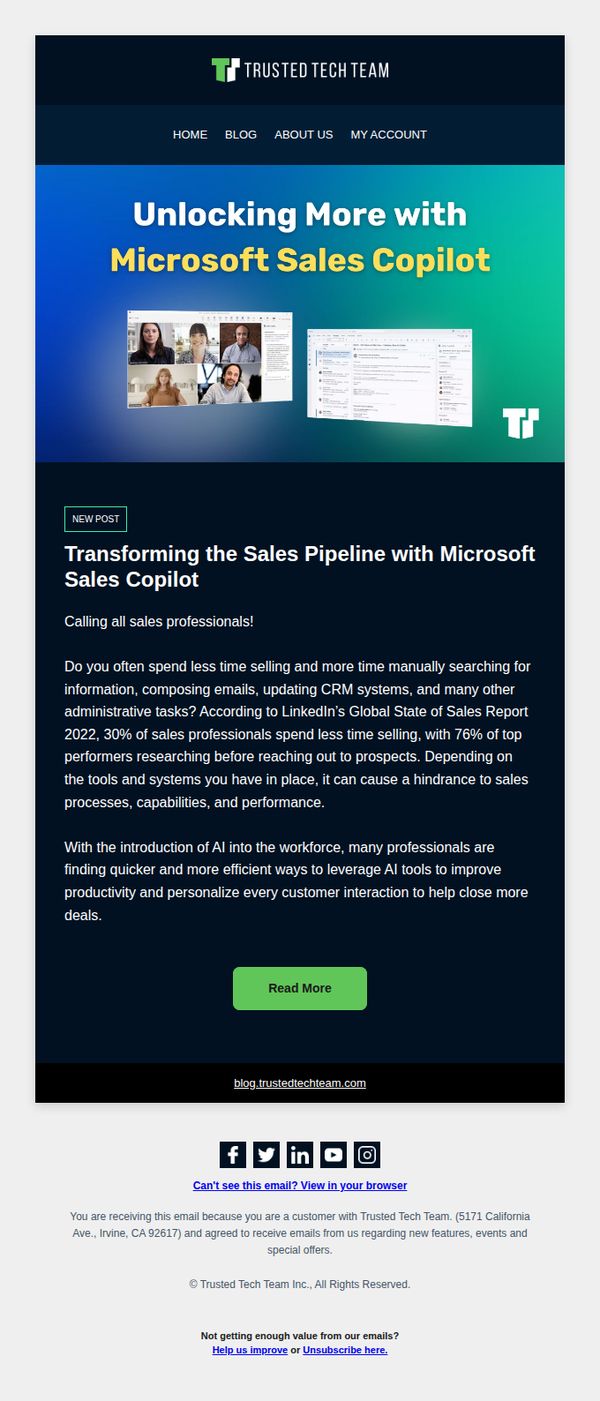
2. Transforming the Sales Pipeline With Microsoft Sales Copilot
Objective
This email aims to position Trusted Tech Team as a thought leader by highlighting how Microsoft Sales Copilot can streamline sales workflows and improve productivity, encouraging sales professionals to engage with the content and explore AI-driven sales solutions.
Why this works
The email opens with a bold, benefit-driven headline that immediately connects Microsoft Sales Copilot to a universal sales pain point, time wasted on admin tasks, making the value proposition instantly relatable to its target audience.
How to implement
By citing LinkedIn’s Global State of Sales Report, the email builds credibility and urgency, subtly positioning AI adoption not as optional but as a strategic differentiator separating top performers from the rest of the field.
Pro Tip
Add a brief testimonial or customer quote near the CTA to reinforce social proof and reduce perceived risk, helping readers feel more confident about investing time in reading the full post. • Include a secondary, low-friction CTA like 'Download the Sales Copilot Quick Start Guide' to capture leads who aren’t ready to read a full article but want actionable takeaways.
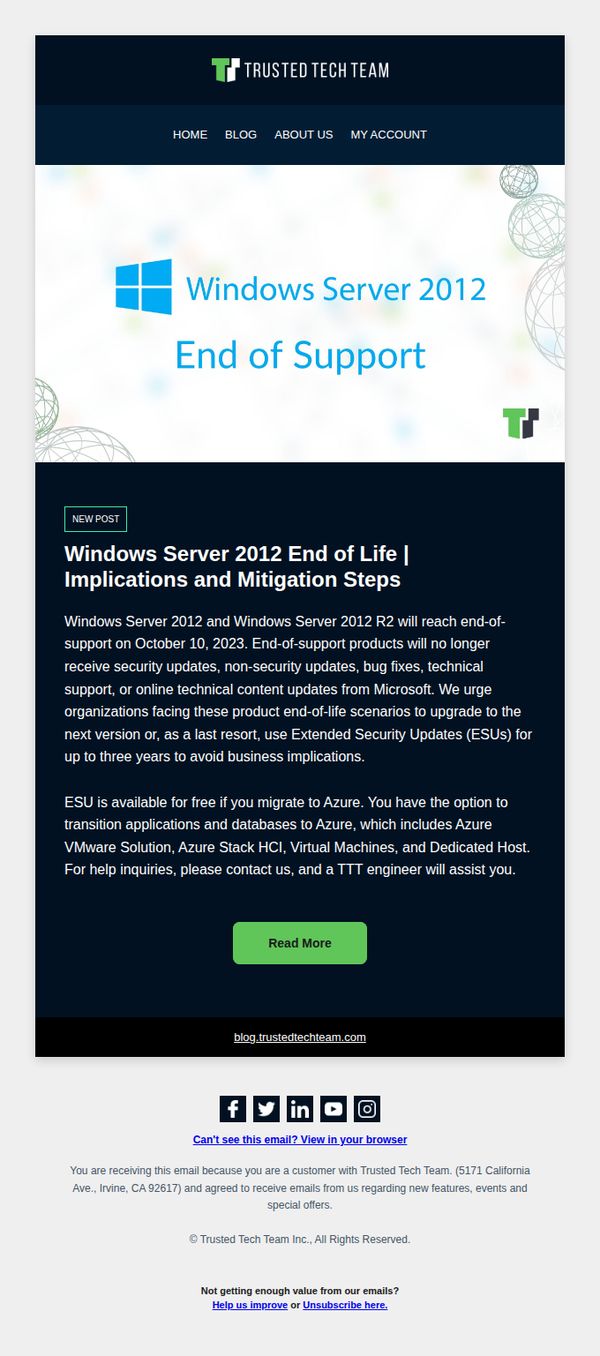
3. Windows Server 2012 End of Life | Implications and Mitigation Steps
Objective
This email aims to alert enterprise customers about the Windows Server 2012 end-of-support deadline and guide them toward proactive mitigation, including migration to Azure or purchasing Extended Security Updates, to avoid security and operational risks.
Why this works
The email effectively leverages urgency by clearly stating the October 10, 2023 deadline, which compels IT decision-makers to act before their systems become vulnerable to unpatched security threats.
How to implement
By offering a dual-path solution, migration to Azure or purchasing ESUs, the campaign respects organizational flexibility while positioning Trusted Tech Team as a trusted advisor rather than a pushy vendor.
Pro Tip
Add a countdown timer near the hero section to visually reinforce urgency and encourage immediate action before the October 10 deadline. • Include a brief customer testimonial or case study snippet from a company that successfully migrated or adopted ESUs to build social proof and reduce perceived risk.
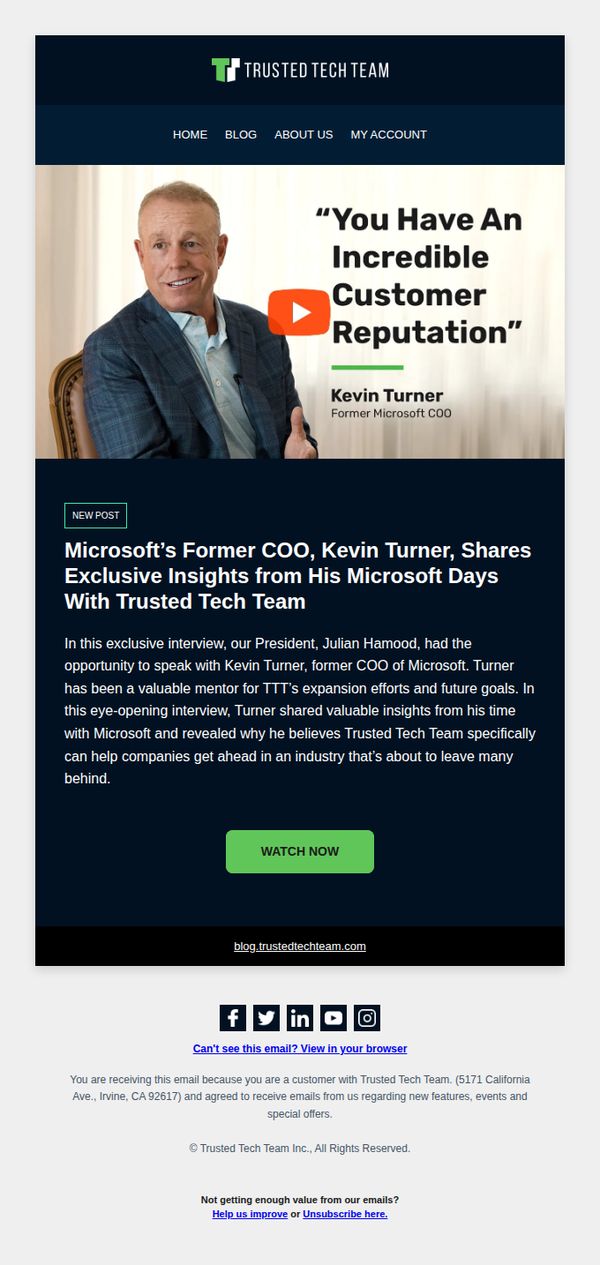
4. Microsoft’s Former COO, Kevin Turner, Shares Exclusive Insights From His Microsoft Days With Trusted Tech Team
Objective
This email aims to position Trusted Tech Team as a credible, industry-insider partner by leveraging Kevin Turner’s authority as Microsoft’s former COO, encouraging recipients to watch the exclusive interview and deepen their trust in the brand’s strategic value.
Why this works
Leveraging a high-profile executive’s endorsement as social proof immediately elevates brand credibility, especially when the executive is tied to a household-name company like Microsoft, making the audience more receptive to the message.
How to implement
Positioning the content as an ‘exclusive interview’ with a former industry titan creates urgency and perceived value, making recipients feel they’re gaining insider access rather than just consuming generic marketing content.
Pro Tip
Add a short video preview or transcript snippet beneath the CTA to reduce friction, many recipients may skip watching without knowing what specific insights or takeaways they’ll gain from the interview. • Include a secondary CTA or link to a related case study or customer success story to capitalize on the momentum of trust built by Kevin Turner’s endorsement, guiding readers toward a tangible next step.
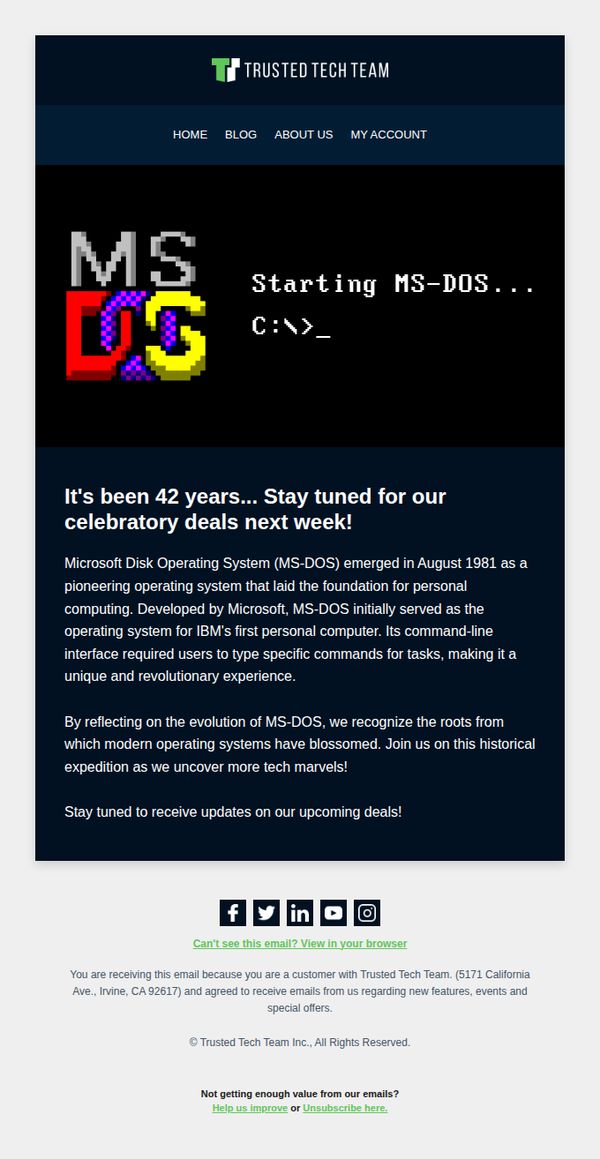
5. Remember MS-DOS? So do we! We're celebrating next week with something special 🎁
Objective
To build anticipation and excitement for an upcoming promotional event by tapping into nostalgia for MS-DOS, while reinforcing brand identity as a tech-savvy, history-aware company that values its audience’s shared tech heritage.
Why this works
The email brilliantly leverages retro tech nostalgia by spotlighting MS-DOS’s 42nd anniversary, instantly resonating with longtime tech users and creating emotional connection before even revealing the offer.
How to implement
By framing the promotion as a 'historical expedition' rather than just a sale, the brand elevates the campaign into a storytelling experience that invites customers to participate in tech history rather than just consume products.
Pro Tip
Add a subtle countdown timer or 'deal reveal date' in the hero section to create urgency and give subscribers a concrete reason to return, rather than relying solely on passive 'stay tuned' messaging. • Include a micro-CTA button like 'Notify Me When Deals Drop' below the main text to capture intent early and segment engaged users for targeted follow-ups before the event launches.
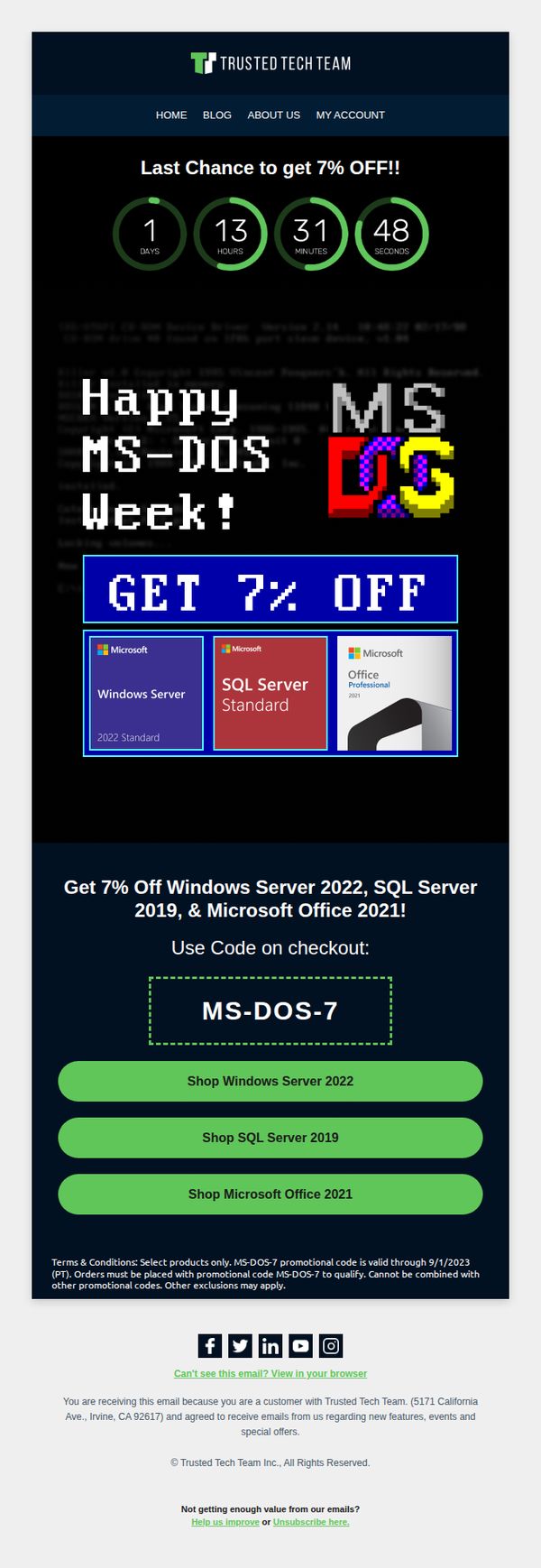
6. MS-DOS Week is Ending Soon! 🎁⌛
Objective
This email aims to create urgency and drive last-minute sales by reminding subscribers that the MS-DOS Week promotion is ending soon, encouraging them to use a limited-time 7% discount code on select Microsoft products before the deadline.
Why this works
The email brilliantly leverages nostalgia with the MS-DOS theme to emotionally engage a tech-savvy audience while simultaneously offering a tangible discount, turning a retro gimmick into a high-converting sales driver without sacrificing professionalism.
How to implement
Including a live countdown timer above the fold creates immediate urgency and psychological pressure to act now, which is especially effective for time-sensitive promotions and significantly increases the likelihood of immediate click-through and conversion.
Pro Tip
Add a brief testimonial or trust badge near the promo code to reinforce credibility, since the discount applies to enterprise-grade software and buyers may need social proof before committing. • Include a small FAQ or tooltip icon next to the promo code explaining exclusions or compatibility, reducing support inquiries and preventing cart abandonment due to confusion about eligibility.
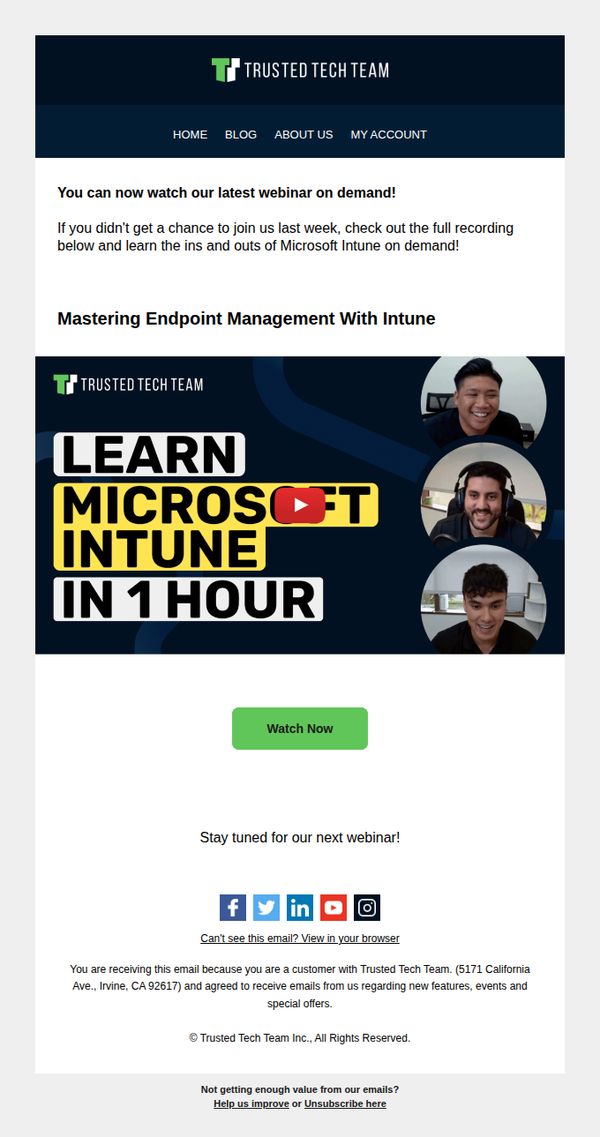
7. Missed it? You can now watch on demand 📺
Objective
This email aims to re-engage subscribers who missed the live webinar by offering immediate access to the on-demand recording, while reinforcing brand authority around Microsoft Intune expertise and encouraging future event attendance.
Why this works
The email brilliantly repurposes missed live event FOMO into a low-friction on-demand opportunity, turning potential disengagement into immediate value with a bold, benefit-driven headline that promises mastery in just one hour.
How to implement
By featuring real presenter headshots alongside the webinar title, the design humanizes the technical content, building trust and relatability while subtly signaling that the session is led by approachable, knowledgeable experts, not faceless corporate trainers.
Pro Tip
Add a short bullet-point list under the headline summarizing 2–3 key takeaways from the webinar to clarify immediate value and reduce hesitation before clicking 'Watch Now'. • Include a subtle countdown or 'limited-time access' note near the CTA to create urgency, since on-demand content often lacks the natural time-bound motivation of live events.
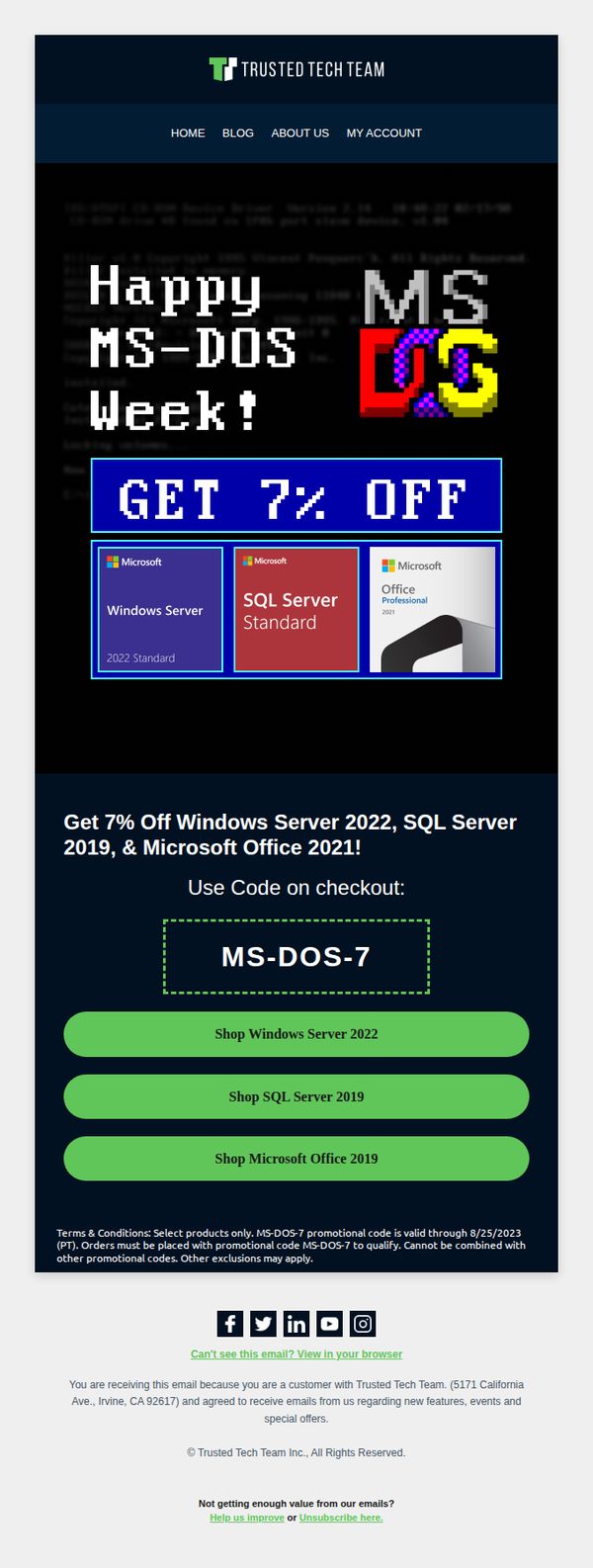
8. We're celebrating MS-DOS week with 7% OFF our top products 🎁
Objective
The email aims to drive immediate sales by leveraging nostalgia around MS-DOS Week to promote discounted Microsoft products, encouraging recipients to use a promo code before the offer expires.
Why this works
The campaign brilliantly taps into retro tech nostalgia with MS-DOS Week, creating emotional resonance that transforms a simple discount into a memorable, themed event worth participating in.
How to implement
By featuring only three high-value Microsoft products with clear visuals and direct CTAs, the email reduces decision fatigue and funnels users toward immediate, high-intent purchases.
Pro Tip
Add a countdown timer near the promo code to visually reinforce urgency and encourage faster conversions before the 8/25/2023 deadline. • Include a short testimonial or trust badge near the product grid to alleviate purchase hesitation, especially for enterprise software buyers who value social proof.
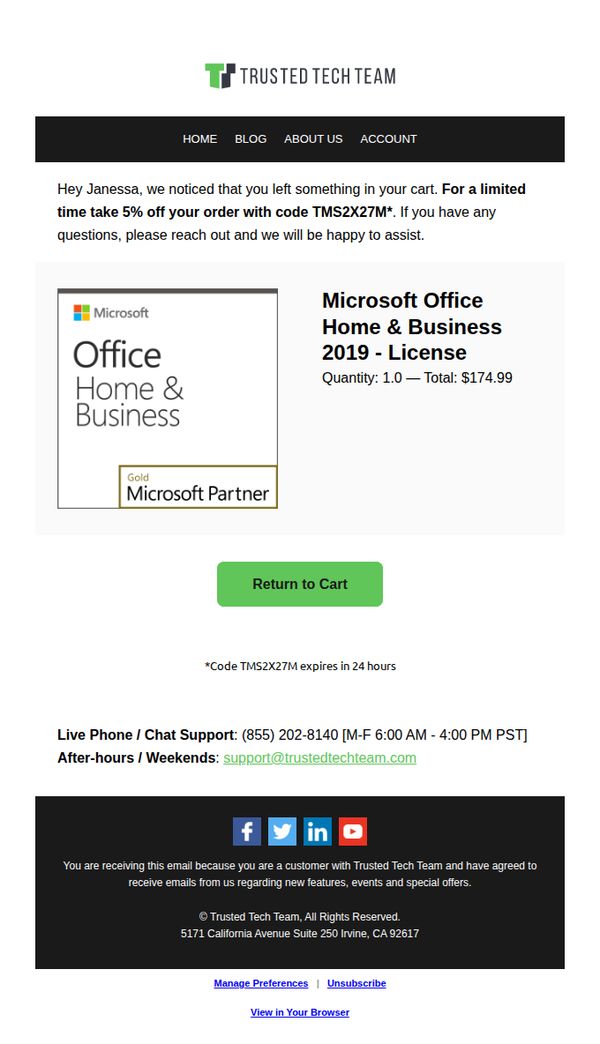
9. We're keeping your cart warm 🛒🔥
Objective
This email aims to recover an abandoned cart by offering a time-sensitive 5% discount to incentivize immediate purchase, while reinforcing trust through personalized messaging and brand credibility cues.
Why this works
The email opens with a warm, personalized greeting that acknowledges the user’s abandoned cart, making the recipient feel seen and reducing friction by immediately offering a solution instead of just reminding them.
How to implement
By embedding the discount code directly in the offer text and adding a subtle expiration notice beneath the CTA, the email creates urgency without overwhelming the user, balancing persuasion with clarity.
Pro Tip
Add a small countdown timer next to the CTA or discount code expiration notice to visually reinforce urgency and encourage faster decision-making without adding clutter. • Include a brief testimonial or trust badge near the product image to strengthen credibility, especially since the product is a high-value software license and the user may need reassurance before completing the purchase.
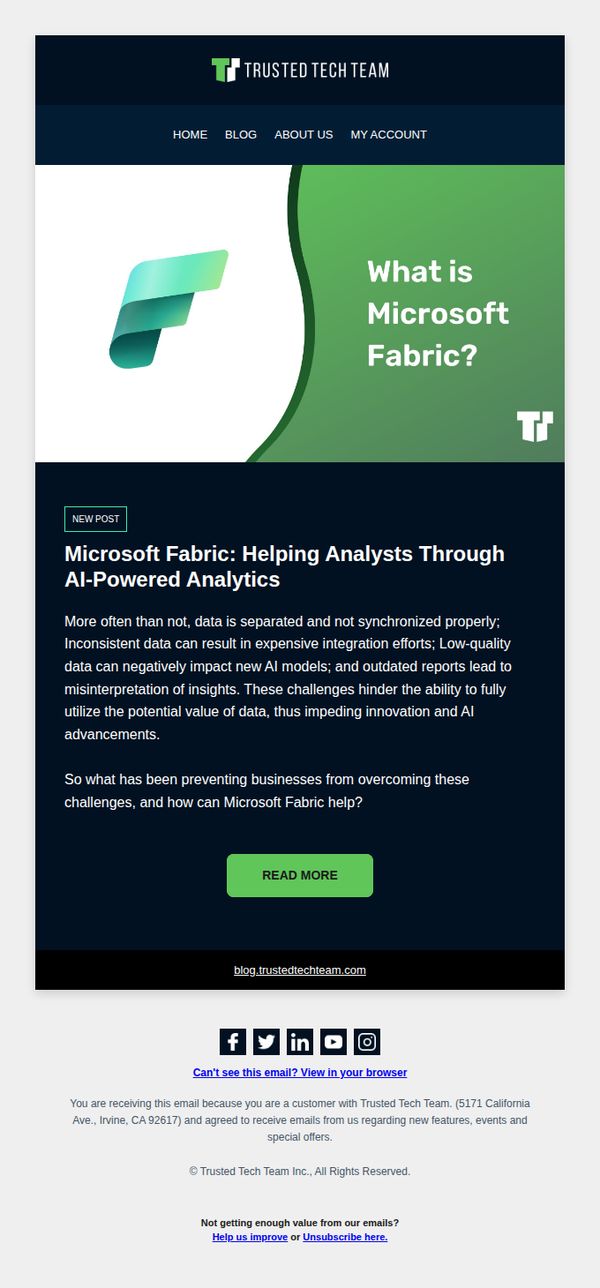
10. What is Microsoft Fabric?
Objective
This email aims to educate subscribers about Microsoft Fabric by positioning it as a solution to common data challenges, while driving traffic to a detailed blog post that explains its value for analysts and AI-powered analytics.
Why this works
The email effectively frames Microsoft Fabric not just as a tool, but as a strategic answer to real-world data fragmentation and quality issues that hinder AI innovation, making the value proposition immediately relevant to its target audience of business analysts and tech decision-makers.
How to implement
By opening with a bold, problem-centric headline and immediately following with a concise explanation of pain points, the email creates instant resonance and curiosity, encouraging readers to click through without overwhelming them with technical jargon or premature sales language.
Pro Tip
Add a brief testimonial or customer quote near the CTA to reinforce credibility, for example, '92% of our clients saw faster data integration after adopting Fabric', to reduce hesitation and increase click-through confidence. • Include a subtle visual cue like a small icon or arrow pointing toward the CTA button to guide the eye and reinforce the desired action, especially since the layout is text-heavy and could benefit from directional emphasis.