The complete Data welcome email collection


1. Workday : Workday Announces Fiscal 2026 Third Quarter Financial Results
Objective
This email aims to inform investors and stakeholders about Workday’s strong Q3 fiscal 2026 financial performance, highlighting revenue growth, operational efficiency, and strategic initiatives while reinforcing confidence in the company’s future outlook and leadership in enterprise cloud solutions.
Why this works
Workday masterfully anchors its investor message in quantifiable momentum, showcasing double-digit subscription growth and expanding margins, to build credibility while subtly signaling long-term scalability through customer wins like County of San Luis Obispo and Fujitsu Electric Co.
How to implement
The email strategically balances hard financials with forward-looking narrative by pairing GAAP and non-GAAP metrics with executive commentary, allowing both analytical investors and growth-focused stakeholders to find value without overwhelming either audience with jargon or oversimplification.
Pro Tip
Add a visual summary graphic (e.g., bar chart or progress meter) next to key metrics like $2.432B revenue or 12.6% growth to help skimmers grasp performance at a glance without scrolling through dense tables. • Reposition the 'Read the full press release online' CTA higher in the email, ideally beneath the hero section, with a contrasting button design to increase click-through for users who want deeper detail without hunting for links.
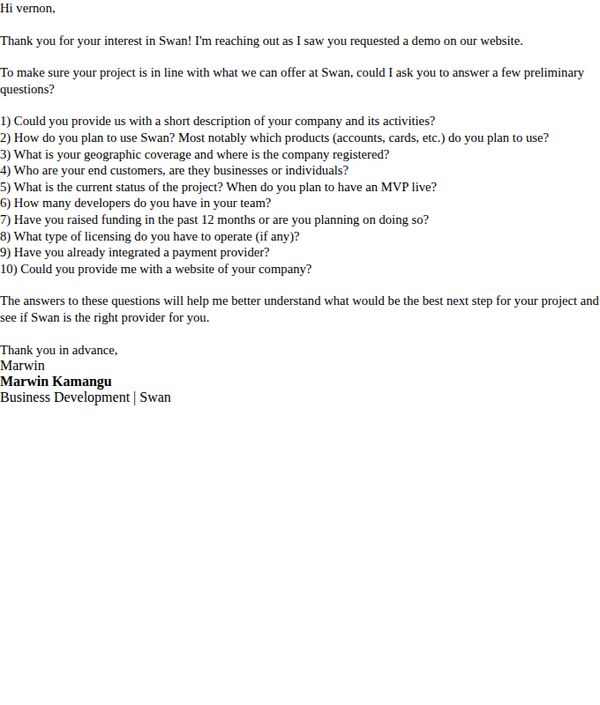
2. Swan: Welcome to Swan | Tell us about yourself!
Objective
This email aims to qualify a lead who requested a demo by gathering key business and project details to determine if Swan is the right fit and to guide the next steps in the sales process.
Why this works
The email opens with personalized appreciation and immediately frames the questions as a helpful step to ensure alignment, turning a qualification form into a collaborative discovery process that reduces friction for the recipient.
How to implement
By listing ten specific, well-structured questions, the email demonstrates expertise and sets clear expectations, helping the prospect understand exactly what’s needed to move forward without feeling overwhelmed or interrogated.
Pro Tip
Add a clear, button-style CTA like 'Reply Now' or 'Schedule a 10-Minute Discovery Call' to visually guide the user toward action instead of relying solely on text-based instruction. • Include a brief bullet-point summary of what the prospect will gain by answering, e.g., 'You’ll get a customized demo + integration roadmap', to reinforce value and increase response motivation.
3. Workday : Workday Announces Fiscal 2026 Fourth Quarter and Full Year Financial Results
Objective
This email aims to formally announce Workday’s fiscal 2026 financial results to investors, analysts, and stakeholders, while reinforcing confidence in leadership and strategic direction through executive commentary and forward-looking guidance.
Why this works
The email strategically leads with a bold, video-driven hero section featuring the CEO’s return, immediately anchoring the message in leadership credibility and emotional resonance while subtly signaling a new chapter of growth and innovation.
How to implement
By embedding forward-looking guidance directly beneath key financial metrics, the campaign transforms dry data into a narrative of momentum, helping investors visualize future performance without needing to dig through supplemental documents or earnings call transcripts.
Pro Tip
The primary CTA is buried in the header and lacks visual prominence; relocating it to a contrasting button beneath the hero video would increase click-through rates by making the next step more intuitive and action-oriented. • The financial tables are dense and lack visual hierarchy; adding subtle color coding or expandable sections for non-GAAP reconciliations would improve readability and help non-financial readers quickly grasp key takeaways without feeling overwhelmed.
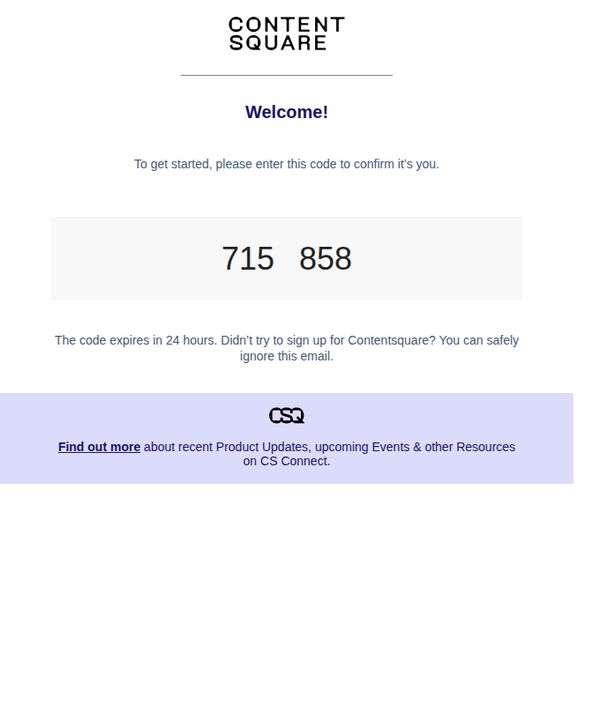
4. Contentsquare : [ContentSquare] Set up your Contentsquare account
Objective
This email aims to verify the user’s identity by prompting them to enter a one-time confirmation code, ensuring account security and enabling onboarding into the Contentsquare platform. It also subtly encourages further engagement by directing users to additional resources after verification.
Why this works
The email uses minimal visual clutter and a clear, centered code display to reduce cognitive load, making the verification step feel effortless and trustworthy for new users who may be unfamiliar with the platform.
How to implement
Including a time-sensitive notice, 'The code expires in 24 hours', creates gentle urgency without pressure, encouraging prompt action while still reassuring users who didn’t initiate the signup that they can safely ignore it.
Pro Tip
The primary CTA 'Find out more' is too vague and buried at the bottom, it should be replaced with a more action-oriented, context-relevant button like 'Verify My Account' placed directly under the code for immediate user guidance. • The email lacks visual hierarchy to distinguish the code input area from surrounding text, adding a subtle border, background tint, or icon (like a lock or checkmark) would reinforce security and draw attention to the critical action area.
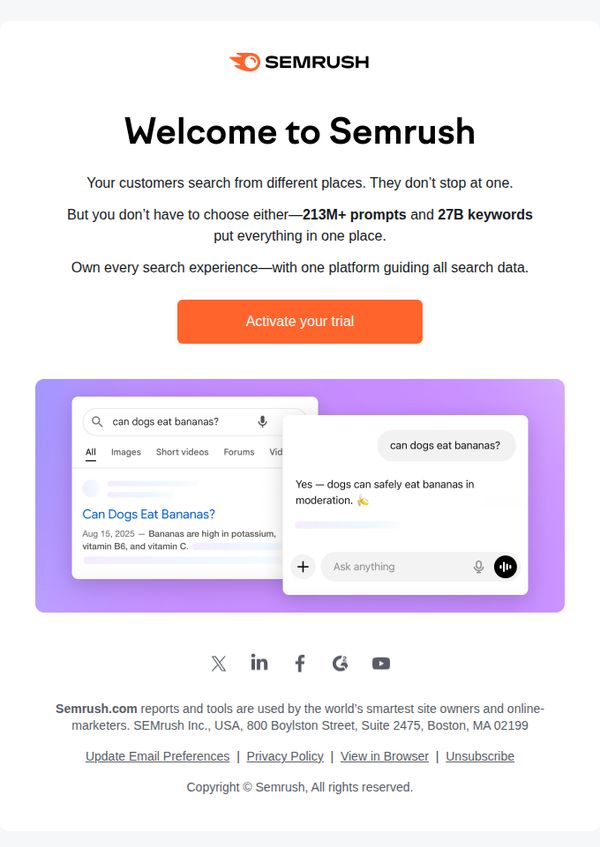
5. Semrush: Welcome to Semrush
Objective
This email aims to welcome new users to Semrush by immediately showcasing the platform’s unique value: unifying search data from multiple sources into one intuitive interface. It encourages immediate engagement by prompting users to activate their trial and experience the platform firsthand.
Why this works
The email brilliantly reframes user confusion around fragmented search behavior into a compelling value proposition, positioning Semrush not just as a tool, but as the unified solution that eliminates the need to juggle multiple platforms.
How to implement
By visually simulating a real search query (‘can dogs eat bananas?’) alongside Semrush’s AI-powered answer, the email creates instant credibility and demonstrates platform utility in a relatable, human-centered way that resonates with non-technical users.
Pro Tip
Add a brief testimonial or trust badge near the CTA to reduce perceived risk, for example, 'Used by 10M+ marketers worldwide', to reinforce credibility and nudge hesitant users toward trial activation. • Include a subtle countdown timer or progress bar indicating trial duration or feature access to create urgency and encourage immediate action, especially since the email targets new users who may delay engagement.
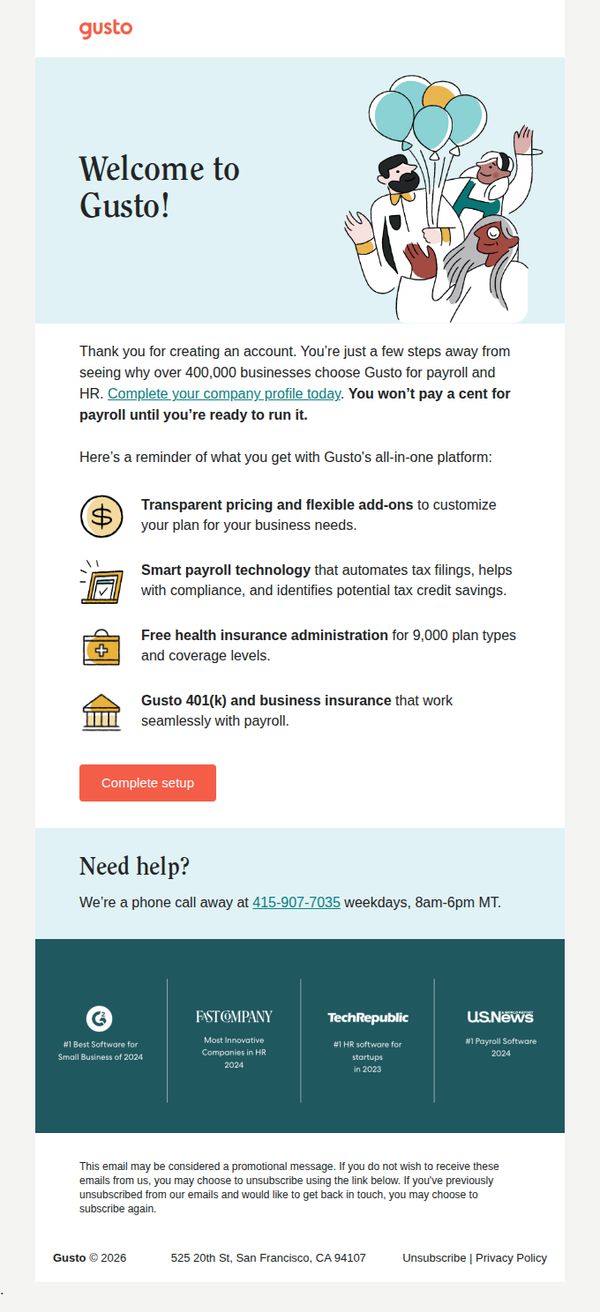
6. Gusto: Action needed to complete your account
Objective
This email aims to prompt new users to complete their company profile setup by highlighting the value of Gusto’s all-in-one payroll and HR platform, while reassuring them that no charges will apply until they’re ready to launch. It seeks to reduce drop-off by emphasizing ease, trust, and support.
Why this works
The email opens with a warm, celebratory tone using illustrations and a 'Welcome!' headline, which immediately reduces friction and positions the setup as a milestone rather than a chore, making users feel supported from the start.
How to implement
By listing concrete platform benefits with simple icons and concise phrasing, like 'Smart payroll technology that automates tax filings', the email transforms abstract features into tangible outcomes that resonate with time-strapped business owners.
Pro Tip
Add a progress bar or checklist near the CTA to visually show how many steps remain, reducing perceived effort and increasing completion likelihood by making the task feel more manageable. • Reposition the 'Complete setup' CTA to appear immediately after the benefit list, not after the 'Need help?' section, to maintain momentum and prevent users from mentally disengaging before taking action.
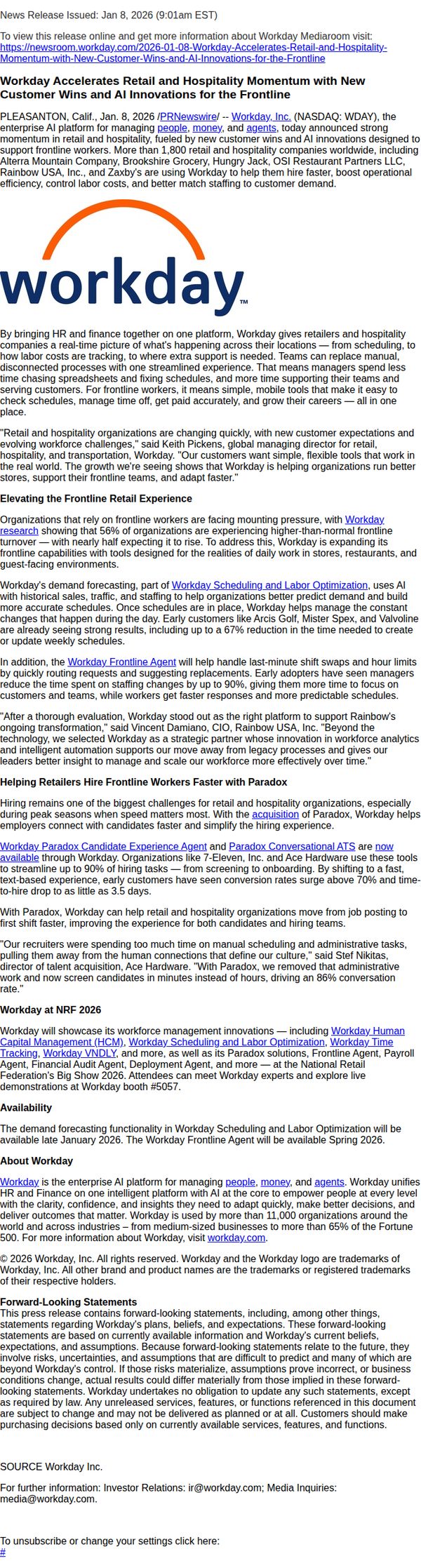
7. Workday : Workday Accelerates Retail and Hospitality Momentum with New Customer Wins and AI Innovations for the Frontline
Objective
To position Workday as a strategic partner for retail and hospitality organizations by highlighting recent customer wins and AI-driven innovations that streamline frontline operations, improve hiring speed, and reduce labor costs. The goal is to attract decision-makers seeking scalable, intelligent workforce solutions.
Why this works
Workday brilliantly ties real-world customer wins like Rainbow USA and Brookshire Grocery to tangible outcomes, 67% faster scheduling and 90% reduction in staffing time, making abstract AI benefits feel concrete and urgent for retail leaders under pressure.
How to implement
By anchoring innovation in frontline worker pain points, scheduling, hiring, and labor cost control, Workday transforms enterprise software into a human-centered solution that resonates emotionally and operationally with store managers and HR teams alike.
Pro Tip
The CTA is buried in small text at the top and lacks visual prominence; reposition it as a bold, button-style element near the middle or bottom of the email to increase click-throughs and align with the goal of driving traffic to the Mediaroom. • The email lacks a clear visual hierarchy to guide the reader through key innovations, adding subheadings with icons or color accents for sections like 'Frontline Agent' and 'Paradox Integration' would improve scannability and retention of core value propositions.
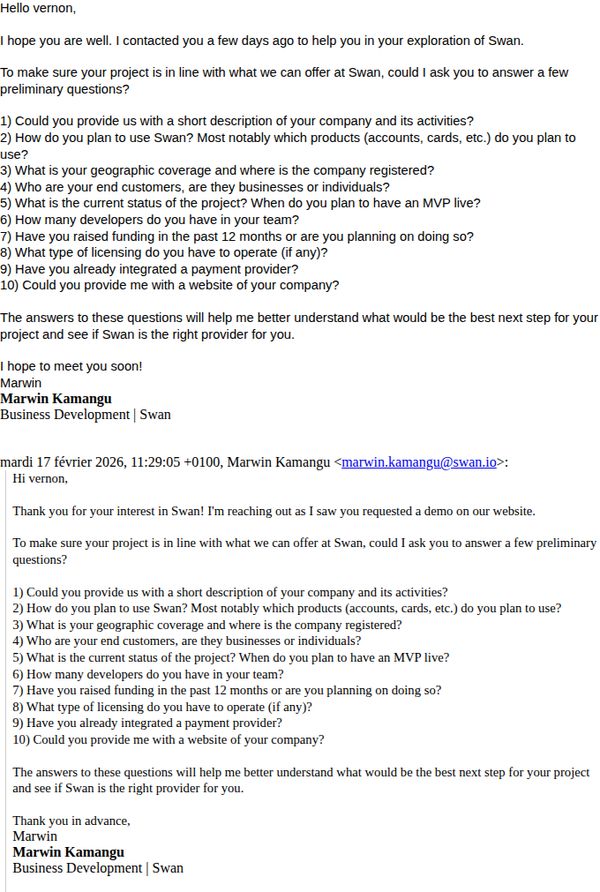
8. Swan: Welcome to Swan | Tell us about yourself!
Objective
This email aims to qualify a potential customer by gathering key business and project details to determine if Swan’s financial infrastructure solutions are a good fit, while also building rapport through personalized outreach.
Why this works
By asking targeted, structured questions upfront, Swan transforms a generic welcome into a strategic qualification funnel that respects the prospect’s time while gathering actionable intelligence for tailored next steps.
How to implement
The personal tone and direct signature from a named Business Development rep humanize the outreach, making the recipient feel valued and more likely to respond rather than dismiss it as another automated sales email.
Pro Tip
Add a clear, visually distinct CTA button (e.g., 'Reply with Your Answers') to reduce friction, currently, the action is buried in paragraph text, which may lower response rates. • Include a brief value statement or benefit after the questions, such as 'Your answers will help us customize a solution that saves you 2–3 weeks in integration time', to reinforce why responding is worth the effort.
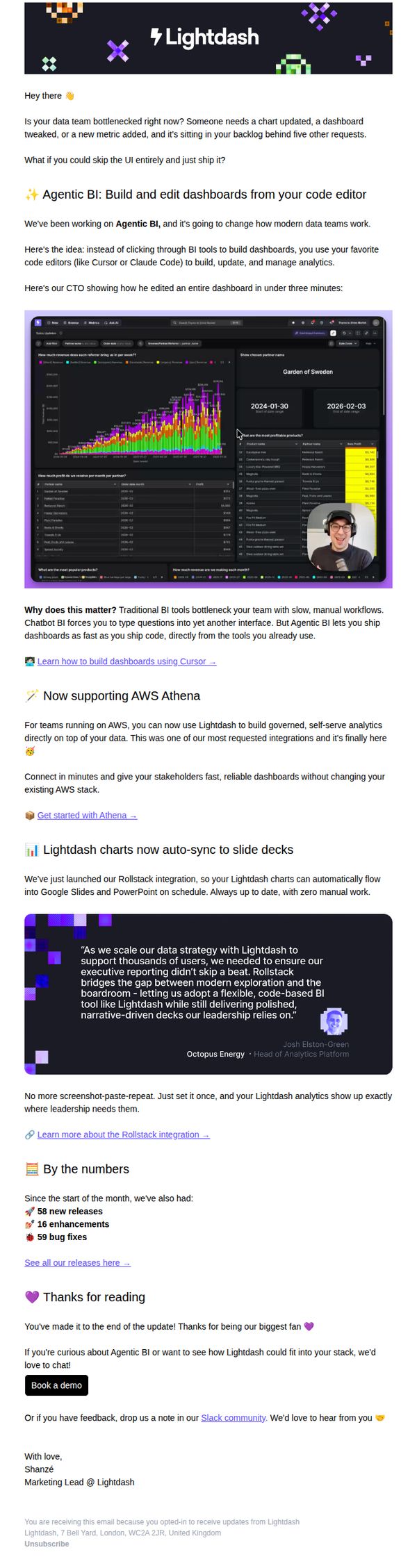
9. Lightdash: ⚡️ Building Lightdash: Welcome to Agentic BI
Objective
This email aims to introduce Lightdash’s new Agentic BI feature, positioning it as a game-changer for data teams by enabling dashboard creation directly in code editors. It also highlights recent product updates and integrations to reinforce credibility and encourage demo bookings.
Why this works
By framing Agentic BI as a solution to data team bottlenecks, the email taps into a real pain point, slow, manual workflows, and positions code-based dashboard building as a liberating, time-saving innovation that aligns with developers’ existing tools.
How to implement
Including a real customer quote from Octopus Energy adds social proof while subtly reinforcing enterprise readiness, helping skeptical prospects visualize how Lightdash integrates into high-stakes, leadership-driven environments without disrupting existing data infrastructure.
Pro Tip
The CTA 'Book a demo' appears only once at the bottom; adding a secondary, sticky CTA button after the hero section or testimonial would capture early interest before users scroll away, improving conversion flow. • The 'By the numbers' section lists releases and fixes but lacks visual emphasis or context, adding icons, progress bars, or a mini-timeline would make the metrics more scannable and emotionally resonant, reinforcing product momentum.
10. Northbeam : 🧭 The Touchpoint 12/16

Objective
This email aims to educate Northbeam’s audience on new product capabilities, specifically Incrementality testing and Clicks + Deterministic Views, while positioning the brand as a thought leader in marketing measurement. It also drives early sign-ups for exclusive access with a limited-time discount.
Why this works
The email brilliantly frames a technical product update as a customer pain point solution, positioning automated incrementality testing as the antidote to slow, manual, and confusing lift tests that leave marketers with more questions than answers.
How to implement
By embedding a real-world case study with named clients and specific performance lifts, like 27% YoY revenue growth and 143% scaled TikTok spend, the email transforms abstract features into tangible, results-driven proof that builds instant credibility and urgency.
Pro Tip
The primary CTA 'find out how' is buried mid-email and lacks visual prominence; it should be repeated above the fold with a contrasting button design to capture attention immediately after the value proposition. • The 'ICymi' section includes a detailed diagram but no alt-text or simplified summary for mobile readers; adding a one-sentence visual explanation or a collapsible 'How it works' toggle would improve accessibility and retention.