UPS - CA email gallery from real brands
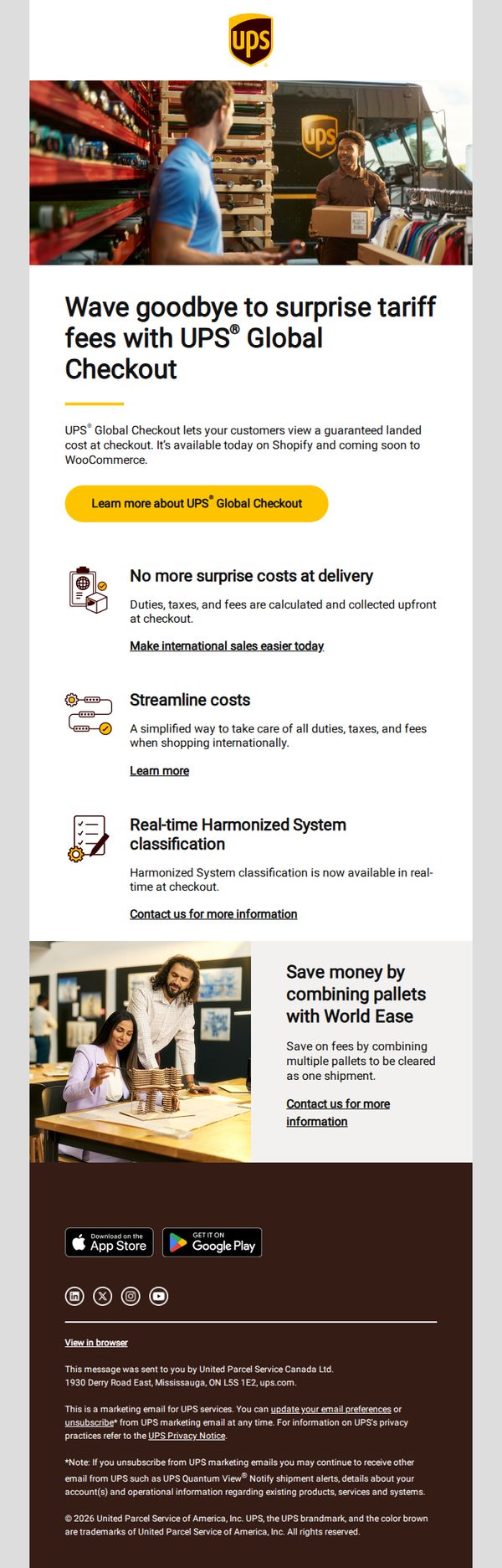
1. Simplify your international sales with UPS® Global Checkout
Objective
This email aims to encourage e-commerce businesses to adopt UPS Global Checkout by highlighting its ability to eliminate surprise tariff fees at delivery, thereby simplifying international sales and improving customer trust at checkout.
Why this works
The email brilliantly frames the pain point of surprise tariff fees as a trust-breaking moment for international shoppers, then positions UPS Global Checkout as the seamless, transparent solution that removes friction at the most critical stage, checkout.
How to implement
By clearly separating benefits into digestible, icon-supported sections, like upfront cost clarity and real-time HS classification, the email educates without overwhelming, making complex logistics feel approachable and immediately valuable to busy e-commerce operators.
Pro Tip
Add a visual progress bar or checklist under the hero section to show how easy it is to implement UPS Global Checkout, for example, 'Step 1: Install Plugin → Step 2: Enable at Checkout → Step 3: Start Selling Globally', to reduce perceived setup friction. • Include a short customer testimonial or stat (e.g., 'Merchants using Global Checkout see 22% fewer cart abandonments internationally') near the CTA to build social proof and reinforce the benefit of eliminating surprise fees.
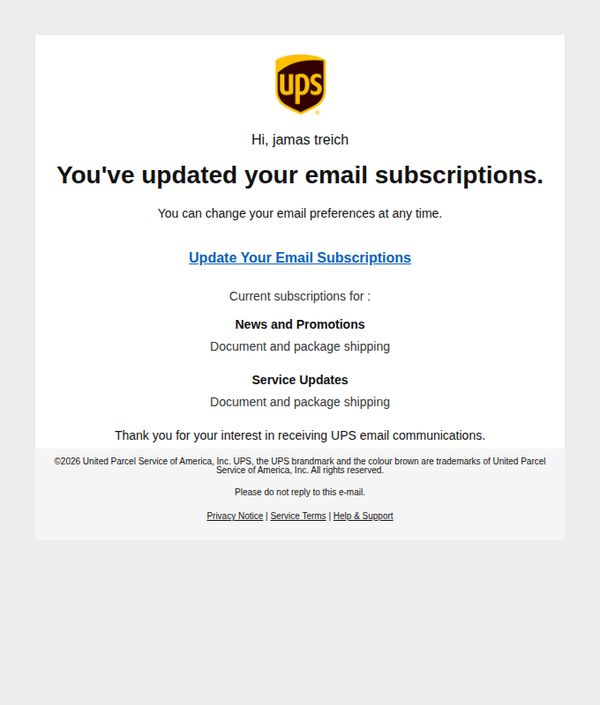
2. UPS: Your Preferences Have Changed
Objective
To inform the recipient that their email subscription preferences have been successfully updated and to reinforce trust by offering ongoing control over communications. It also serves as a confirmation to reduce confusion or support inquiries.
Why this works
The email opens with a personalized greeting and immediately confirms the action taken, reducing uncertainty and building confidence in the user’s ability to manage their preferences independently.
How to implement
By listing current subscriptions in a clean, scannable format, the email empowers users to quickly verify their choices without needing to navigate away, enhancing transparency and reducing support friction.
Pro Tip
Add a secondary CTA button or link near the subscription list that says 'Review All Preferences' to encourage deeper engagement and reduce the chance users miss optional updates. • Include a brief, reassuring sentence like 'Your preferences are now saved and will be reflected in all future emails' to reinforce action completion and reduce anxiety about missed changes.
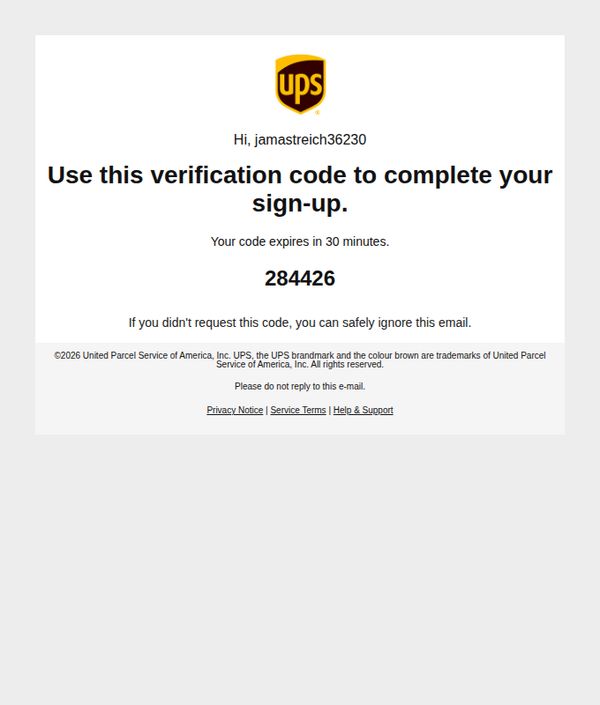
3. UPS: [284426] is Your Verification Code
Objective
This email aims to securely verify the user’s identity during account sign-up by delivering a time-sensitive, one-time verification code while reassuring the recipient that the message is legitimate and safe to ignore if unsolicited.
Why this works
The email immediately establishes trust by personalizing the greeting with the user’s username and clearly stating the purpose of the message, to complete a sign-up, which reduces confusion and increases compliance.
How to implement
Including a clear expiration notice for the verification code creates urgency without pressure, encouraging prompt action while subtly reinforcing the security measures in place to protect the user’s account.
Pro Tip
Add a subtle visual indicator, such as a countdown timer or progress bar, to show how much time remains before the code expires, this enhances urgency and reduces user anxiety about missing the window. • Include a direct, clickable link to the sign-up form where the code can be entered, rather than forcing users to manually navigate back, this reduces friction and increases completion rates.